
Basic Milnor washing machine troubleshooting starts by clearing the display error code, closing the door firmly, and checking the emergency stop button. A tripped safety switch or an unlatched door stops these commercial units immediately. If the barrel won’t spin, clear the fault code by pressing the controller’s reset pad before restarting the wash cycle.
Why your Milnor washing machine stops working
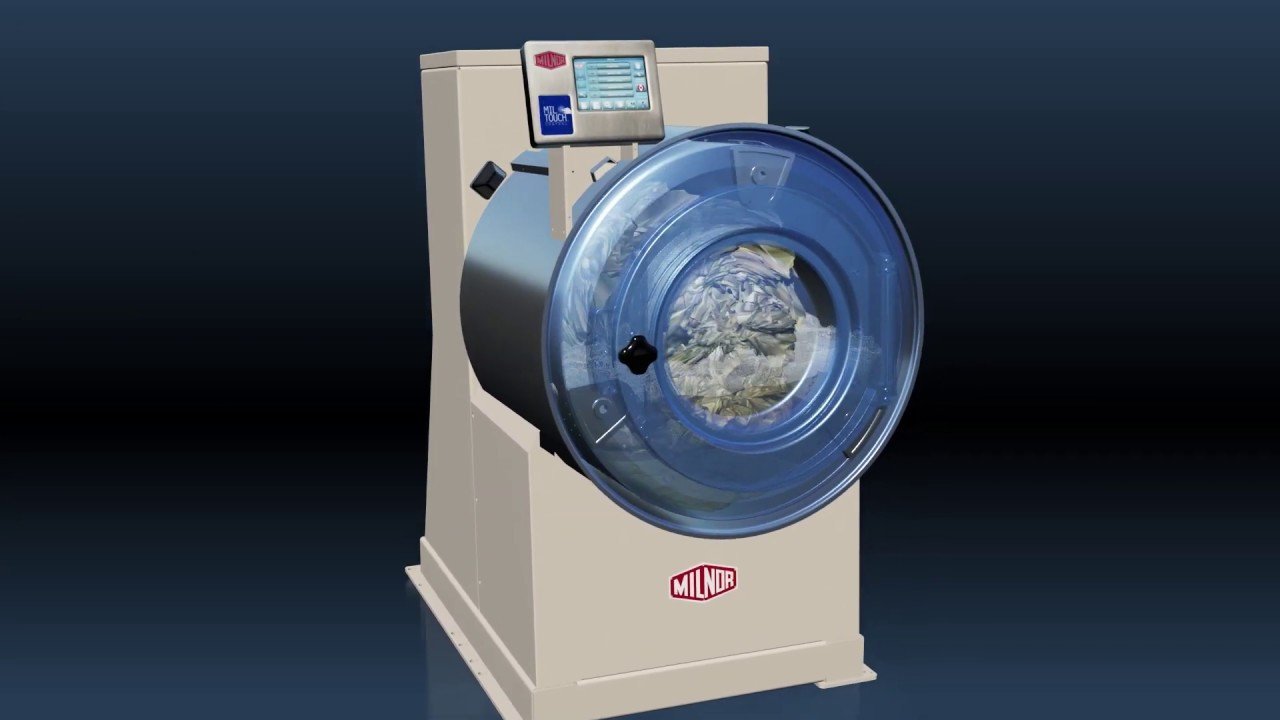 Photo: www.milnor.com on Google
Milnor commercial extractors stop working when safety interlocks trip or utility feeds fail. The most frequent cause is a safety door interlock that can’t verify a complete latch. When the switch doesn’t engage, the controller blocks motor power to prevent high-speed extraction hazards.
The second major cause is an unseated emergency stop (E-stop) button, which cuts the main control circuit if bumped during loading.
Finally, low external water pressure or closed supply valves trigger fill-time errors. The machine calculates fill duration; if water levels don’t rise within the programmed limit, the microprocessor shuts down the cycle to protect the drain valves and water heaters.
Safety: Inside a mains-powered machine, the parts behind the outer cover can hold a dangerous electrical charge even after it has been unplugged — that’s why they sit behind a cover. Opening the housing, or testing or replacing anything behind it, is a job for a qualified technician, never a home repair.
Inspect the door lock and latch assembly
This fix is for machines that show an open door error or refuse to start a program. Inspect the door latch area for caught linens, detergent crust, or debris. Push the heavy door firmly until the mechanical latch clicks, then check the display to see if the door icon lights up.
If the latch engages, the control board receives the signal and unlocks the cycle start sequence. Don’t operate the latch mechanism with bypass jumpers or external tools. If the mechanical latch is cracked or the electronic sensor fails to recognize the door closure, stop immediately and call a certified commercial laundry technician. This varies by model — check the label on your door frame for the exact latch type.
Reset the emergency stop switch
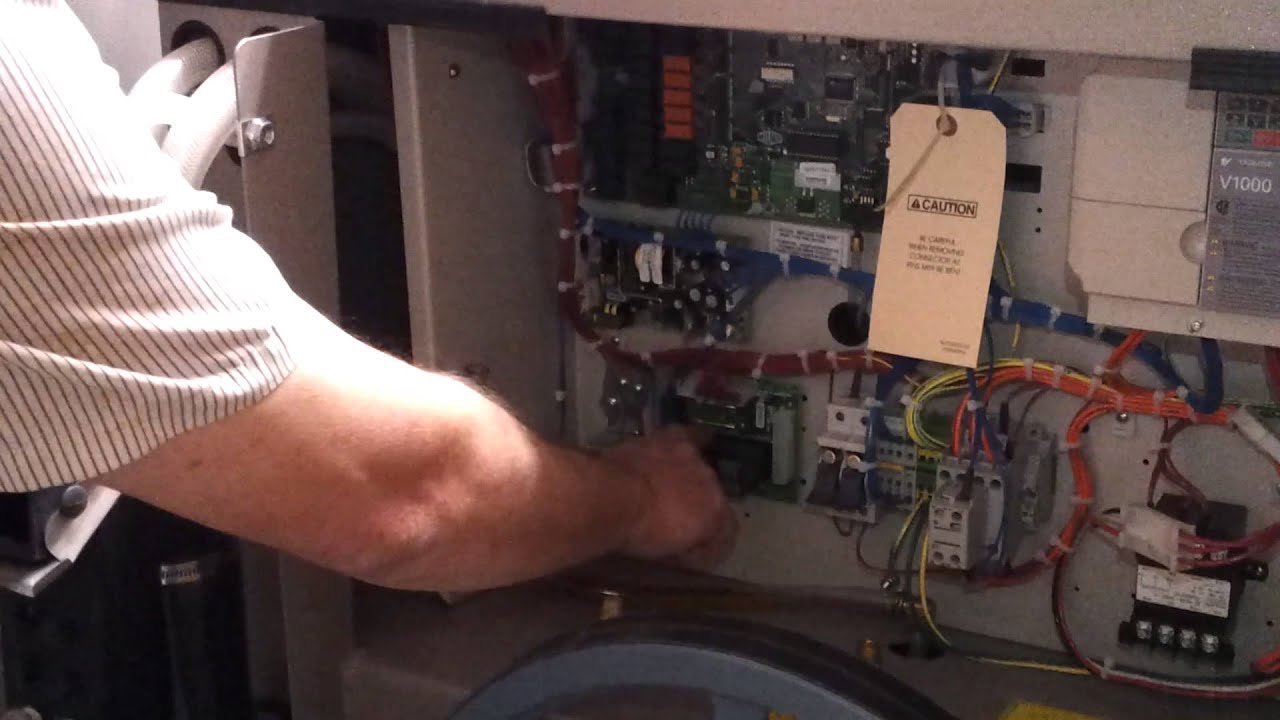 Photo: www.youtube.com on Google
This fix applies to machines that have active power to the panel but won’t start any mechanical movement. Check the large red emergency stop button located near the control screen or upper cabinet. People often lean laundry carts against the chassis, which accidentally trips this mushroom button and cuts the run circuit.
Twist the red button clockwise until it pops forward into its operational state. You’ll hear a clear mechanical click when the internal contacts rejoin. Look at the microprocessor display; the safety circuit warning will vanish. If turning the button doesn’t pop it out, or if the control still reports a tripped safety line, the contact block inside needs professional replacement.
Verify the external utility shutoffs
This fix targets slow-fill errors, chemical dispensing delays, and machines that stall before the first wash step. Milnor machines require steady water pressure; this varies by model — check the label or consult the Pellerin Milnor technical support documentation for your unit’s required inlet PSI.
Locate the manual water supply valves on the wall behind the machine. Ensure both the hot and cold line levers sit completely parallel to the piping. If your unit uses an external pneumatic air compressor to operate drain doors and fill valves, verify the compressor tank gauge shows active line pressure. If utility feeds are open but water still won’t enter, don’t dismantle the internal solenoid valves. High-pressure plumbing lines carry burn risks from hot water loops; hire a licensed commercial plumber.
What not to do
- Don’t force a jammed door handle open while the machine is running, because you’ll snap the internal microswitch and lock the door permanently.
- Don’t jump electrical safety switches to bypass an error code; this bypasses essential spin interlocks and creates severe mechanical hazards.
- Don’t hit the controller keypad with tools or wet washcloths to clear persistent errors, as moisture shorts the microprocessor membrane.
- Don’t open the main electrical housing or poke at internal wiring, because commercial washers hold dangerous line voltage even when turned off at the panel.
How to stop it happening again
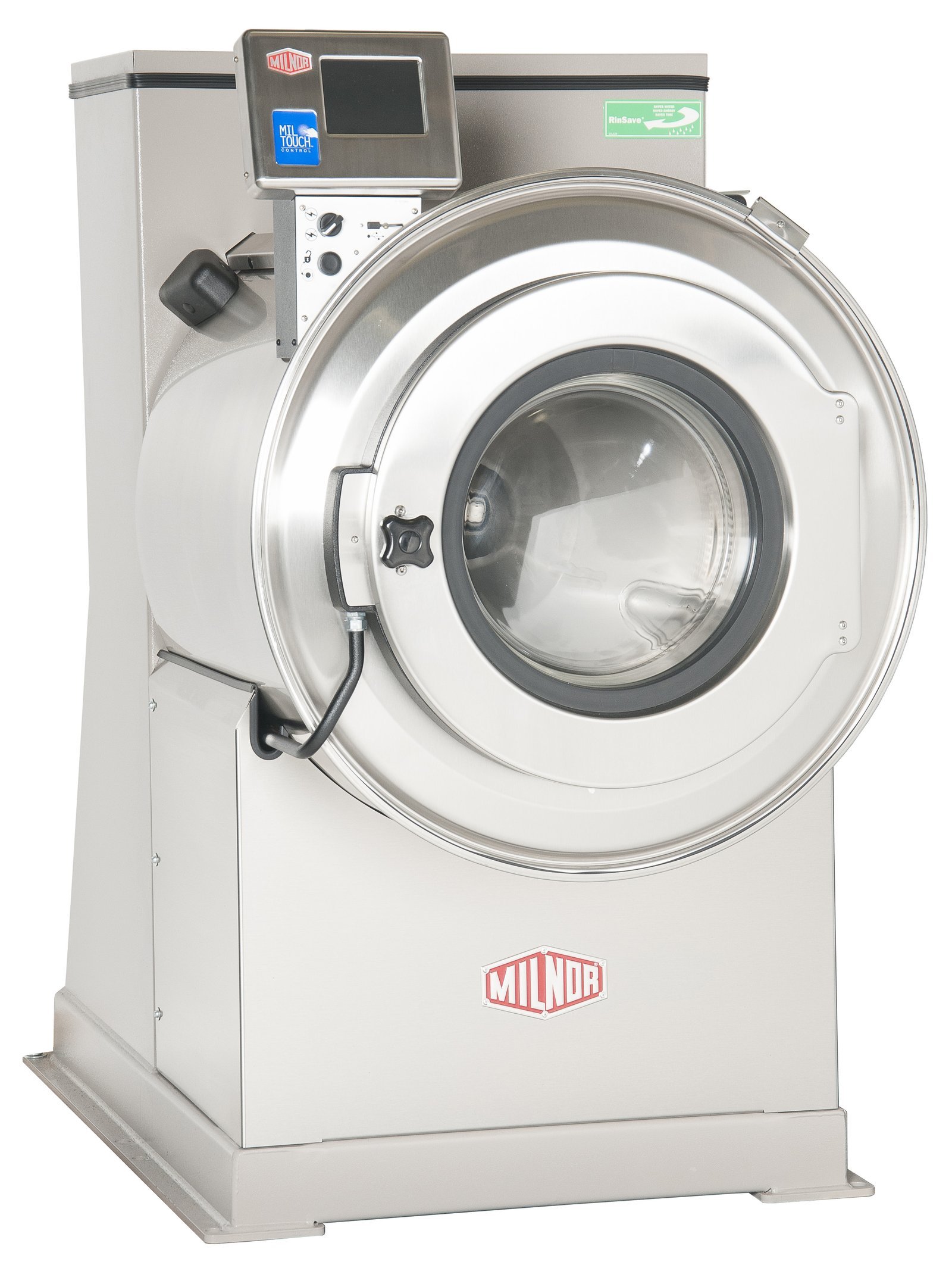 Photo: www.milnor.com on Google
Routine operational habits prevent most sudden shutdowns and diagnostic codes.
| If you’re doing this | Do this instead | Why |
|---|---|---|
| Slamming the door shut | Press firmly until it clicks | Slamming bends the safety strike plate over time |
| Bumping the front frame with carts | Keep rolling carts two feet away | Prevents accidental emergency stop button trips |
| Running wash cycles with low water | Open wall valves fully before operating | Prevents controller fill-error cycle aborts |
| Overloading dry textiles past the rim | Leave visible space below top ribs | Prevents severe out-of-balance spin errors |
Frequently asked questions
Why does my Milnor washer show a door error?
A door error appears when the door latch switch can’t confirm a safe closure. Check for trapped clothing around the rubber gasket. Push the door handle firmly until it clicks shut. If the alert remains, the latch switch may need adjustment by a qualified commercial repair technician.
Can an overloaded drum prevent the washer from spinning?
Yes, an overloaded drum triggers the internal out-of-balance switch. When wet goods distribute unevenly, the controller restricts the drum from reaching high extraction speeds to protect the bearings. Stop the machine, open the door, remove several heavy items, distribute the load evenly, and restart the extraction cycle.
How do I clear an error code on the panel?
Press the red cancel button or reset pad on the keypad once. If the fault condition is gone, the display returns to the main run menu. If the code stays on the screen, the machine still detects the active physical fault, such as an open valve or unlatched door.
Why is the machine filling with water too slowly?
The wall supply valves are usually partially closed. Inspect the plumbing lines behind the unit and ensure both the cold and hot manual handles sit completely open. If the valves are open, check whether external facility water filters are clogged and restricting total line flow.
What happens if the emergency stop stays engaged?
The controller prevents all motor action and keeps the drain open. You can view the menus on the screen, but the washer won’t advance into a cycle. Twisting the red emergency knob clockwise releases the catch, restores the control circuit, and allows normal operation to resume immediately.
Keep a small notebook near the laundry area to write down any new error codes. If a fault pops up again tomorrow, don’t guess the fix. Hand your notes directly to a qualified technician so they’ll know exactly what’s wrong and can get your laundry running fast.
Related guides