
You can resolve most lg washing machine problems by resetting the control board or checking for simple blockages in the drain hose. These machines often show error codes to help you pinpoint the issue, but a quick power cycle usually fixes minor glitches. If your unit isn’t draining or spinning, the most common cause is a dirty drain filter or a kinked hose that prevents proper water flow.
Understanding your washing machine error codes
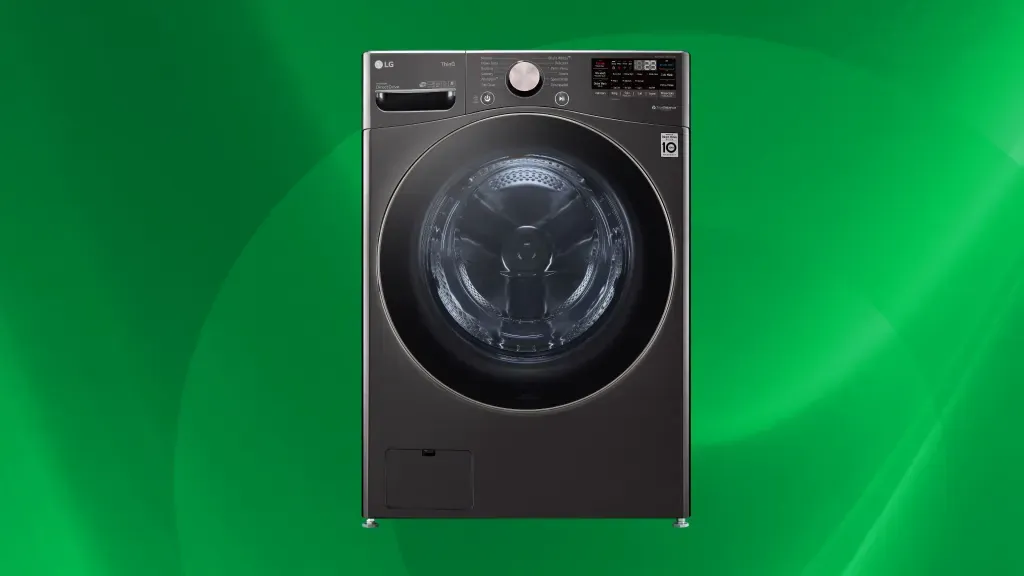
Modern washers use sensors to monitor every part of the wash cycle. When the computer detects something that doesn’t match its expected values, it stops the machine and shows a code on the screen. Most of these alerts are meant to protect your floor from leaks or your motor from burning out. If the machine can’t sense the water level or detect a locked door, it will refuse to start to keep you safe.
One common reason for these errors is an uneven load. If your clothes bunch up on one side, the drum will struggle to spin, causing the machine to pause and show an imbalance warning. You can fix this by pausing the cycle, opening the door, and spreading the wet items out more evenly. If the error stays on the screen after you adjust the load, it might be a sensor issue that requires a complete reset.
Another cause is a blocked drain system. Over time, small items like coins, hair, or lint can gather in the filter at the bottom of your machine. When this happens, the water can’t exit fast enough for the next phase of the cycle. You can check the official LG support troubleshooting guide to see what your specific error code means. If the machine still won’t drain, you might need a professional to look at the internal pump.
Clear the drain filter for better performance
A clogged filter is the most frequent reason for a washer that won’t empty. You should check this part based on your usage, as the owner’s manual is the final authority on maintenance frequency. First, turn off the power to the unit. Locate the small door on the bottom front of your washer, open it, and place a shallow tray underneath to catch the leftover water.
Carefully unscrew the drain pump filter by turning it counter-clockwise. Expect some water to spill out, so keep a towel ready. Once it’s out, rinse the filter under a sink to remove all lint and debris. Check the inside of the housing for any stuck coins or buttons before you slide the filter back in. Tighten it firmly, but don’t force it past the stopping point.
If you encounter resistance while turning the cap, stop immediately. You have likely misaligned the threads, which can cause a permanent leak if forced. Back it out and try again until it seats smoothly.
This fix is for anyone who hears a humming sound but sees no water draining. If you find the filter is already clean but the machine remains silent during the drain cycle, the pump motor could be failing.
If you aren’t comfortable working with water near electrical components, call a qualified repair person. Never attempt to open the motor housing yourself, as internal capacitors can hold a dangerous electrical charge even when the power is unplugged.
If the machine is still under warranty, consult your manual before opening the drain pump. Removing the filter yourself is standard maintenance, but disassembling the pump housing can void your manufacturer coverage. Always check your warranty card for specific language regarding user-serviceable parts.
Reset the main control board
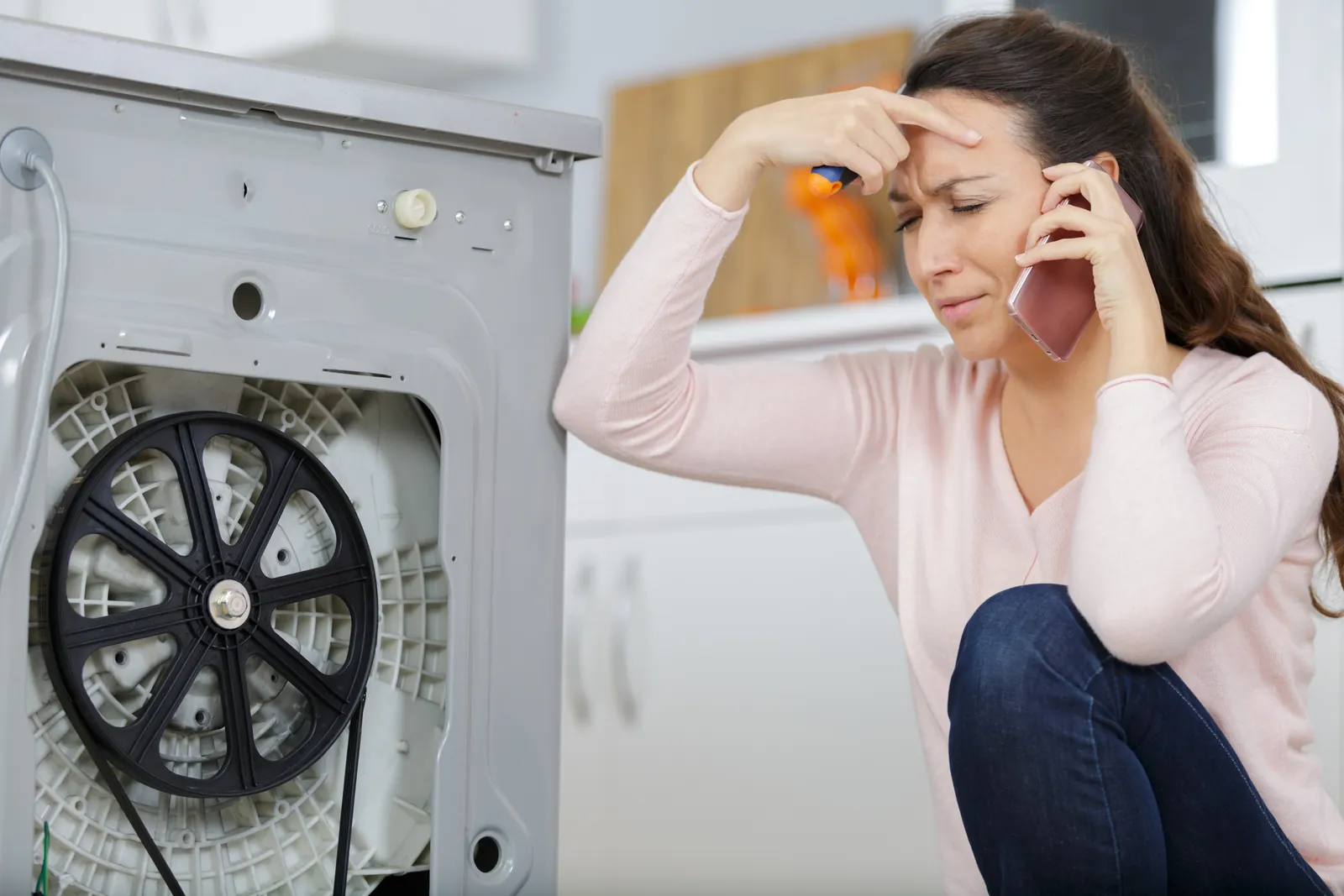
Sometimes the electronics simply need a fresh start. A hard reset clears the temporary memory of the machine and can resolve persistent glitches that don’t have a physical cause. To do this, unplug the washer from the wall outlet completely. With the machine unplugged, press and hold the Start/Pause button for five seconds.
After you let go of the button, press and hold the Power button for another five seconds. Leave the machine unplugged for at least ten minutes. This allows any residual energy in the capacitors to dissipate. Plug the power cord back into the wall and try running a test cycle. If the machine starts normally, the issue was just a software hang.
Most users make the mistake of plugging the unit back in too quickly. If you reconnect the power before the capacitors fully discharge, the board retains its error state.
This process works best when the display is frozen or the buttons fail to respond to your touch. If the screen remains blank after this reset, check the wall outlet with a lamp or voltage tester first. If the outlet provides power but the washer remains dead, you likely have a fried control board or a broken power cord.
If you see a flickering display or hear a rapid clicking sound from the console, stop immediately. These are signs of a short circuit rather than a software hang. In those cases, don’t attempt further resets, as you risk damaging the delicate wiring or triggering a thermal event. Contact a service center for a professional inspection.
Calibrate the drum sensors
If your machine is shaking or making loud noises during the spin cycle, the drum sensors might be misaligned. Calibration helps the washer understand the weight of the drum so it can balance itself during high-speed spins. Start by ensuring the machine is completely empty and that no clothes are inside.
Press and hold the Spin Speed and Soil Level buttons at the same time. While holding these, press the Power button to turn the machine on. The display should show a code like “tESt” or “CLb.” Once you see this, press the Start/Pause button to begin the calibration. The drum will rotate slowly for about two to four minutes as it measures its own balance.
Most users make the mistake of running calibration while the machine is still on a rug or carpet. This dampens the vibrations the sensor needs to detect, rendering the entire process useless. If your floor isn’t solid concrete or tile, place a 3/4-inch piece of plywood under the unit to provide a rigid foundation.
This process is for machines that vibrate excessively or stop during the spin cycle. If the machine still shakes after calibration, check that all four leveling feet are touching the floor firmly. A machine that isn’t level will always struggle to spin correctly, no matter how many times you calibrate it.
If you can’t get the feet level, use a bubble level to check the floor and adjust the legs accordingly. In these cases, physical leveling must precede digital calibration.
Common mistakes to avoid
- Overloading the drum: Stuffing too many clothes in prevents the machine from spinning properly and puts extra strain on the motor bearings.
- Using too much detergent: Excess soap creates too many suds, which confuses the sensors and can lead to leaking or “UE” (unbalanced) error codes.
- Ignoring a wobbly base: Letting a machine sit unevenly on the floor will eventually damage the internal suspension springs, leading to expensive repairs.
- Using harsh chemicals: Never pour bleach or heavy cleaners directly into the drum, as this can degrade the rubber seals and cause leaks.
How to stop it happening again
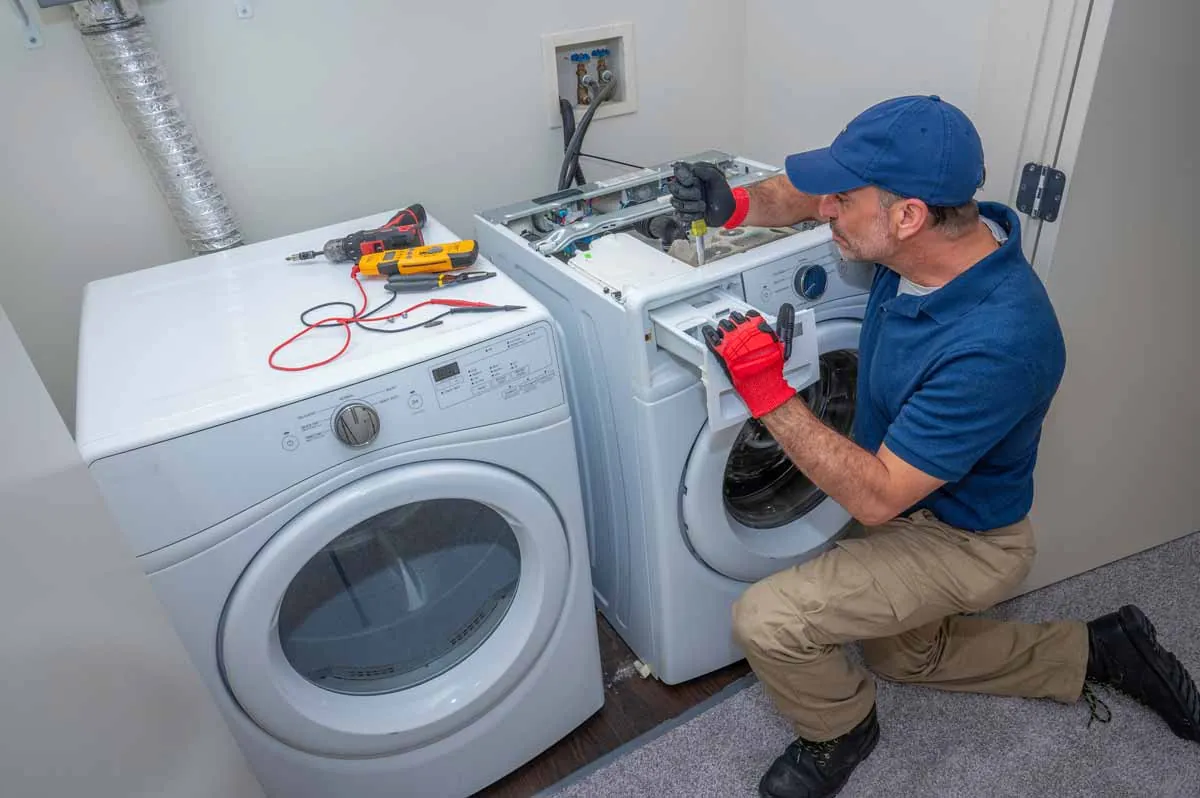
Keeping your machine in top shape is about routine care. If you’re doing these things, you’ll see fewer issues over the life of your washer.
| If you’re doing this | Do this instead | Why |
|---|---|---|
| Leaving the door shut | Keep the door cracked | Prevents mold and bad smells |
| Using “extra” soap | Use the recommended amount | Stops sensor errors and leaks |
| Ignoring the filter | Clean it every 3 months | Keeps the drain pump working |
| Loading by guesswork | Follow weight guidelines | Stops imbalance and vibration |
Related guides
- Milnor Washing Machine Troubleshooting: Fix Common Error Codes
- Brother Sewing Machine Troubleshooting: Fix Common Errors Fast
- 3 Best Snow Machines for Ice Fishing: Top Picks Reviewed in 2026
Frequently asked questions
How long does a typical wash cycle take?
Most cycles take between 45 to 90 minutes, depending on the load size and selected settings. Heavy-duty or steam cycles take longer because they use more water and heat. If your machine takes significantly longer than the display shows, it may be struggling to drain or balance the load.
Is it safe to use the machine if it shows an error?
No, you shouldn’t use a machine that shows an active error code. The error indicates the machine can’t operate within its safe parameters. Always look up the specific code in your manual or on the manufacturer’s website before you attempt to start another wash cycle.
Why is my machine making a loud banging noise?
Banging usually happens because the load is unbalanced or the shipping bolts weren’t removed. If the machine is new, ensure the four shipping bolts on the back are removed. If the machine is older, check that the leveling feet are firm against the floor to prevent rocking.
Can I fix a leak myself?
Yes, you can fix a leak if it comes from a loose hose connection or a clogged drain filter. Check the rubber gaskets on the water inlet hoses for cracks or looseness. Always unplug the unit before you inspect any water connections to ensure your personal safety.
How often should I run a tub clean cycle?
You should run the tub clean cycle regularly to prevent buildup. This cycle uses high heat and water flow to flush out detergent residue and lint. If you live in an area with hard water, you may need to perform this cycle more frequently to prevent mineral deposits.
Conclusion
You should run the tub clean cycle regularly to prevent buildup. This cycle uses high heat and water flow to flush out detergent residue and lint. If you live in an area with hard water, you may need to perform this cycle more frequently to prevent mineral deposits.