
You can resolve most connection, audio, or power issues by using this Panasonic Phone Troubleshooting Manual to reset your base unit and check your physical line connections. Most problems stem from a loss of synchronization between the handset and base or a loose cord.
Panasonic Phone Troubleshooting Manual
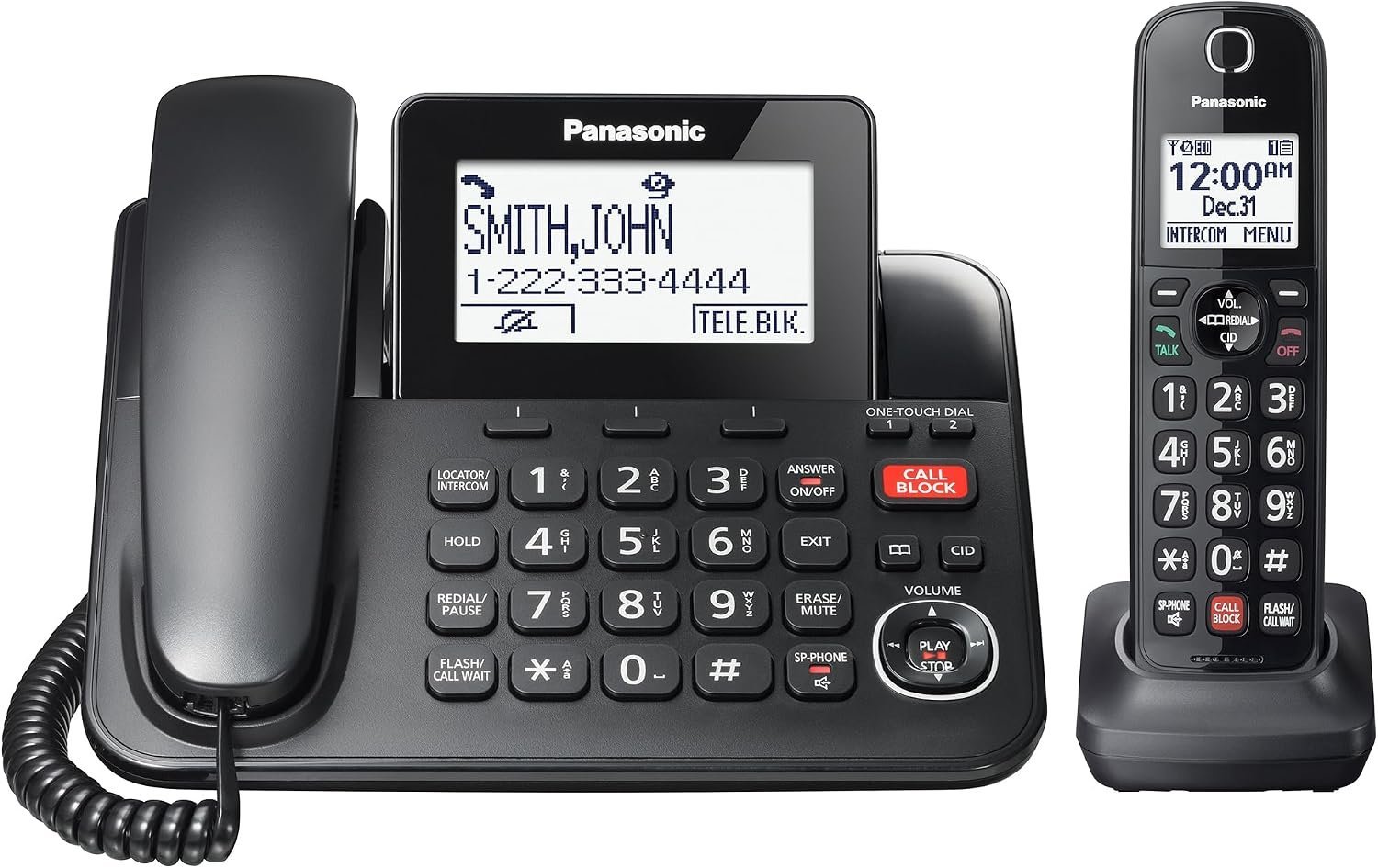
Electronic cordless phones often stop working because of environmental interference or power fluctuations. Your base unit requires a stable flow of electricity to maintain its signal to the handset. When a power surge occurs, the base unit may experience a firmware error, causing the phone to drop its link. This is why a simple power cycle—unplugging the base for one minute and then plugging it back in—often restores functionality.
Another frequent cause involves the physical battery life. These handsets use rechargeable batteries that lose their capacity over time. If your phone works while sitting on the base but dies immediately when you pick it up, the battery has likely reached its end of life. You can verify this by checking the Panasonic support battery guide for your specific model series. Always ensure you use the exact voltage and chemistry specified by the manufacturer; using a generic battery with the wrong rating can cause the handset to overheat or fail to charge entirely.
Finally, signal interference from other household devices often disrupts the connection. Cordless phones operate on specific frequencies, typically in the 1.9 GHz range. If you place your base unit next to a Wi-Fi router, a microwave oven, or large metal appliances, the electromagnetic waves may block the connection. The phone might show “Out of Range” even when you’re standing only a few feet away. Moving the base unit to an open area, at least three feet away from other electronic devices, usually solves this type of signal degradation. If the base unit is in a basement or behind a thick concrete wall, the signal won’t reach the handset effectively.
Power cycle the base unit
If your phone displays “No Link” or “Searching,” you must reset the base unit to clear its temporary memory. This fix is for users who have confirmed that their wall outlet is providing power. First, unplug the power adapter from the wall outlet. Don’t just turn off a power strip; pull the plug completely out. Next, disconnect the telephone line cord from the base unit. Wait at least sixty seconds. This time allows the base unit’s volatile memory to clear.
After the minute passes, plug the telephone line cord back into the base unit first. Ensure it’s secure. Then, plug the power adapter back into the wall outlet. You should see the indicator lights on the base unit flash or turn solid. Place the handset back onto the cradle. If the handset is working correctly, it will beep or display a registration message. If you see “Searching” for more than two minutes, the handset may need a manual registration. This process varies by model — check the label on the bottom of your base unit for the specific button sequence. If you’re uncomfortable performing a manual registration, consult your user manual or contact a local telecommunications service provider. This isn’t for users who have damaged charging pins; if the metal pins on your base unit are bent or broken, you can’t fix them yourself and must replace the unit.
Check your physical connections
Poor audio quality, such as static or hissing, often stems from a degraded physical connection rather than a broken phone. This fix is for users experiencing noise during calls. Start by inspecting the telephone cord that runs from your base unit to the wall jack. Look for any cuts, kinks, or signs of wear on the plastic casing. If you have a spare telephone cord, replace the current one to see if the noise disappears.
Next, examine the wall jack itself. If the pins inside the jack are dusty or corroded, the signal will be weak. You can gently clean the area with a dry, soft cloth, but never insert metal tools into the jack, as this can cause a short circuit or damage the internal wiring. If you’re using a DSL filter, ensure it’s plugged in correctly between the wall jack and the phone cord. A faulty or old DSL filter is a common source of persistent line noise. If you have multiple wall jacks in your home, move the base unit to a different location. If the phone works perfectly in one room but not another, the problem is your house wiring, not the phone. This fix isn’t for users who have a damaged internal motherboard; if the base unit emits a burning smell or shows visible signs of internal damage, unplug it immediately and stop using it.
Perform a factory reset
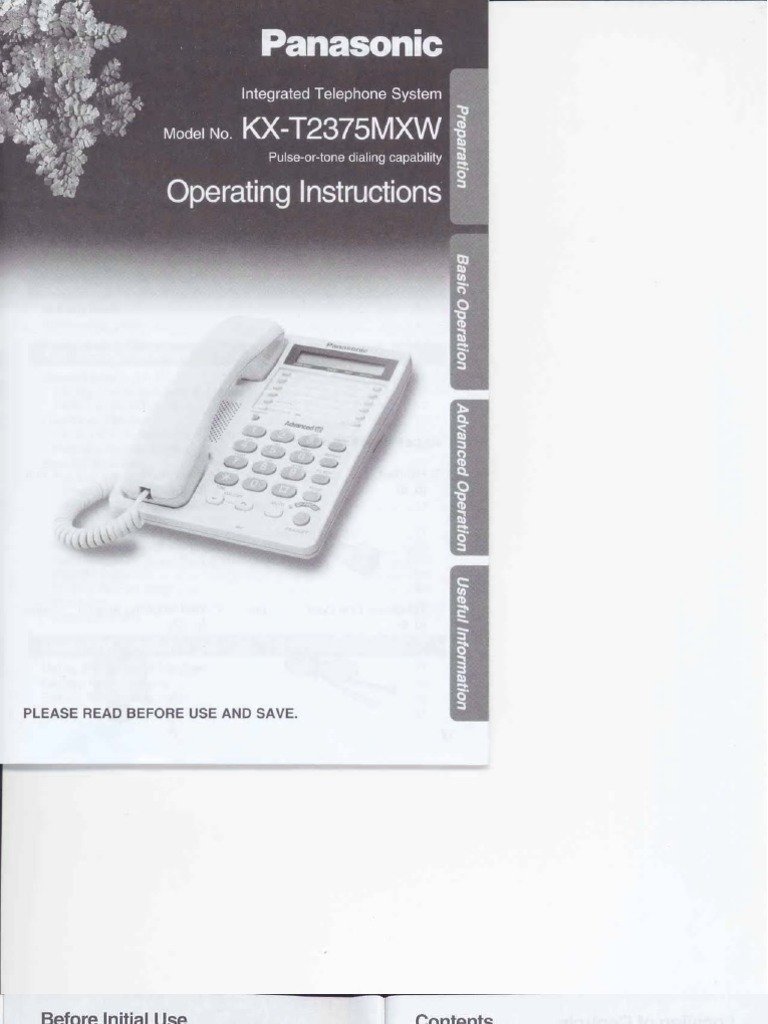
A factory reset is the final step for persistent software glitches where the phone refuses to make or receive calls despite having a dial tone. This is worth the time if you have already tried power cycling the unit. Note that a reset will delete your stored phonebook contacts and custom ringtone settings. You should only perform this if you have no other options.
To reset the system, go to the handset menu, select the “Initial Setup” or “System Settings” option, and look for “Registration” or “Reset.” Every model has a different path, so you must find the specific menu for your device. If you can’t find the reset option in the menu, the phone may require a hard reset by holding down a specific combination of buttons on the base while plugging in the power. This varies by model — check the label on the bottom of the unit for the manufacturer’s reset instructions. If you don’t have the manual, look for the model number on the bottom and search for the support page on the official website. If you aren’t confident in navigating these settings, don’t force the buttons. A wrong sequence can lock the handset permanently. If the phone still fails to function after a factory reset, the internal hardware has likely failed. At this point, it’s more cost-effective to purchase a new unit than to pay for professional repair services, as labor costs for small electronics often exceed the price of a replacement device.
What not to do
- Don’t use liquid cleaners on the base unit. Moisture can seep into the internal circuits and cause permanent corrosion or electrical shorts.
- Don’t attempt to open the plastic housing of the phone or the base. You risk voiding your warranty, and the internal components like capacitors can hold a dangerous electrical charge even when unplugged.
- Don’t use a power adapter from a different device. Even if the plug fits, the voltage or polarity might be wrong, which will instantly destroy the base unit’s power supply.
- Don’t place the base unit on top of a metal surface. Metal reflects radio waves and will significantly reduce the range of your handset, leading to constant connection drops.
How to stop it happening again
The key to long-term reliability is protecting your equipment from electrical surges and physical stress.
| If you’re doing this | Do this instead | Why |
|---|---|---|
| Plugging directly into a wall | Use a surge protector | Protects the phone from sudden voltage spikes |
| Keeping the base in a cabinet | Place it on an open shelf | Prevents signal blockage and overheating |
| Stretching the phone cord | Use a longer coiled cord | Prevents tension that loosens the internal pins |
Frequently asked questions
Can I use a different power adapter for my Panasonic phone?
No, you must only use the power adapter that came with your model. Using a substitute with incorrect voltage or amperage can cause the base unit to fail or create a fire hazard. If you have lost your original adapter, order a replacement directly from the manufacturer’s authorized parts department.
Why is my Panasonic phone displaying “Out of Range”?
The “Out of Range” message means the handset has lost its radio connection to the base unit. This usually happens because you’re too far away, or there’s heavy interference from other wireless electronics. Try moving the handset closer to the base. If the error remains while the handset is sitting on the base, the base unit likely needs a hard reset to re-establish the internal link.
How long does a Panasonic phone battery last?
A high-quality rechargeable battery typically lasts between one and two years with regular use. The exact duration depends on how often you keep the phone off the base during long calls. You’ll know the battery is failing when the talk time drops significantly or the handset shuts off suddenly while the screen shows a partial charge. Replace it only with the exact battery type listed in your owner’s manual.
Is it safe to leave my phone on the base all the time?
Yes, it’s perfectly safe to leave your phone on the charging cradle when you aren’t using it. Modern Panasonic chargers are designed to stop drawing power once the battery reaches its full capacity. This prevents overcharging and ensures the battery stays topped up for your next call. Keeping the handset on the base is the best way to ensure the phone is always ready for use.
What happens if I drop my Panasonic handset?
Dropping the handset can cause internal damage to the antenna, the LCD screen, or the battery contacts. If the phone stops working after a drop, check the battery compartment first to ensure the battery hasn’t shifted or popped out. If the screen is cracked or the phone remains dead after checking the battery, the internal components have likely suffered a mechanical failure that can’t be repaired by a home user.
Why does my phone have static during calls?
Static is almost always caused by a poor connection in your telephone line or interference from nearby electronics. Check the telephone cord for any damage and ensure it’s plugged tightly into the wall jack. If you have a DSL internet connection, ensure you have a properly functioning filter installed. If the static continues, test the phone on a different wall jack to rule out a problem with your home’s telephone wiring.
Final Thoughts
If you’re still experiencing trouble after these checks, don’t worry. Sometimes a battery needs a full replacement or the base unit requires a professional inspection. You shouldn’t hesitate to contact our support team through the website if your phone doesn’t work right. We’re here to help you get back to clear conversations.