
Are your Hunter Douglas motorized blinds acting up when you need them most? It can be frustrating when your blinds don’t respond or move the way they should.
But don’t worry—most problems are easier to fix than you think. In this guide, you’ll find simple, step-by-step solutions to common issues, helping you get your blinds working smoothly again in no time. Keep reading, and take control of your blinds without calling for expensive repairs.
Your convenience is just a few fixes away!
Credit: help.hunterdouglas.com
Common Motorized Blind Issues
Motorized blinds bring ease and style to any room. Still, like all devices, they can face problems. Common motorized blind issues often affect daily use and comfort. Knowing these issues helps you fix them faster. Here are some frequent problems with Hunter Douglas motorized blinds.
Blinds Not Responding
Blinds may stop moving when you press the button. This issue can happen due to power loss or a weak battery. Sometimes, the motor might be stuck or jammed. Check the power source and battery first. Resetting the system often solves the problem.
Remote Control Problems
The remote might fail to control the blinds. It could be due to dead batteries or signal interference. Make sure nothing blocks the remote’s signal. Replacing the batteries often restores remote function. Reprogramming the remote may be needed in rare cases.
Blinds Moving Slowly
Slow movement can signal motor strain or low battery power. Dust and dirt on the tracks also slow blinds down. Clean the tracks carefully to help smooth operation. Check the battery or power supply for proper voltage. A slow motor might need professional repair.
Uneven Or Stuck Blinds
Blinds that move unevenly or get stuck need immediate attention. This problem may come from tangled cords or misaligned tracks. Inspect the cords and tracks for damage. Adjust or replace parts as necessary to restore smooth motion. Avoid forcing the blinds, which may cause more harm.
Power And Battery Solutions
Power and battery issues are common causes of motorized blinds not working properly. Most problems happen because the blinds do not get enough electricity. Checking and fixing power sources often solves these problems quickly. This section covers simple steps to check power connections, replace or charge batteries, and reset the power supply. Follow these tips to keep your Hunter Douglas motorized blinds working smoothly.
Checking Power Connections
Begin by inspecting all power cords and plugs. Make sure the cords are firmly connected to the blinds and the power outlet. Look for any signs of damage, like frayed wires or bent plugs. Test the outlet with another device to confirm it works. Loose or damaged connections can stop power flow. Secure all plugs and replace damaged cords right away.
Replacing Or Charging Batteries
Many Hunter Douglas motorized blinds use batteries. Check the battery compartment for old or weak batteries. Remove them and insert fresh batteries of the recommended type. Some blinds have rechargeable batteries. Use the charger supplied with the blinds and charge fully before testing. Weak batteries cause slow or no movement. Replace or recharge batteries regularly to keep your blinds functioning.
Resetting Power Supply
Resetting the power supply can fix minor electrical faults. Turn off the power source or unplug the blinds. Wait for about 30 seconds to clear any stored energy. Plug the blinds back in or switch the power on. This simple reset often restores normal operation. If the blinds still do not work, repeat the reset step once more before checking other issues.
Remote Control Fixes
Remote control issues often cause frustration with motorized blinds. Many problems can be fixed without calling a technician. Simple steps like reprogramming or syncing can restore control quickly. Battery replacement also solves many common issues. This section covers easy remote control fixes for Hunter Douglas motorized blinds.
Reprogramming The Remote
Sometimes, the remote loses connection to the blinds. Reprogramming resets the link. Press and hold the programming button on the remote. Then, follow the blinds’ instructions to pair again. This process usually takes a few seconds. After reprogramming, the remote should control the blinds properly.
Replacing Remote Batteries
Weak or dead batteries cause poor remote response. Open the battery compartment carefully. Remove old batteries and dispose of them safely. Insert new batteries matching the required type. Ensure the batteries are placed with correct polarity. Test the remote after replacement to confirm it works well.
Syncing Remote With Blinds
Syncing ensures the remote and blinds communicate correctly. Start by turning off the blinds’ power. Press and hold the sync button on the remote. Turn the blinds’ power back on while holding the button. Release the button once the blinds respond. This method often restores smooth control and fixes delays.
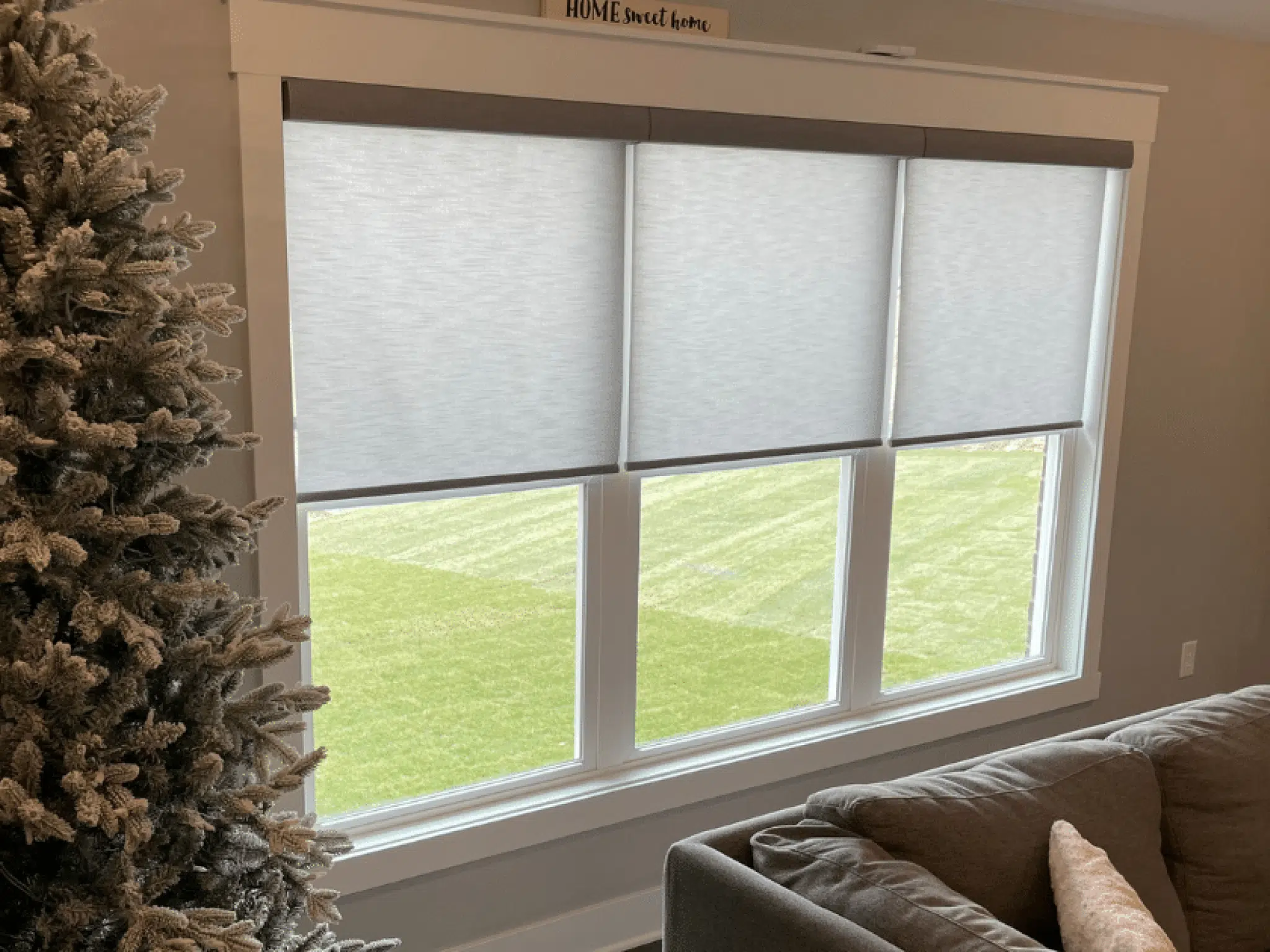
Credit: windowdecor.com
Motor And Mechanism Troubleshooting
Troubleshooting the motor and mechanism of Hunter Douglas motorized blinds helps solve common issues. Problems with the motor or moving parts often cause blinds to stop working properly. Checking these components carefully saves time and money. Follow simple steps to find and fix problems.
Inspecting The Motor
Start by examining the motor for any signs of damage. Look for unusual noises or smells when the motor runs. Check if the motor gets too hot during use. Inspect wiring connections for loose or broken wires. Test the motor with the remote or wall switch to confirm it responds. A motor that does not react may need repair or replacement.
Cleaning And Lubricating Components
Dirt and dust can block the moving parts of the mechanism. Use a soft brush or cloth to clean tracks and gears gently. Avoid harsh chemicals that may harm the parts. Apply a small amount of silicone spray or light oil to hinges and gears. Lubrication helps parts move smoothly and reduces wear. Clean and lubricate regularly to keep blinds working well.
Adjusting Limit Settings
Limit settings control how far the blinds open and close. Incorrect limits can cause blinds to stop too soon or not close fully. Use the remote or control panel to access limit adjustments. Follow the manual instructions to set upper and lower limits correctly. Test the blinds after adjustment to ensure they move to the right positions. Proper limits protect the motor and extend blind life.
Smart Home Integration Tips
Integrating Hunter Douglas motorized blinds with your smart home system brings great convenience. Control your blinds using voice commands or apps. Sometimes, connection or software issues can stop the blinds from working well. Follow these simple tips to keep your smart home setup running smoothly.
Troubleshooting Connectivity
Check your Wi-Fi signal near the blinds. A weak signal can cause poor response. Restart your router to refresh the connection. Ensure your smart hub or device is within range. Remove any obstacles that block the signal. Confirm the blinds are paired correctly in the app.
Updating Firmware
Regular firmware updates improve blind performance and fix bugs. Open the Hunter Douglas app to check for updates. Follow the instructions to download and install updates. Keep your smart hub firmware updated too. Updating ensures all devices work well together.
Resetting Smart Devices
Resetting can fix many common issues. Turn off the blinds and unplug the smart hub. Wait for about 30 seconds before turning them back on. Use the app to reset the blinds to factory settings if needed. Reconnect them to your smart home system after the reset.
When To Contact Support
Knowing when to contact support for your Hunter Douglas motorized blinds can save time and frustration. Some problems need expert help beyond basic troubleshooting. Recognizing these issues early helps keep your blinds working well.
Identifying Hardware Failures
Hardware failures often cause blinds to stop moving. Listen for unusual sounds like grinding or clicking. Check if the blinds do not respond to remote control commands. Broken or loose parts inside the motor or track can cause problems. These issues usually require professional repair or replacement.
Warranty And Service Options
Hunter Douglas products come with a warranty that covers certain repairs. Review your warranty to understand what is included. Some repairs may be free if covered under warranty. Service options include in-home visits or sending blinds to a service center. Always confirm service details before scheduling help.
Preparing For Technician Visits
Clear the area around your blinds to give the technician easy access. Have your product details and purchase information ready. Write down the issues you noticed to explain clearly. Being prepared helps the technician fix the problem faster. This reduces the time and cost of service calls.
Frequently Asked Questions
How Do I Reset My Hunter Douglas Motorized Blinds?
To reset, press and hold the remote’s down and favorite buttons together. Release when the blinds move slightly. This resets the system to factory settings.
Why Won’t My Hunter Douglas Blinds Respond To The Remote?
Check if the remote batteries are dead or inserted wrong. Also, verify the blinds have power or if the receiver is connected properly.
Can I Manually Operate Hunter Douglas Motorized Blinds?
Yes, many models allow manual adjustment but only gently. Avoid forcing the blinds to prevent motor damage.
What Causes Hunter Douglas Blinds To Stop Moving Mid-cycle?
Obstructions, low battery, or motor issues often cause this. Clear any blockages and replace batteries to fix the problem.
How Do I Sync A New Remote With My Motorized Blinds?
Press the programming button on the motorized unit, then press a button on the remote. This pairs the remote to the blinds.
How Often Should I Change Batteries In Motorized Blinds?
Typically, batteries last 6 to 12 months depending on usage. Replace them when the blinds move slowly or not at all.
Conclusion
Troubleshooting Hunter Douglas motorized blinds can save you time and money. Start by checking the power source and remote batteries. Clean the blinds gently to avoid jams. Reset the system if it does not respond. Most problems have simple fixes you can try at home.
Regular care helps keep blinds working smoothly. Stay patient and follow the steps carefully. Your blinds will work well again soon.