
If your machine has stopped working or is losing suction, performing a dyson vacuum troubleshooting session is often the fastest way to restore full performance without needing professional repairs. These high-end appliances are engineered with modular components, meaning most common issues—such as clogs, filter blockages, or battery failures—can be resolved at home using basic household tools.
Key Takeaways
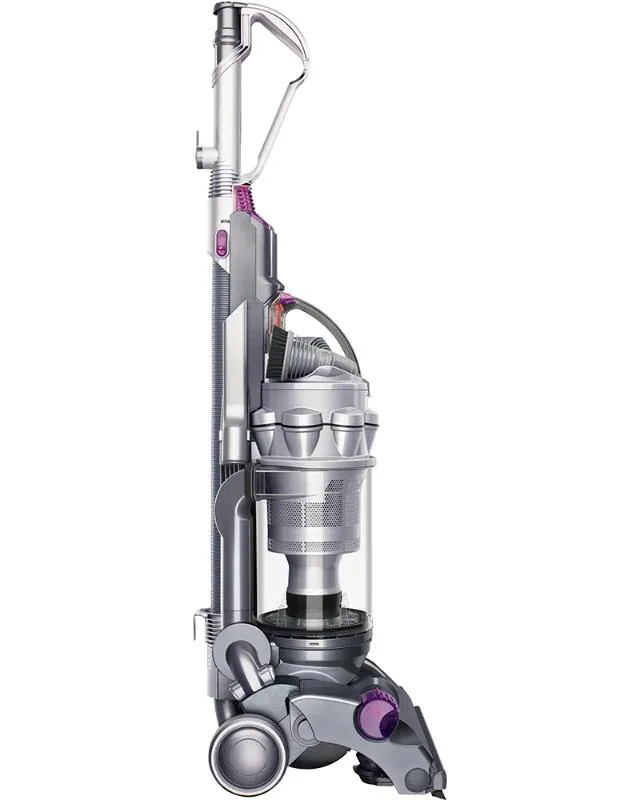
- Always disconnect your vacuum from the power source or remove the battery before inspecting internal components.
- Washing your filters every month ensures consistent airflow and prevents motor strain.
- Most suction loss is caused by debris trapped in the wand, the floor head, or the cyclone assembly.
- Resetting the electronics by removing the battery for 30 seconds can often fix intermittent flashing lights.
- Check the Dyson official support guide for model-specific error codes and detailed maintenance schedules.
Is Your Vacuum Losing Suction?
The most frequent complaint among owners is a sudden reduction in suction power. This is rarely a sign that the motor is failing; instead, it’s usually a physical obstruction preventing air from moving through the system. Start by inspecting the straight wand, as small toys or clumps of dust often lodge there. Next, check the intake hole located just behind the bin.
If the unit still lacks power, inspect the floor head. Hair and carpet fibers can tangle around the brush bar, creating a wall that blocks airflow. You can remove the brush bar on most models using a coin to unlock the end cap. Clean the bristles and the internal cavity thoroughly before reassembling.
| Component | Potential Issue | Inspection Frequency |
|---|---|---|
| Wand | Physical blockage | Monthly |
| Brush Bar | Tangled hair/debris | Bi-weekly |
| Bin Seals | Damaged gaskets | Every 6 months |
| Cyclone | Fine dust buildup | Quarterly |
Why Is the Machine Pulsing?
If your vacuum repeatedly speeds up and slows down—a phenomenon often called “pulsing”—it’s almost always a sign that the airflow is restricted. The machine detects that it cannot “breathe” and cuts power to the motor to prevent overheating.
Check for these common causes of pulsing:
- Dirty filters: If the HEPA or foam filter is caked in fine dust, the motor can’t pull enough air.
- Blockages: Debris lodged in the bin inlet or the cyclone’s fine mesh screen.
- Bin fullness: The dust container may be past the “MAX” line, preventing debris from settling correctly.
Pro Tip: Wash your foam filters in cold water only, and ensure they’re completely air-dried for at least 24 hours before reinserting them into the machine. Wet filters will trigger the pulsing protection mode immediately.
How to Clean Your Filters
Maintaining your filters is the single most important task for vacuum longevity. Most models feature a washable filter assembly located at the top of the cyclone or the rear of the motor housing. To clean them, remove the filter and tap it gently against the side of a trash bin to dislodge loose dust. Rinse under a cold tap until the water runs clear.
Avoid using soap, detergent, or cleaning sprays, as these can leave a residue that clogs the pores of the filter material. Once the filter is clean, leave it in a warm, well-ventilated area to dry. Don’t place it in a tumble dryer, microwave, or near a radiator, as excessive heat can warp the plastic housing and cause a poor seal.
What Do the Flashing Lights Mean?
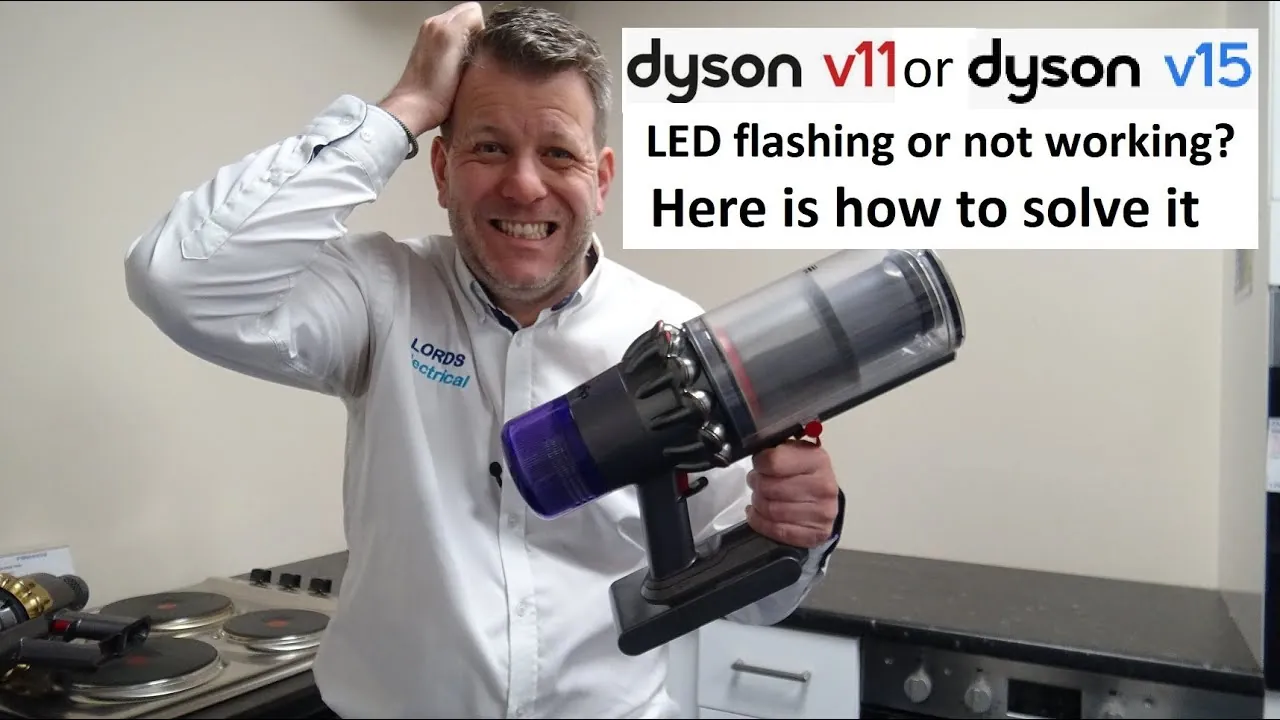
Modern cordless models communicate through a series of LED lights. Understanding these signals can save you from unnecessary repairs. A solid or flashing amber light usually indicates an electrical issue or a blockage, while a flashing red light often points toward a battery fault.
- Flashing Blue: The battery is empty and needs to be charged.
- Flashing Amber: There’s a blockage or the filter is improperly seated.
- Flashing Red: The battery is faulty or the machine is experiencing a critical error.
If you see a red light, try removing the battery from the vacuum and reattaching it. If the light persists, ensure the contacts on both the battery and the vacuum handle are clean and free of debris. Use a dry, lint-free cloth to wipe the metal contacts gently.
Is the Brush Bar Not Turning?
If the vacuum picks up dust but ignores larger debris, the brush bar might not be rotating. This is often caused by a tripped internal circuit breaker or a simple mechanical jam. First, check if the brush bar is obstructed by hair or thread. If it’s clean, check the “Max” or “Boost” mode toggle; some units disable the brush bar to save battery life in eco-mode.
If the brush bar still refuses to spin, check the connection between the wand and the floor head. Sometimes, the electrical pins inside the wand become loose or dirty, preventing the signal from reaching the motor head. You can clean these pins with a small amount of isopropyl alcohol on a cotton swab.
Troubleshooting the Cyclone Assembly
The cyclone is the heart of your vacuum, responsible for separating dust from the air. Over time, fine silt can build up inside the tiny cyclone cones, which reduces suction significantly. While most users only need to empty the bin, a deep clean of the cyclone might be necessary if the unit has been used for heavy-duty construction dust or fine fireplace ash.
To clean the cyclone, you may need to remove the bin assembly entirely. Use a soft-bristled brush to sweep out the fine powder from the internal cones. Avoid using water inside the cyclone unit unless you’re absolutely certain it will be able to dry out completely, as trapped moisture can lead to mold or corrosion of the internal components.
How to Fix Battery Issues
Lithium-ion batteries have a finite lifespan, typically lasting 3 to 5 years depending on usage intensity. If your vacuum runs for only a few seconds before dying, or if it refuses to hold a charge, the battery likely needs to be replaced. Before buying a new one, check the charging cable and the wall outlet.
Ensure the charger is plugged directly into the wall rather than a power strip, as some power strips can interfere with the charging handshake protocol. If the machine doesn’t respond to the charger, inspect the charging port on the battery for bent pins or debris.
Identifying and Clearing Blockages
Finding a blockage is a manual process that requires systematic checking of every airway. Start at the bottom and work your way up to the motor.
- Floor Head: Check the intake port on the bottom of the cleaning head.
- Wand: Look through the tube toward a light source to see if you can see through it clearly.
- Bin Inlet: Remove the bin and look into the hole where air enters from the wand.
- Cyclone Intake: Check the mesh screen inside the cyclone for a layer of compressed dust.
Warning: Never use sharp metal objects like scissors or screwdrivers to dig out blockages inside the plastic tubes, as you may puncture the internal seals or scratch the airway walls, which creates more surface area for future clogs to cling to.
Common Maintenance Schedule
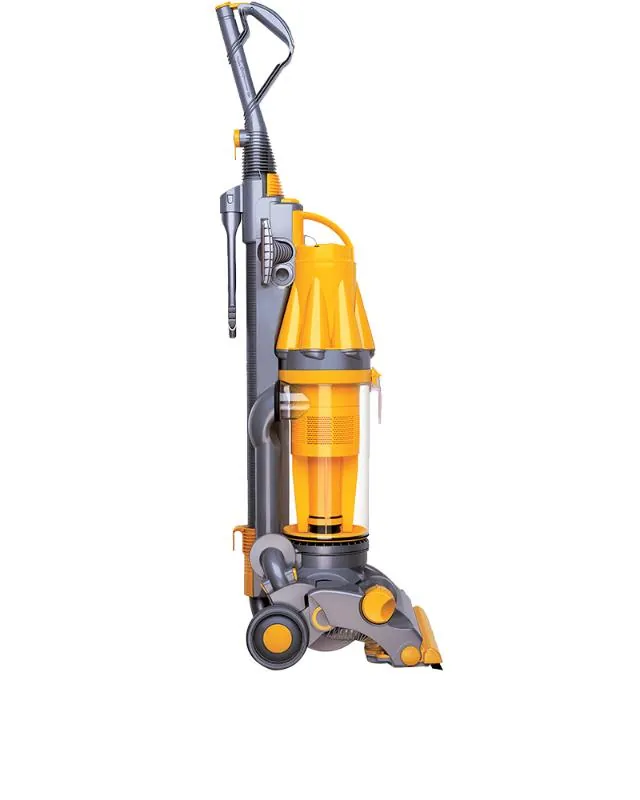
Regular maintenance prevents the need for complex repairs. Following a structured routine ensures that every part of the machine remains in optimal condition for the duration of its lifespan.
| Task | Frequency | Action Required |
|---|---|---|
| Empty Dust Bin | Every use | Clear when reaching MAX line |
| Wash Filters | Monthly | Rinse with cold water, air dry |
| Clear Brush Bar | Bi-weekly | Remove hair and tangled fibers |
| Clean Contacts | Quarterly | Wipe with dry, clean cloth |
| Check Wand | Monthly | Inspect for physical obstructions |
Related guides
Frequently Asked Questions
Why does my vacuum turn off after a few seconds?
This is usually the machine’s thermal cutout system activating to protect the motor. It happens when the airflow is restricted, causing the motor to work harder and heat up rapidly. Check for clogs in the wand, clean your filters, and ensure the bin isn’t overfilled. If the unit still shuts down after these checks, the battery may be failing to supply consistent power.
Can I wash the cyclone assembly with water?
Generally, no. The cyclone assembly contains complex internal channels that are difficult to dry. Introducing water can trap moisture, leading to unpleasant odors or electrical short-circuits if water reaches the motor. Stick to using a dry, soft brush or compressed air to remove dust from the cyclone cones. Only wash the removable filter components, not the cyclone housing itself.
How do I know if my battery is dead?
A dead battery will often show a flashing red light or fail to illuminate any lights when placed on the charger. If the vacuum runs for less than one minute on a full charge, the cells are likely degraded. You can try a “hard reset” by removing the battery, holding the trigger for 30 seconds, and then charging it again, but replacement is usually necessary.
Is it normal for the vacuum to get hot?
It’s normal for the motor housing to feel warm during operation, especially when using “Boost” or “Max” mode. However, if the machine becomes hot to the touch or you notice a burning smell, turn it off immediately. This indicates a severe blockage or a failing motor. Allow the unit to cool down for at least one hour before attempting to clear any obstructions.
How often should I replace the HEPA filter?
While the filters are washable, the material eventually degrades over time. If you notice that your filters remain gray or smell musty even after a thorough wash and dry, it’s time to replace them. For most households, a filter replacement every 12 to 18 months is recommended to maintain optimal filtration of allergens and fine particles.
Conclusion
If your vacuum remains unresponsive after following these steps, you may have a hardware failure that requires professional attention. Check your warranty status on the manufacturer’s website, as many units are covered for several years against manufacturing defects. If you’re out of warranty, consider taking your machine to a local vacuum repair shop rather than attempting to open the motor housing yourself, as this can be dangerous.