
Is your GE microwave over the range acting up right when you need it most? You’re not alone.
When your microwave stops working properly, it disrupts your whole cooking routine. But before you call for expensive repairs or consider a replacement, there’s good news: many common issues are easy to fix on your own. This guide will help you quickly troubleshoot your GE microwave, saving you time, money, and frustration.
Keep reading, and you’ll learn simple steps to get your microwave back in working order today.
Common Ge Microwave Issues
GE microwaves are popular for their reliability and ease of use. Yet, they sometimes face common issues that disrupt daily cooking. Understanding these problems helps to fix them quickly and keep your microwave working well.
Below are frequent problems users face with GE over-the-range microwaves. Each issue has simple solutions you can try before calling a technician.
Microwave Not Heating
Microwave runs but does not heat food. This usually means a problem with the magnetron or door switch. Check if the door closes properly. Faulty parts may need replacement to restore heating.
Turntable Not Rotating
Food does not turn during cooking. The turntable motor or roller guide might be broken. Remove and clean the roller guide. Replace the motor if it does not work after cleaning.
Display Not Working
The control panel shows no lights or numbers. This could be a power issue or a faulty control board. Unplug the microwave for a minute, then plug back in. If the display stays off, the control board may need repair.
Microwave Not Starting
Microwave does not start after pressing buttons. The door switch or fuse might be damaged. Ensure the door latch is secure. Test fuses and replace any that are blown to fix this problem.
Unusual Noises
Microwave makes loud or strange sounds during use. Noises often come from the magnetron or cooling fan. Turn off the microwave immediately. Loud sounds can signal a serious internal issue requiring professional help.
Credit: smartapplianceservices.com
Quick Fixes For Power Problems
Power problems with your GE microwave over the range can stop it from working. Many times, these issues have simple solutions. Quick fixes can help you get your microwave running again without waiting for a technician. This section covers easy steps to check and fix common power issues.
Checking The Power Source
First, make sure your microwave is plugged in properly. Check the outlet for power by plugging in another device. If the other device does not work, the outlet might be faulty. Try using a different outlet to see if the microwave powers on. Also, inspect the microwave’s power cord for damage or loose connections.
Resetting The Circuit Breaker
Power problems can happen if a circuit breaker trips. Find your home’s electrical panel and look for the breaker connected to the microwave. If it is in the OFF position or in the middle, flip it fully to OFF and then back to ON. This reset can restore power to the microwave. Test the microwave after resetting the breaker.
Inspecting The Door Latch
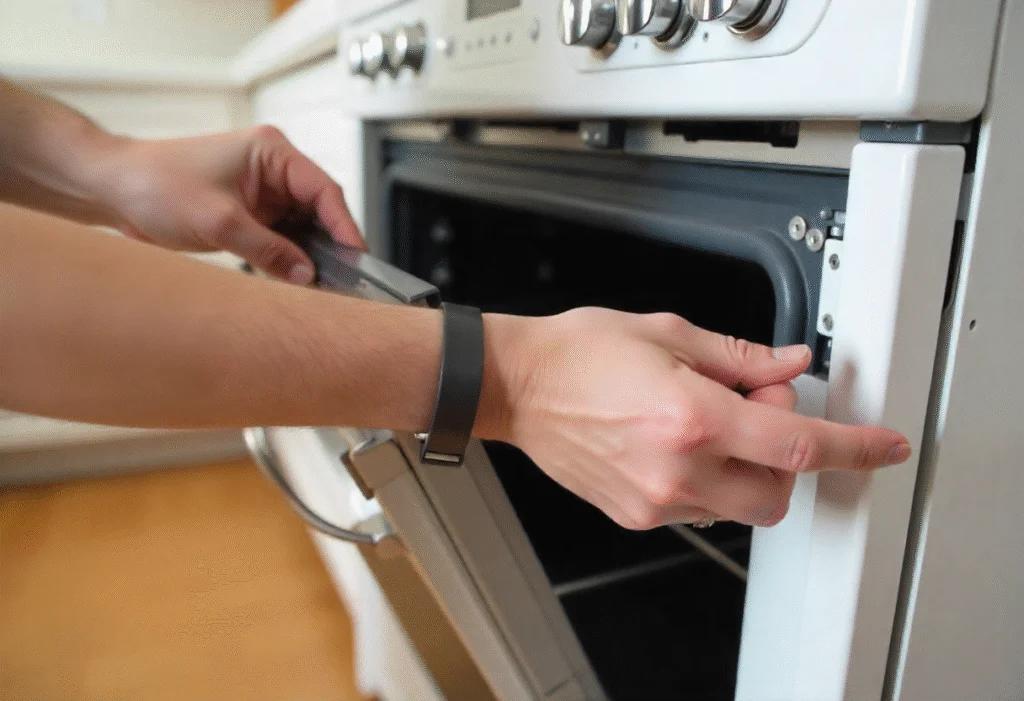
The microwave won’t start if the door latch is not secure. Open and close the door firmly to ensure it locks properly. Check for broken or worn parts on the latch mechanism. A faulty door latch can prevent the microwave from powering on for safety reasons. Replace the latch if it looks damaged or does not click shut.
Troubleshooting Heating Failures
Heating failures in a GE microwave over the range can be frustrating. The microwave runs but does not heat your food. This issue often relates to internal components that need checking. Identifying the problem early helps save time and money on repairs.
Testing The Magnetron
The magnetron creates the microwave energy that heats food. If it fails, the microwave won’t heat. To test the magnetron, first unplug the microwave. Remove the cover carefully. Use a multimeter to check the magnetron’s continuity. A reading of zero or infinite means the magnetron is faulty and needs replacing.
Examining The High Voltage Diode
The high voltage diode works with the magnetron. It converts electricity to the proper voltage. A broken diode stops heating. Test the diode with a multimeter set to the diode test mode. It should show low resistance in one direction and high resistance in the other. If it reads the same both ways, replace the diode.
Replacing The Thermal Fuse
The thermal fuse protects the microwave from overheating. If it blows, the microwave stops heating. Locate the fuse near the magnetron or control board. Test it for continuity with a multimeter. No continuity means the fuse is blown. Replace it with an identical fuse to restore heating function.

Credit: www.youtube.com
Fixes For Turntable Malfunctions
Turntable problems in a GE microwave over the range can disrupt cooking. The turntable might stop spinning or make strange noises. Fixing these issues often involves simple checks and repairs. This section helps solve common turntable malfunctions quickly.
Aligning The Turntable
Check if the turntable is seated properly on its support. Remove the glass tray and place it back carefully. The turntable must fit snugly on the roller guide. If it is not aligned, it can stop spinning or wobble.
Make sure the center hub on the tray fits into the motor shaft. Rotate the tray slightly to find the right position. Proper alignment helps the turntable rotate smoothly during cooking.
Replacing The Drive Motor
The drive motor powers the turntable. If the turntable does not spin at all, the motor may be faulty. Unplug the microwave and remove the outer cover to access the motor. Check for burnt or damaged wires connected to the motor.
Replace the motor if it shows signs of damage or does not work. Use a compatible GE motor for your model. Installing a new motor often restores normal turntable function.
Checking The Roller Guide
The roller guide supports the turntable and helps it spin. Dirt, food debris, or damage can block its movement. Remove the roller guide and clean it thoroughly with warm water and soap. Dry it well before putting it back.
Inspect the rollers for cracks or breaks. Replace the roller guide if damaged. A clean and intact roller guide ensures smooth turntable rotation during microwave use.
Resolving Control Panel Issues
The control panel of your GE microwave over the range is the main interface for all functions. Issues here can stop your microwave from working properly. Many problems come from simple errors or dirt on the panel. Some may need a reset or part replacement. Understanding how to fix control panel issues can save time and money.
Resetting The Control Board
Resetting the control board can fix many errors. First, unplug the microwave from power. Wait about one minute. Plug it back in. This resets the system and clears minor glitches. If the panel still does not respond, try the reset again. This simple step often restores normal function.
Cleaning The Touchpad
Dirt and grease can block the touchpad from working. Use a soft cloth lightly dampened with mild soap and water. Wipe the touchpad gently. Avoid excess moisture. Dry the panel with a clean cloth. Do not press too hard as this can damage the buttons. Regular cleaning keeps the touchpad responsive.
Replacing The Control Panel
If resetting and cleaning do not help, the control panel might need replacing. Purchase the exact part for your model. Turn off power before starting. Remove screws to take off the old panel. Connect the new one carefully. Secure it with screws and restore power. Test all buttons to confirm the fix.
Safety Tips For Microwave Repairs
Repairing a GE microwave over the range can save money and time. Safety is the top priority during any repair task. Microwaves use electricity and high voltage parts, which can be dangerous. Follow basic safety tips to avoid accidents and injuries. These tips help protect you while fixing your microwave.
Unplugging Before Repairs
Always unplug the microwave before starting any repair. This stops electric current from flowing. Unplugging prevents shocks and short circuits. Never work on a microwave that is still connected to power. Double-check the plug before touching any internal parts.
Avoiding High Voltage Components
Microwaves store high voltage even when unplugged. Some parts, like the capacitor, hold dangerous charges. Avoid touching these components without proper tools and knowledge. Use a voltage tester to check for stored power. Handle internal parts carefully to prevent shocks.
When To Call A Professional
Some microwave problems need expert help. If unsure about fixing electrical parts, call a technician. Professionals have tools and training for safe repairs. Avoid risks by letting experts handle complex issues. This ensures your microwave works properly and safely.
Maintenance Tips To Prevent Problems
Proper maintenance helps keep your GE microwave over the range working well. Small steps can stop many common problems. Regular care saves time and money. It also keeps your microwave safe to use.
Regular Cleaning
Clean your microwave often to avoid dirt buildup. Wipe the inside with a damp cloth after use. Remove food spills quickly to stop odors and stains. Use mild soap and water for tough spots. Avoid harsh cleaners that can damage surfaces.
Avoiding Metal Inside Microwave
Never put metal objects inside the microwave. Metal can cause sparks and damage the appliance. Use microwave-safe containers made of glass or plastic. Check the container label before heating food. Keeping metal out helps your microwave last longer.
Routine Door Seal Inspection
Check the door seal regularly for cracks or damage. The seal keeps heat and microwave energy inside. A broken seal can cause poor cooking and energy loss. Clean the seal gently with a soft cloth. Replace it if you find any wear or tears.
Credit: www.sickappliances.com
Frequently Asked Questions
Why Is My Ge Microwave Not Heating Food?
Your GE microwave may have a faulty magnetron or a blown fuse. Check the power supply and replace parts if needed.
How To Fix A Ge Microwave Turntable Not Rotating?
The turntable motor might be broken or the coupler could be misaligned. Inspect these parts and replace them if broken.
What Causes A Ge Microwave Light To Stop Working?
A burnt-out bulb or a loose connection often causes the light to fail. Replace the bulb and check wiring connections.
Why Does My Ge Microwave Make Loud Noises While Running?
Noises can come from a damaged magnetron or a worn-out cooling fan. Have these parts inspected and repaired by a technician.
How Can I Reset My Ge Microwave After A Power Outage?
Unplug the microwave for one minute, then plug it back in. This resets the control board and clears errors.
What To Do If The Ge Microwave Keypad Is Unresponsive?
The control panel may be locked or defective. Try unlocking it or replacing the control board if it remains unresponsive.
Conclusion
Troubleshooting your GE microwave over the range can save time and money. Simple checks often fix common issues quickly. Always unplug the microwave before any repairs. Keep the manual handy for guidance on error codes and parts. Regular cleaning helps your microwave work better and last longer.
Small problems don’t need a technician right away. Stay calm and follow clear steps to solve issues. Your microwave can be reliable with a little care and attention.