
Shark Duo Clean Vacuum Troubleshooting involves clearing the brush roll, checking filters, and ensuring all connections are locked firmly in place. Most problems stem from debris in the floor nozzle or clogged filters restricting airflow. If your unit loses suction or stops spinning, perform these basic maintenance steps before seeking professional help. If the vacuum still fails, check the handle for a flashing error code.
Shark Duo Clean Vacuum Troubleshooting
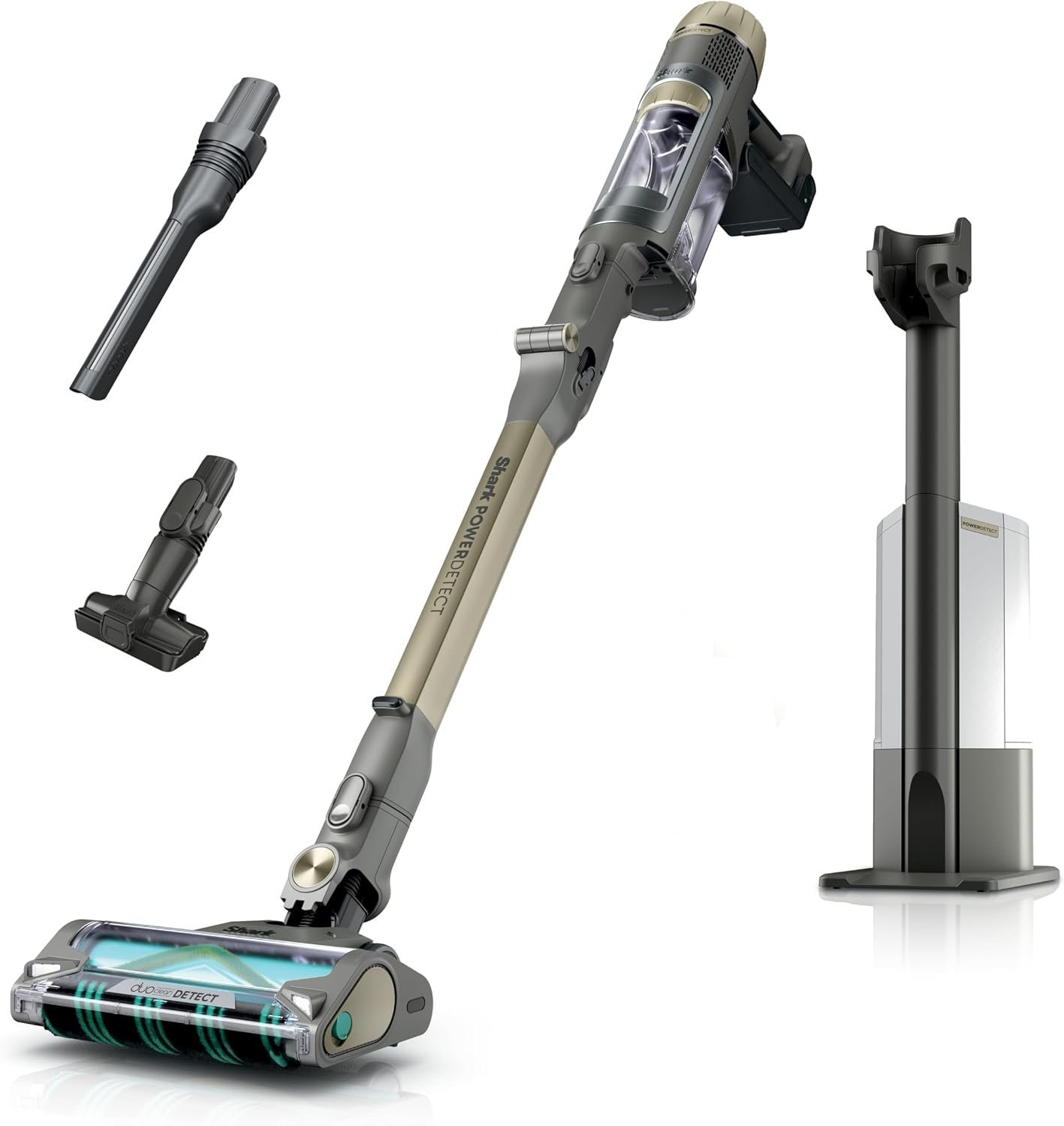
The machine relies on a clear path for air to move from the floor head to the dust cup. When this path is blocked, the motor works harder than it should, which often triggers an automatic safety shut-off to prevent overheating. This is why you might notice the vacuum suddenly stops mid-clean; it’s protecting its own internal components from damage.
Another common cause is a dirty filter system. These vacuums use foam and felt filters to trap fine dust. If you don’t wash these regularly, the airflow drops significantly. The motor might still run, but the suction at the nozzle will feel weak or non-existent. This varies by model — check the label on your specific filter housing to see how often the manufacturer recommends washing them, as some require more frequent cleaning than others.
Finally, the brush roll itself is a moving part that catches hair and fibers. If this material wraps tightly around the cylinder, the motor can’t spin it. This creates high friction and heat. If you hear a high-pitched whine or smell a burning odor, turn the unit off immediately. This is a sign that the brush roll is jammed or the belt is slipping. Always unplug the vacuum before you attempt to clear any debris from the brush area.
Clear the airway and brush roll
This fix is for users who notice low suction or a brush roll that won’t spin. First, disconnect the floor nozzle from the main wand. Use a flashlight to look through the tube for any large clumps of dust or hair. If you see a blockage, use a long, dull object like a broom handle to gently push the debris out. Never use a sharp tool or knife, as you could puncture the internal hose.
Next, turn the floor nozzle over to inspect the brush roll. If hair is wrapped around it, use scissors to carefully cut the hair along the groove provided on the brush. Pull the debris away gently. If your model has a removable floor plate, unscrew it to reach deeper into the housing. If the brush roll is damaged or the bristles are melted, it won’t clean effectively.
This link provides the official steps provided by the manufacturer for maintenance. If you find the belt is broken or the motor housing is cracked, don’t attempt to open the main unit.
Wash and dry all filters
This fix is for users who experience weak suction or a vacuum that runs for a few minutes before shutting off. Locate the filter housing, usually found behind the dust cup or at the top of the main unit. Remove the foam and felt filters. Rinse them under cold, running water until the water flows clear. Don’t use soap, as it leaves a residue that can clog the filter pores.
The most important step is drying. You must let these filters air dry for at least 24 hours. If you put a damp filter back into the vacuum, it will trap moisture in the motor housing. This causes mold growth and can lead to electrical shorts. Never use a hair dryer or oven to speed up the drying process, as high heat can shrink the filter material and ruin the seal.
If the vacuum has a post-motor HEPA filter, check if it’s discolored or heavily caked with dust. Unlike the foam filters, these can’t be washed. If they’re grey or black, they must be replaced. A clean filter allows the motor to pull air efficiently without overheating. You’ll know this fix worked if the suction feels strong at the nozzle and the motor sound returns to its normal, steady pitch.
Check all connection points
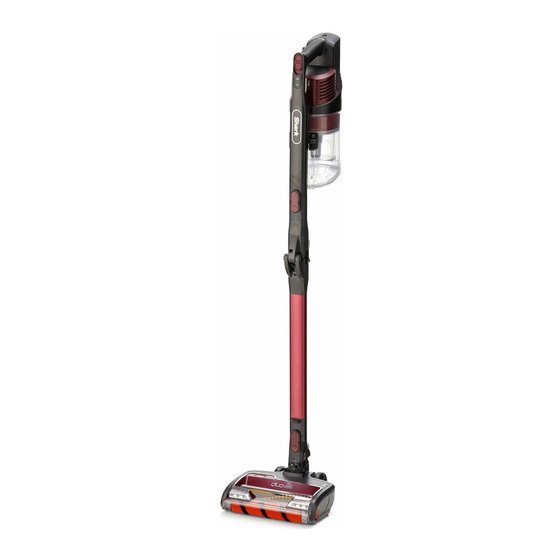
This fix is for users whose vacuum is running but not picking up debris, or for those whose lights are flashing. A Shark vacuum has several snap-together sections, including the wand, the floor head, and the main handle. If one of these clicks isn’t fully engaged, the electrical circuit is broken, and the vacuum won’t function correctly.
Unplug the machine and separate every part of the vacuum. Inspect the electrical contacts at the ends of the wand and the floor nozzle. Look for bent pins or debris blocking the connection. If the pins look damaged, don’t try to bend them back, as they’re fragile and easily broken. Wipe the contact points with a clean, dry cloth to remove any dust.
Snap each piece back together firmly. You should hear a distinct “click” at every joint. If the vacuum has a “floor” or “carpet” setting button, toggle it once to ensure the electronics have recognized the change. This is a trade-off: while the modular design makes the vacuum easy to store, it creates more points of failure where air can leak or electrical signals can be lost. If the vacuum still shows an error light after you have verified all connections are tight, it suggests an internal fault that you can’t fix yourself. At this point, contact the manufacturer’s support line or a qualified appliance repair shop.
What not to do
- Never use high-pressure compressed air to blow out the internal motor vents, as this can force dust deeper into the sensitive electronics and cause an immediate failure.
- Don’t attempt to oil or lubricate the brush roll bearings, because the oil will attract more dirt and hair, eventually seizing the motor.
- Avoid using the vacuum on wet spills or damp carpet, as the moisture will clog the filters instantly and can cause permanent damage to the motor.
- Never pull the power cord to unplug the unit, as this can break the internal wiring at the plug head and lead to intermittent power issues.
- Don’t leave the vacuum standing in the “upright” locked position while the motor is running, as this can cause the brush roll to overheat if it isn’t touching the floor.
How to stop it happening again
Regular maintenance prevents the most common failures. Following a schedule keeps the airflow high and the motor cool.
| If you’re doing this | Do this instead | Why |
|---|---|---|
| Waiting for the vacuum to stop | Prevents motor strain and overheating | |
| Vacuuming up long human hair | Use scissors to clear the brush roll | Stops friction that burns out the belt |
| Ignoring flashing red lights | Stop and check for blockages | Prevents permanent damage to the motor |
| Storing in a dusty garage | Store in a clean, dry closet | Keeps debris out of the intake vents |
Frequently asked questions
Can I wash my Shark vacuum filter in the dishwasher?
No, you should never wash these filters in a dishwasher. The high heat and harsh chemicals in dishwasher detergents will destroy the filter material and void your warranty. Always wash them by hand using only cold water.
Why is my vacuum making a loud rattling noise?
A rattling noise usually means a hard object, like a coin or a small toy, is stuck in the airway. Turn off the unit and check the floor nozzle and the wand for any loose debris.
How long do the filters last before I need to buy new ones?
Most foam filters last for a long time if you wash them regularly. If the foam starts to tear or doesn’t return to its original shape after washing, it’s time to buy a replacement.
Is it safe to vacuum up construction dust?
No, you shouldn’t use this vacuum for construction dust like drywall or concrete. Fine dust bypasses the filters and will clog the internal motor, causing it to fail very quickly.
What happens if I keep using the vacuum with a clogged filter?
If you continue to use it with a clogged filter, the motor will overheat and eventually burn out. This often leads to a smell of burning plastic and will require a professional repair.
Does the brush roll need to be replaced?
The brush roll only needs replacement if the bristles are worn down to the base or if the plastic cylinder is cracked. If it just has hair on it, cleaning it’s enough.
Final Thoughts
If your machine doesn’t start working properly after these checks, don’t worry. You can visit the official website to view the digital manual or contact their support team for further guidance. They’ll help you determine if you need a replacement part so you can get back to cleaning your home soon.
Related guides