
You can resolve most common issues by checking your power supply, door seals, and control board settings, as Samsung Electric Range Troubleshooting often points to these three areas. Start by checking your circuit breaker to ensure the range has the necessary 240-volt connection. If the display is lit but the unit doesn’t heat, ensure the “Control Lock” feature isn’t active.
Samsung Electric Range Troubleshooting
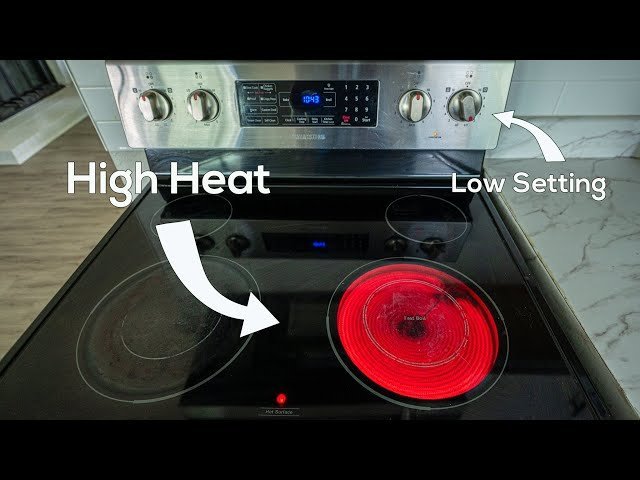
Most performance issues stem from electrical supply interruptions, user setting errors, or worn-out components. When a range loses power, it’s usually because one leg of the 240-volt circuit has failed, which leaves the display powered but the heating elements cold. This happens if the breaker in your home panel has partially tripped or if the connection at the wall outlet has loosened over time.
Another frequent cause involves the control board logic. These units rely on sensitive electronic sensors to monitor temperature and verify door locking status. If the oven door doesn’t latch correctly, the control board will refuse to start a heating cycle for safety reasons. You can verify this by checking if the door sits flush against the frame and if the latch mechanism moves freely without obstruction.
Finally, component failure is a reality for older appliances. Heating elements eventually burn out, similar to a lightbulb filament. If one burner works but another does not, the issue is likely the individual element or the infinite switch controlling it. If the oven fails to reach temperature, the bake element or the temperature sensor probe may be faulty. For specific guidance on safety and operating standards, you should review the Samsung support documentation for your specific model number. This varies by model — check the label inside your door or drawer for the exact series number to ensure you’re looking at the correct wiring diagrams or error code definitions.
Safety: Inside a mains-powered machine, the parts behind the outer cover can hold a dangerous electrical charge even after it has been unplugged — that’s why they sit behind a cover. Opening the housing, or testing or replacing anything behind it, is a job for a qualified technician, never a home repair.
Verify power and connections
This fix is for users whose range is completely dark or acting erratically. If the display is flickering or the unit shows no signs of life, your first step is the breaker panel. Locate the double-pole breaker dedicated to your range and flip it to the “Off” position, then back to “On.” If you only have one breaker trip, the oven might still show a clock but will fail to heat.
If the power seems fine, inspect the power cord where it plugs into the wall. If the plug looks charred or feels loose, don’t attempt to tighten it yourself. Electrical work carries a risk of shock; if the outlet or plug shows signs of heat damage, contact a licensed electrician to inspect the wiring.
If you’re comfortable, you can also check the “Control Lock” function. Many Samsung models have a dedicated button or a button you hold for three seconds to lock the controls. If a padlock icon appears on your screen, the range won’t heat. Press and hold the button for three seconds to deactivate it. If the controls remain unresponsive after this, the issue likely sits within the touch interface or the main control board. This is a technician-only job, as these parts are sensitive and require specific diagnostic tools to test voltage continuity safely.
Reset the control logic
This fix is for units that show persistent error codes or unresponsive touch panels. Sometimes, the electronic control board enters a “hung” state due to a power surge or a minor software glitch. A simple hard reset often clears these temporary errors.
To perform this, unplug the range from the wall outlet or turn off the circuit breaker for at least five minutes. This allows the capacitors on the control board to discharge fully and clear the temporary memory. After five minutes, restore the power. When the unit turns back on, it will perform a self-diagnostic check. If the error code returns immediately, the system has detected a permanent hardware fault, such as a damaged temperature sensor or a shorted relay.
If the error persists, don’t attempt to open the back panel to inspect the wiring. If the reset doesn’t fix the issue, you must call a professional. A technician confirms whether the part has failed. If the sensor is fine, the control board itself is likely the culprit.
Inspect elements and seals
This fix is for ranges that turn on but fail to heat properly or lose heat during operation. If your oven is baking unevenly or taking too long to preheat, the door gasket is usually the first thing to check. A worn or torn gasket allows heat to escape, which forces the oven to work harder and cycle on and off more frequently.
Check the gasket around the entire perimeter of the oven door. If you see gaps, cracks, or flattened areas, replace the seal. This is a simple task that doesn’t require tools or opening the electronics housing.
Next, inspect the heating elements. If you see visible cracks, blisters, or holes on the metal surface of the bake or broil element, it has failed. If the element looks fine but doesn’t glow, the problem is either the infinite switch or the wiring connecting it. If you have a multi-burner issue where one burner works but the other does not, swap the faulty element with a known working one of the same size. If the problem follows the element, you know the element is broken. If the problem stays with the burner position, the issue is in the control switch. This is for users who have basic mechanical skills; if you aren’t comfortable moving components, call a service professional.
What not to do
- Don’t use oven cleaner on the heating elements or the temperature sensor probe, as the chemicals can corrode the protective coating and cause the element to short circuit.
- Never attempt to bypass the door latch or thermal fuse to “get the oven working,” as these are critical safety mechanisms that prevent fire if the control board fails.
- Avoid using aluminum foil on the bottom of the oven floor to catch spills, because it can trap heat and damage the porcelain finish or the heating element beneath.
- Don’t spray cleaning liquids directly onto the touch control panel, as moisture can seep behind the glass and cause the electronic buttons to malfunction or fail permanently.
How to stop it happening again
Consistent maintenance prevents the most common failures in electric ranges. By cleaning the unit regularly and using the correct cookware, you extend the life of the heating elements and the control board.
| If you’re doing this | Do this instead | Why |
|---|---|---|
| Leaving spills to bake on | Wipe up spills after cooling | Prevents carbon buildup on elements |
| Using oversized heavy pots | Use pots matching burner size | Protects the glass surface from stress |
| Cleaning with abrasive pads | Use soft cloths and mild soap | Prevents scratching the delicate finish |
| Ignoring error codes | Note the code and call support | Fixes minor faults before they escalate |
Frequently asked questions
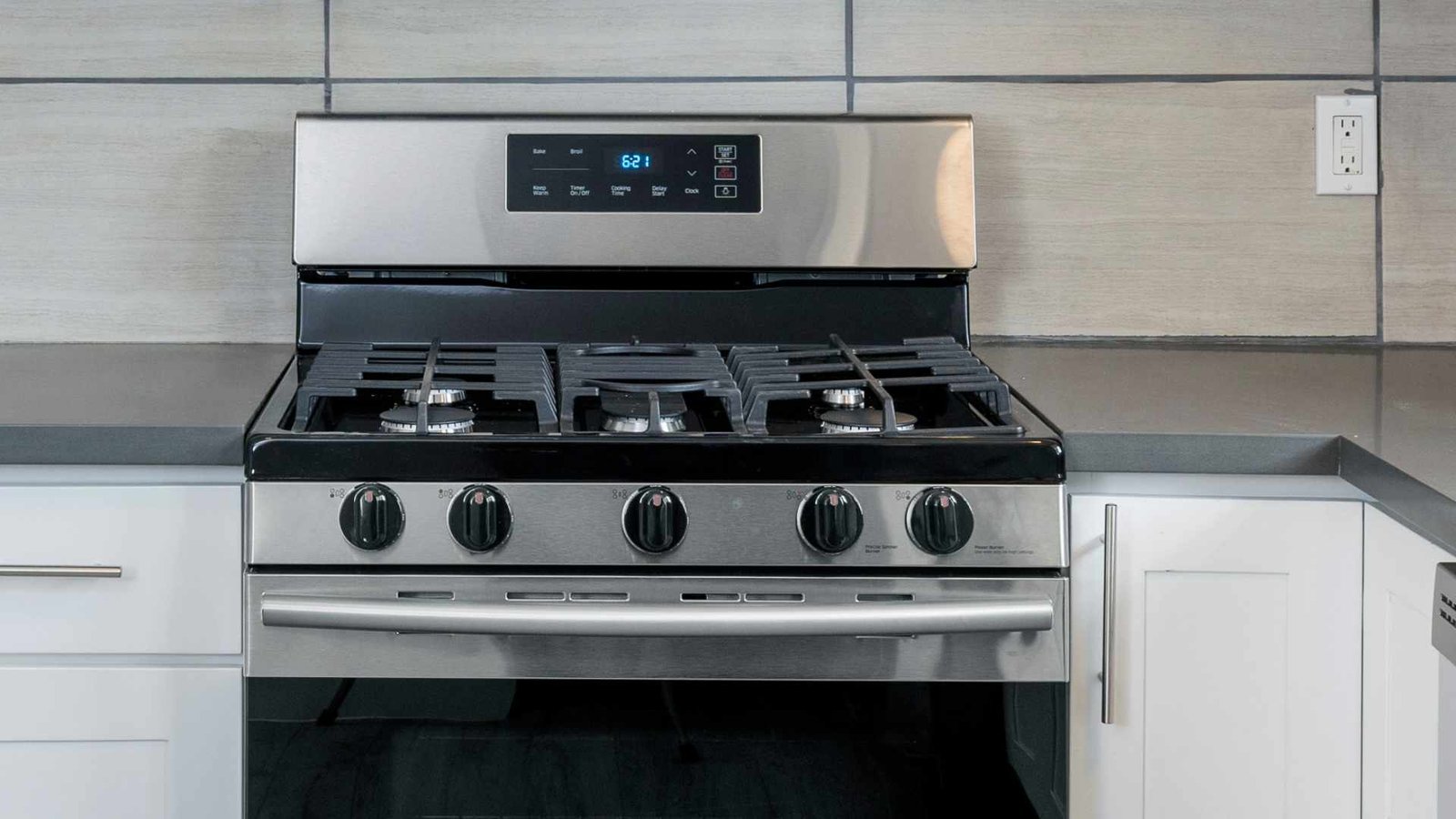
Can I replace the oven heating element myself?
You can replace the heating element yourself if you have basic tools and the correct replacement part. The element is secured by two screws and a plug-in connector at the back of the oven. Always ensure the power is completely off at the breaker before starting.
Why is my oven not heating even though the display is on?
Your oven is likely failing to heat because the door isn’t fully latched or the thermal fuse has tripped. A blown thermal fuse prevents the heating elements from receiving power. If the fuse has tripped, you’ll need a professional technician to replace it and investigate the cause.
Is it safe to use the range if the glass cooktop is cracked?
You shouldn’t use the range if the glass cooktop has a crack. A crack allows liquids to seep into electrical components, creating a risk of short circuits or shock. Furthermore, heat can cause the crack to expand rapidly, potentially shattering the entire surface.
How long should a Samsung electric range last?
A range typically lasts between ten and fifteen years with proper care and regular maintenance. This lifespan varies based on usage frequency and how well you keep the unit clean. If you notice a decline in performance, check the door seals and heating elements first.
What happens if I ignore an error code?
Ignoring an error code often leads to further damage or a complete failure of the control board. Many codes indicate a sensor fault that prevents the oven from regulating temperature properly. Continuing to use the range may cause electronic components to overheat, increasing repair costs.
Final Thoughts
If these simple checks don’t solve the problem, it’s best to reach out to a certified technician for help. Don’t try to open the internal panels yourself, as you’ll risk damaging the wiring. They’ll have the right tools to get your kitchen back in working order in no time.
Related guides
- Samsung Clothes Washer Troubleshooting: Fix Common Error Codes
- Breckwell Pellet Stove Troubleshooting: Fix Common Issues in 2026
- Samsung Smart TV Troubleshooting Guide: Fix Common Glitches in 2026