
Fix your ceiling fan right now by resetting power at the wall switch for 30 seconds, then immediately holding the power or learn button on the handheld transmitter for 5 seconds. Successful Monte Carlo fan remote troubleshooting starts with this simple pairing cycle because power surges and dead batteries cause most signal drops between the receiver and your handheld controller.
Why your Monte Carlo remote stops working
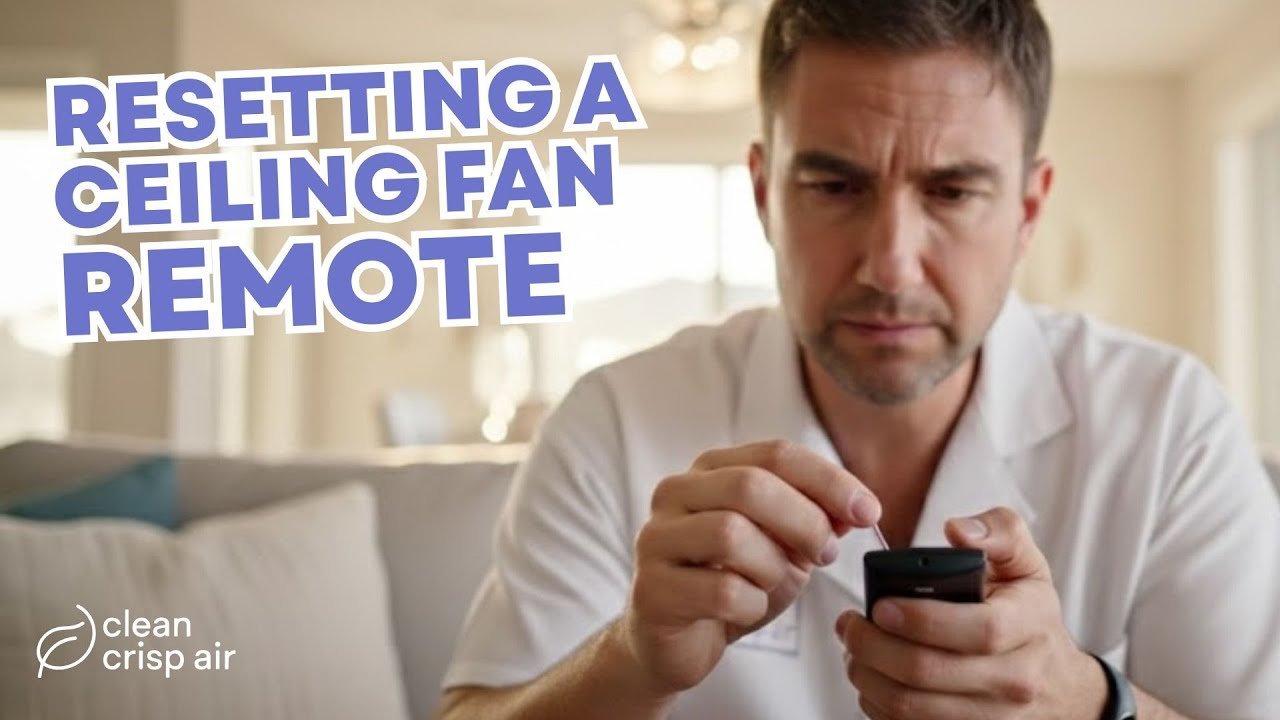 Photo: www.youtube.com on Google
Most remote failures come down to three everyday issues: lost wireless pairing, drained batteries, or mismatched switch codes.
First, a quick power flicker in your neighborhood can wipe the memory inside the receiver canopy. When that happens, the fan forgets your handheld device completely.
Second, transmitters lose radio strength long before their small indicator lights stop glowing. The red light might turn on when you click, but the signal stays too weak to reach across your bedroom ceiling.
Finally, if your model uses manual switches, slight bumps can shift the pattern. Nearby fans running on the same default radio frequency can also jam your signals.
Safety: Inside a mains-powered machine, the parts behind the outer cover can hold a dangerous electrical charge even after it has been unplugged — that’s why they sit behind a cover. Opening the housing, or testing or replacing anything behind it, is a job for a qualified technician, never a home repair.
Check your battery voltage and contacts
This step is for anyone whose fan won’t respond to any button presses at all. Slide open the battery cover on the back of your handheld transmitter. Take out the battery, which is usually a standard 12-volt A23 cell or two AAA cells. This varies by model — check the label inside the battery slot.
Look closely at the metal contact springs inside the compartment. If you see dust or green corrosion, gently wipe it clean with a dry cotton swab. Insert a fresh battery with the positive and negative ends facing the proper directions.
You’ll know it worked if the small red LED bulb at the top flashes brightly when you press a speed button, and the fan blades turn instantly.
Re-pair the handheld control
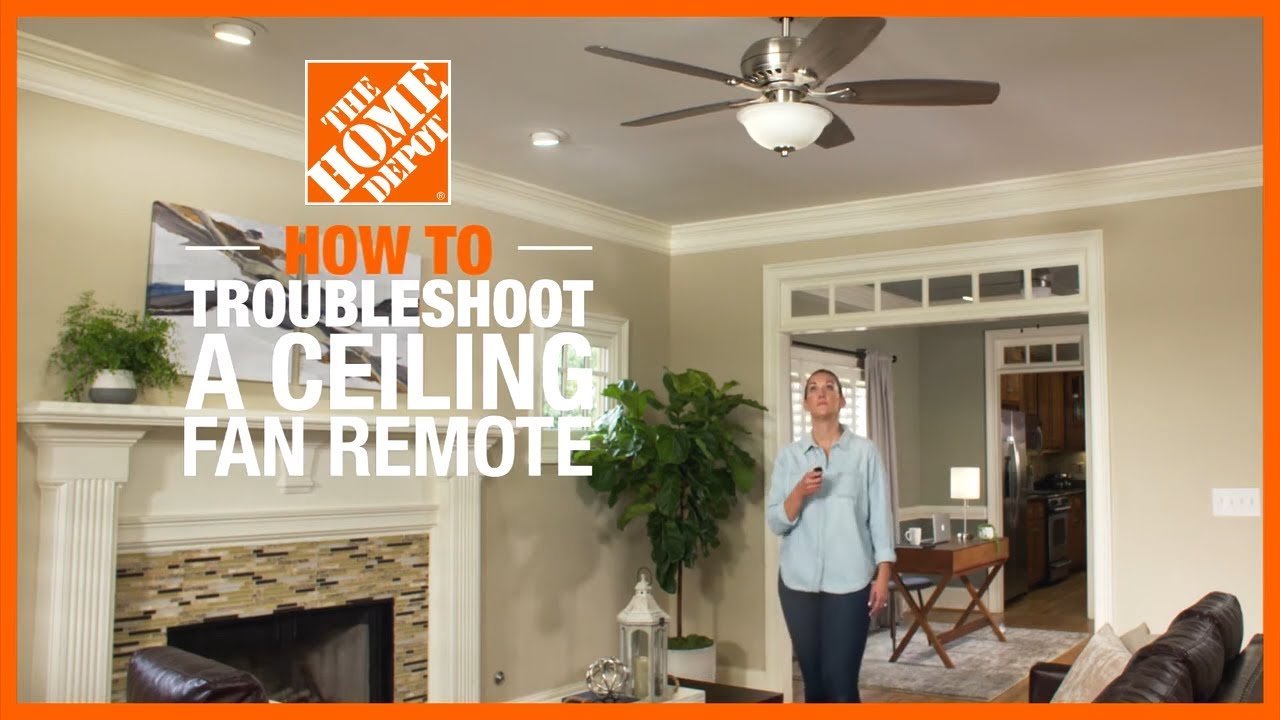 Photo: www.youtube.com on Google
This fix is for fans that have power at the light kit but ignore every button command. Turn off the wall switch that feeds electricity to the fan fixture. Leave the power completely off for at least 30 seconds to allow the receiver to fully reset.
Flip the wall power back on. Within 30 seconds of restoring power, press and hold the “SET” or “LEARN” button inside the remote’s battery compartment for 5 full seconds. On newer models, this is the main fan power button on the front face.
You’ll know it worked when the fan light blinks twice or the motor beeps. If your fan runs on standard alternating current, it responds immediately; if you have a premium DC-motor model, the blades might rock back and forth for 60 seconds while the internal processor calibrates itself.
Align internal dip switches safely
This fix is for older units that use physical radio code sliders instead of automatic learn buttons. Slide off the transmitter battery plate to reveal a row of 4 tiny toggle switches.
Now look at your ceiling. If your fan has an accessible switch cover on the upper canopy, turn off your room’s circuit breaker before touching anything. Check that the 4 toggles in your hand match the exact up-and-down pattern of the canopy receiver. If position 1 is up and 2, 3, and 4 are down on the fan, your handheld remote must mirror that layout.
Flip your circuit breaker back on and tap the fan button. If you must dismantle ceiling electrical boxes to reach a hidden receiver, stop immediately. Hire a licensed electrician to inspect the canopy wiring.
What not to do
- Don’t push a pen tip into the internal electrical contacts, because bent metal prongs won’t hold the battery securely in place.
- Don’t mix old and new batteries together, because the weak cell lowers total voltage output immediately.
- Don’t leave ceiling fan blades spinning while you test frequencies, because sudden motor reversals can loosen the mounting hardware.
- Don’t strip and twist wall switch wires yourself, because exposed household wiring presents an immediate shock and fire hazard.
How to stop it happening again
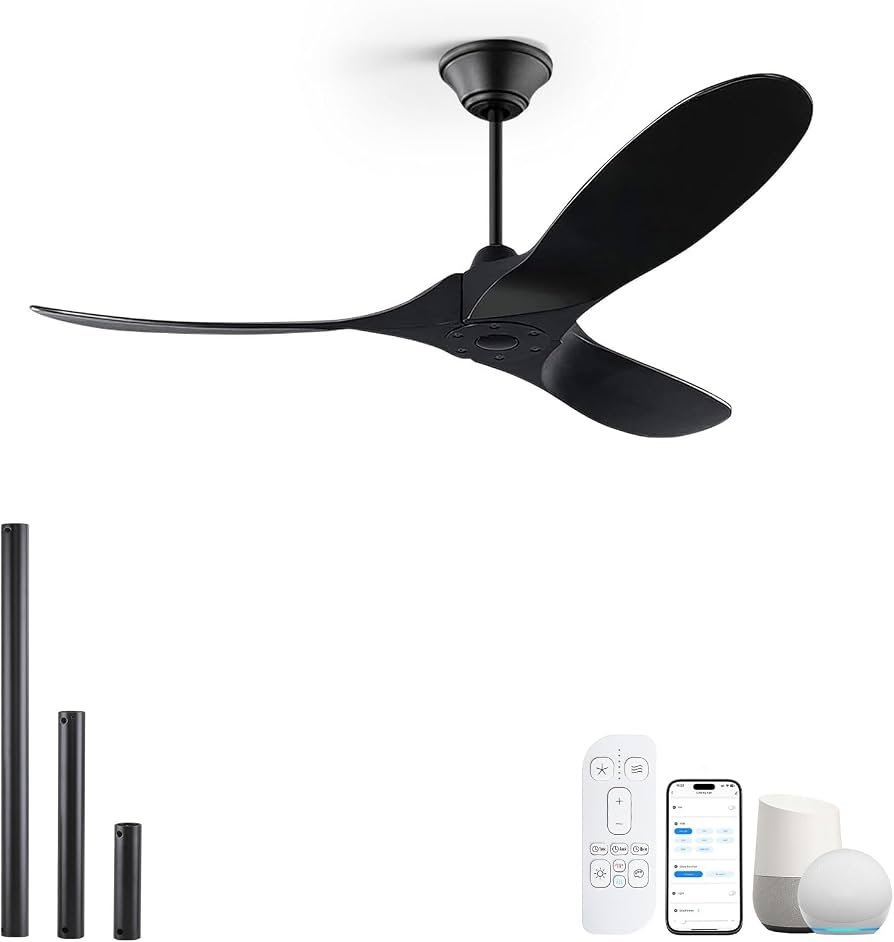 Photo: www.amazon.com on Google
Careful setup prevents signal loss and stops daily wear on your ceiling fan controls. Follow the safety tips outlined by the Consumer Product Safety Commission to keep your household fixtures running safely. A trade-off of using radio-frequency controls is convenience over physical reliability; manual pull chains rarely lose signal, but remotes require clean batteries and steady current to stay connected. This guide isn’t for people with commercial high-voltage fans or industrial wall-crank systems. A common mistake people make is buying cheap off-brand batteries that leak acid over the circuit board, which ruins a remote and forces an unwanted replacement.
| If you’re doing this | Do this instead | Why |
|---|---|---|
| Leaving dead batteries inside the handheld unit | Remove the batteries before seasonal storage | Chemical leaks will corrode the copper circuit traces. |
| Using the breaker as your daily light switch | Use a dedicated wall control plate | Frequent power cycling puts unnecessary electrical stress on the receiver components. |
| Keeping all switches set to factory zeros | Pick an alternating four-digit code | Factory codes clash with your neighbor’s remote signal. |
| Clicking buttons across the room through metal doors | Operate the unit within 30 feet in an open line of sight | Dense obstacles scatter high-frequency radio commands. |
Frequently asked questions
Can you reset a Monte Carlo fan remote without the wall switch?
No, you need to cut main power to start the receiver’s pairing window. If you don’t have a dedicated wall toggle, you must turn off the circuit breaker in your electrical service panel for 30 seconds, flip it back on, and hold your transmitter’s learn button.
Why is the remote light on but the fan doesn’t move?
A weak battery causes this issue. The small red bulb needs very little power to glow, but transmitting a wireless command across the room requires substantially more voltage. Pop out the weak cell and replace it with a fresh one to restore full signal strength.
How do I know if my remote or receiver is bad?
Check the manual pull chains or wall switches first. If the fan runs from the wall switch but ignores a freshly paired remote with brand-new batteries, your canopy receiver has failed. Replacing the small receiver unit in the ceiling canopy will resolve the issue.
Is it safe to change dip switches while power is on?
No, it isn’t safe to adjust receiver switches while household current flows through the fixture. You can safely change the dip switches inside your plastic handheld remote at any time, but the fan’s power supply must remain shut off before you inspect any ceiling components.
What happens if two fans in my house share a code?
One remote will turn on both ceiling fans at the same exact time. To run them separately, take off the battery lids and set different dip switch combinations on each remote, then adjust the matching receivers in the ceilings so each fan gets its own unique frequency.
If your fan still won’t respond, it’s time to reach out to the manufacturer’s support team for a replacement receiver. Keep your fan’s model information handy when you contact them so they can send you the correct match. That way, you’ll get your cool, quiet breeze back without guessing.
Related guides