
Are you frustrated because your KitchenAid oven microwave combo isn’t working like it should? You rely on this appliance every day, and when it stops heating, beeping, or turning on, it can throw your whole routine off.
But before you call for expensive repairs, there are simple troubleshooting steps you can try yourself. This guide will walk you through easy fixes to get your KitchenAid combo back up and running quickly. Keep reading—you’ll save time, money, and avoid unnecessary stress.
Common Error Codes
Common error codes on a KitchenAid oven microwave combo can stop your cooking quickly. These codes show on the display when something needs attention. Knowing what each code means helps you fix small problems fast. It saves time and avoids bigger issues.
Error codes often relate to temperature, sensors, or door locks. Some codes signal a need to reset the appliance. Others might require checking parts or connections. Understanding these codes makes troubleshooting easier and less stressful.
Decoding Display Messages
The display shows letters and numbers as error codes. Each code points to a specific problem. For example, “F1 E1” means a sensor error. “F3 E2” might indicate a door issue. You can find code meanings in your user manual.
Memorize common codes or keep a list handy. It helps you act fast when errors appear. Do not ignore codes. They protect your oven and microwave from damage.
Resetting After Errors
Resetting the oven microwave combo often clears error codes. Start by turning the appliance off. Unplug it from the power source for one minute. Plug it back in and turn it on.
This simple reset can fix minor glitches. If the error returns, check the code again. Some problems need repair or part replacement. Resetting is the first step to try before calling for help.
Power And Display Issues
Power and display issues are common problems with KitchenAid oven microwave combos. These problems can stop your appliance from working properly. Understanding basic troubleshooting helps save time and avoid repair costs.
Power issues can cause the oven not to turn on at all. Display problems make it hard to control settings or see the timer. Both issues affect your cooking experience and need quick attention.
When Oven Won’t Turn On
Check if the appliance is plugged in securely. Sometimes, the cord may be loose or unplugged. Verify your home’s circuit breaker or fuse box. A tripped breaker can cut power to the oven.
Test the power outlet with another device. No power means the outlet may be faulty. Reset the oven by unplugging it for a few minutes. Plug it back in and try turning it on again.
Look for signs of a blown internal fuse. This usually requires a technician to replace. Avoid opening the oven yourself to prevent injury.
Display Screen Problems
A blank or flickering display can indicate electrical issues. Start by cleaning the control panel gently. Dirt or moisture can affect the touch controls.
Reset the oven to clear any glitches. Unplug the appliance for five minutes, then plug it back in. If the screen remains unresponsive, the control board may need replacement.
Sometimes, the display shows error codes. Refer to your user manual for code meanings. Error codes help identify specific problems quickly.
Heating And Cooking Problems
Heating and cooking problems can disrupt your daily kitchen routine. These issues affect how well your KitchenAid oven microwave combo performs. Understanding common problems helps you fix them faster. It saves time and avoids frustration. This section covers typical heating and cooking troubles and simple ways to troubleshoot them.
Microwave Not Heating
The microwave turns on but does not heat food. This issue often happens due to a faulty magnetron. The magnetron creates the heat inside the microwave. A blown fuse or bad door switch can also cause this problem. Check if the microwave door closes properly. Replace any damaged parts to restore heating.
Oven Temperature Inaccuracies
The oven temperature seems too high or too low. This affects cooking times and results. A broken temperature sensor or faulty control board can cause wrong readings. Calibrate the oven temperature using a separate thermometer. Replace the sensor or control board if needed. Accurate temperature ensures better cooking.
Uneven Cooking Results
Food cooks unevenly, with some parts overdone and others undercooked. This can happen due to a malfunctioning convection fan or dirty oven interior. The fan spreads heat evenly inside the oven. Clean the oven regularly and check the fan for proper operation. Fixing this improves cooking quality and consistency.

Credit: www.repairclinic.com
Door And Safety Mechanisms
The door and safety mechanisms of a KitchenAid oven microwave combo are crucial for safe use. These parts stop the microwave from running if the door is open. They also keep the appliance working correctly. Knowing how to troubleshoot these parts can save time and avoid damage.
Problems with door locks or safety sensors can stop your microwave from working. Sometimes the door will not lock, or the microwave won’t start. These issues often point to simple faults that you can fix.
Door Lock Malfunctions
The door lock prevents the microwave from running when the door is open. If the door does not lock, the microwave will not start. Check for dirt or debris blocking the lock. Clean the latch gently with a soft cloth.
Listen for a clicking sound when you close the door. No sound can mean a broken lock switch. Test the lock switch with a multimeter for continuity. Replace the switch if it shows no continuity.
Safety Sensor Troubleshooting
Safety sensors detect if the door is closed correctly. They stop the microwave from running if the door is open. Check the sensors for dirt or damage. Clean them carefully to ensure they work properly.
If the microwave does not run even with the door closed, the sensor might be faulty. Test sensors with a multimeter. Replace any sensor that fails the test. Proper sensor function is important for microwave safety.
Control Panel And Buttons
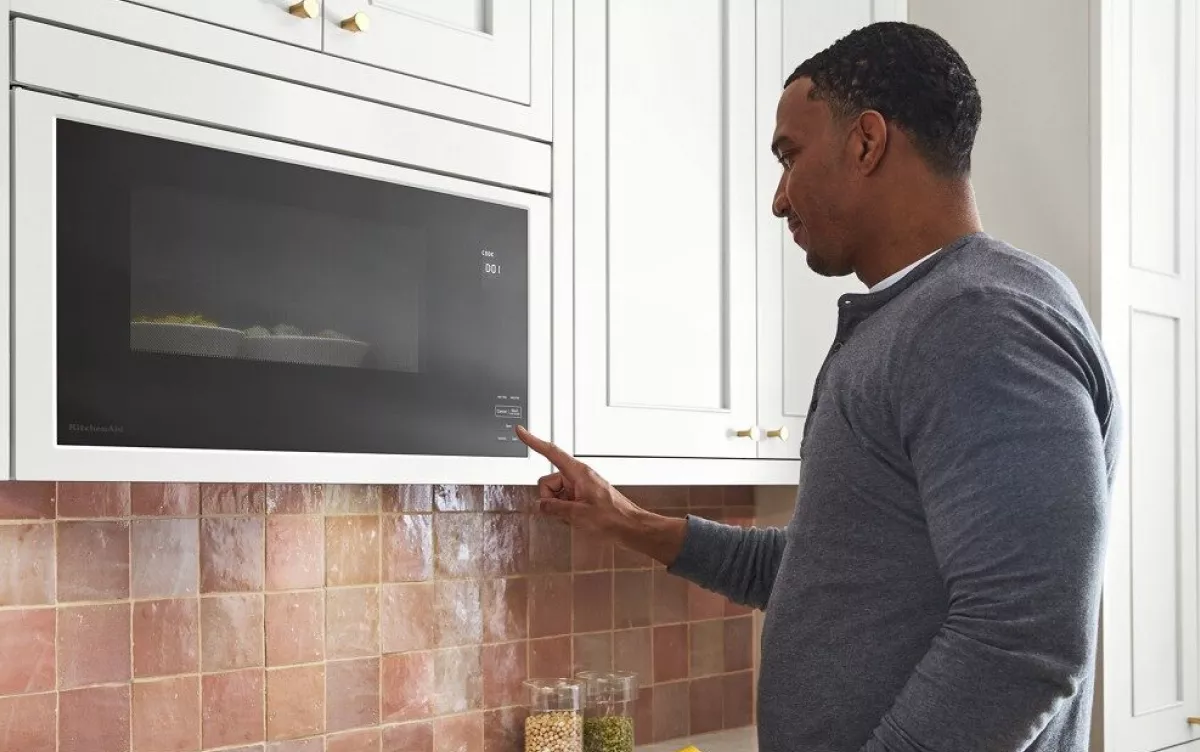
The control panel and buttons are the main way to use your KitchenAid oven microwave combo. They help you set cooking times, adjust power, and choose functions. Problems with these controls can stop the appliance from working right. Understanding common issues helps you fix them fast.
Unresponsive Controls
Sometimes, the control panel does not respond to your touch. This can happen if the panel is dirty or wet. Try cleaning it gently with a soft cloth. Another cause might be a power issue. Check if the appliance is plugged in properly and the circuit breaker is on.
If cleaning does not help, the control panel might have a fault. This needs a professional to fix or replace the panel. Avoid pressing buttons hard as it may damage them further.
Button Sticking Issues
Buttons may stick or stay pressed down. Food spills or grease can cause this. Clean around the buttons with a mild cleaner and a soft cloth. Be careful not to let liquid seep inside the panel.
Stuck buttons can make the oven microwave act strangely or stop working. If cleaning does not solve it, the buttons might need repair. Using the appliance with stuck buttons can cause more damage.
Credit: www.kitchenaid.com
Maintenance Tips For Longevity
Keeping your KitchenAid oven microwave combo in good shape helps it last longer. Regular care prevents problems and keeps cooking smooth. Simple habits protect your appliance and save repair costs.
Cleaning Best Practices
Clean spills immediately to avoid stains and smells. Use a soft cloth with mild soap and water. Avoid harsh chemicals that can damage surfaces. Remove crumbs and food bits from the microwave cavity regularly. Clean the oven glass with a non-abrasive cleaner. Keep the vents free from dust to help air flow. Dry all parts thoroughly before use to prevent rust.
Regular Component Checks
Inspect the door seal for cracks or gaps. A tight seal keeps heat inside for better cooking. Check the microwave turntable to ensure it spins smoothly. Listen for unusual noises that may signal trouble. Test the oven light and replace bulbs if needed. Look at the control panel for stuck or unresponsive buttons. Ensure the power cord is intact without frays or damage.
When To Call A Technician
Knowing when to call a technician for your KitchenAid oven microwave combo is important. Some problems need expert help to avoid damage or injury. Understanding the signs of serious faults and following safety steps before service can save time and money.
Identifying Major Faults
Major faults include strange smells, sparks, or smoke from the unit. If the oven or microwave does not heat at all, it could mean a serious issue. Loud noises or buzzing sounds are also warning signs. Faulty door latches or control panel failures need professional inspection. Avoid using the appliance if any of these problems occur.
Safety Precautions Before Service
Always unplug the appliance before any inspection or cleaning. Do not try to open or repair the internal parts yourself. Wear gloves to protect from sharp edges. Keep children and pets away during troubleshooting. Use a dry cloth to clean the outside only. These steps reduce the risk of electric shock or injury.

Credit: www.youtube.com
Frequently Asked Questions
Why Is My Kitchenaid Oven Microwave Combo Not Heating?
The heating element or magnetron might be faulty. Check power supply and reset the appliance. Call a technician if needed.
How Do I Reset My Kitchenaid Oven Microwave Combo?
Unplug the appliance for one minute, then plug it back in. This often clears minor errors and resets the system.
What Causes The Microwave Door Not To Close Properly?
Dirt or debris may block the door latch. Clean the latch area and ensure nothing is stuck.
Why Does The Display On My Combo Oven Blink Or Freeze?
This can happen due to power surges or control board issues. Try resetting the oven by unplugging it briefly.
How Can I Fix Uneven Cooking In My Kitchenaid Combo?
Make sure to use microwave-safe containers and stir food midway. Uneven cooking often results from improper placement or container type.
What Should I Do If The Fan Noise Is Too Loud?
The fan may have dust buildup or a loose part. Clean the fan carefully and tighten any loose screws.
Conclusion
Troubleshooting your Kitchenaid oven microwave combo can save time and money. Start with basic checks like power supply and settings. Small fixes often solve common problems quickly. Keep your user manual handy for guidance. Regular cleaning helps maintain performance and avoid issues.
Don’t ignore warning signs or unusual noises. Taking quick action prevents bigger repairs later. Trust your instincts and stay calm during troubleshooting. Your appliance will work smoothly again with patience and care.