
Having trouble with your Ghost Controls gate opener? You’re not alone.
When your gate won’t open or close as it should, it can quickly become frustrating and disrupt your daily routine. But don’t worry—most issues are easier to fix than you might think. In this guide, you’ll find simple, step-by-step solutions to get your gate working smoothly again.
Keep reading to take control of your gate opener and avoid costly repairs.
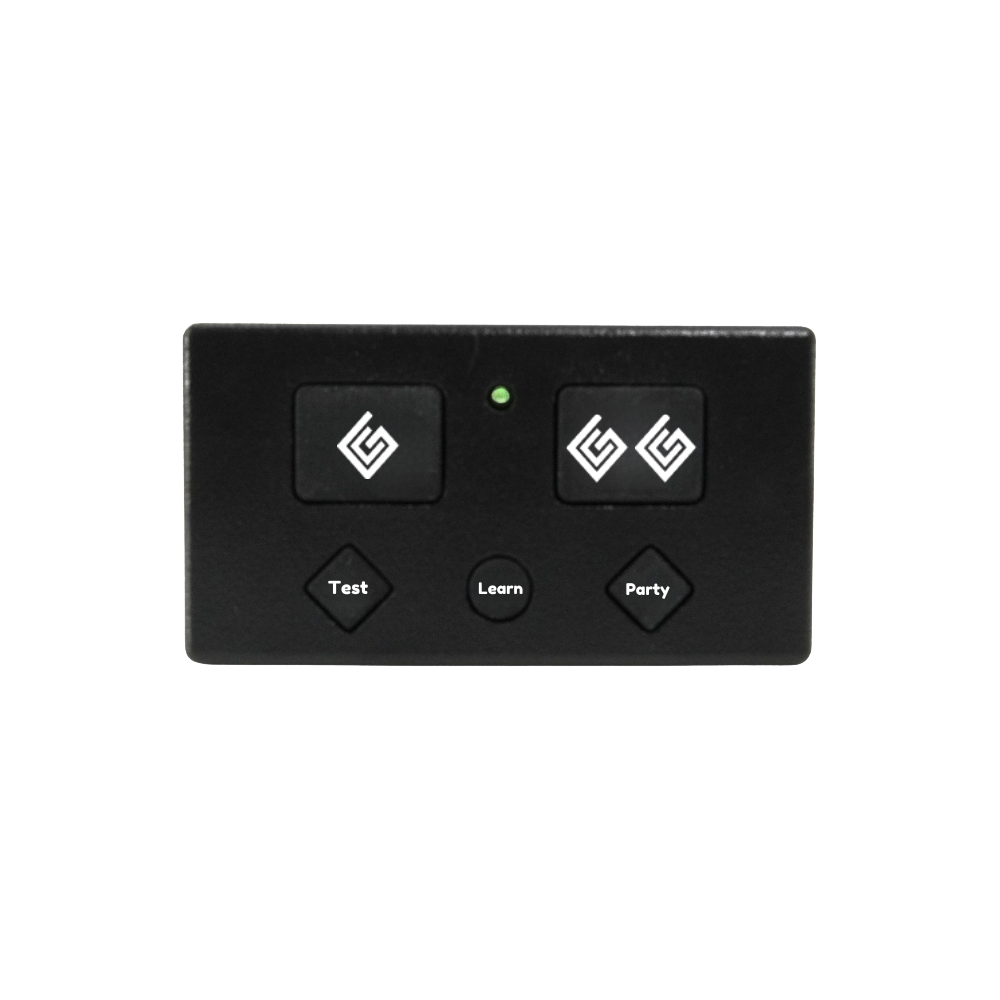
Credit: ghostcontrols.com
Common Gate Opener Issues
Ghost Controls gate openers are reliable, but issues can happen. Knowing common problems helps fix them fast. Troubleshooting saves time and frustration.
Some issues stop the gate from moving. Others affect remote or wall controls. Understanding these problems guides you to quick solutions.
Gate Won’t Open Or Close
The gate may fail to open or close due to power loss. Check if the opener is plugged in and the battery has charge. Dirt or debris blocking the gate path can also stop movement. Inspect the gate’s track and clear obstacles. Sometimes, the motor or control board might need a reset.
Remote Control Not Working
Remote problems often stem from dead batteries. Replace batteries to test if the remote works again. Interference from other devices can block signals. Make sure you are within range and facing the gate. Reprogramming the remote might fix syncing issues with the opener.
Gate Moves Slowly Or Jerks
Slow or jerky gate movement usually points to mechanical issues. Lubricate hinges and tracks to ensure smooth motion. Check for worn or damaged parts like gears or rollers. A weak battery or low voltage can reduce motor power, causing sluggish operation.
Unresponsive Wall Button
The wall button might stop working due to wiring problems. Inspect wires for loose connections or damage. Dirt or moisture inside the button can cause failure. Clean or replace the wall button if needed. Test the opener with a remote to isolate the issue.
Power And Wiring Checks
Power and wiring issues often cause Ghost Controls gate openers to stop working. Checking these parts is a key step in troubleshooting. A steady power supply and secure wiring ensure smooth gate operation.
Start with basic checks. Confirm power reaches the gate opener. Look for loose wires or damaged cables. Follow safety rules when working with electricity.
Inspecting Power Supply
Check if the power source is active. Use a voltage tester to verify power at the opener’s plug or terminals. Look for tripped breakers or blown fuses. Make sure solar panels, if used, get enough sunlight.
Power interruptions can cause the gate to stop moving. Ensure all switches are on and batteries are charged.
Testing Wiring Connections
Look for loose or broken wires. Tighten all screws on terminals and connectors. Replace damaged wires immediately.
Check the wiring path for pinches or cuts. Use a multimeter to test continuity. Proper connections prevent signal loss and errors.
Battery Troubleshooting
Many Ghost Controls systems use batteries as backup power. Test the battery voltage with a multimeter. Replace weak or dead batteries.
Charge batteries fully before testing the gate opener again. Clean battery terminals to remove corrosion. Secure batteries firmly in place.
Remote Control Solutions
Remote control problems can stop your Ghost Controls gate opener from working well. Fixing these issues often solves the problem quickly. Focus on common remote control solutions to get your gate moving again.
Check your remote controls for basic issues before calling for help. Many problems come from simple errors that you can fix yourself. Keep your remote working by following easy steps to maintain or fix it.
Replacing Or Reprogramming Remotes
Remotes may stop working due to damage or loss of settings. Reprogramming is a quick way to fix this. Follow the Ghost Controls manual to reset your remote codes safely.
Use the gate opener’s learn button to add new remotes. Remove old ones that no longer work to avoid confusion. Replace remotes if they are broken beyond repair.
Signal Interference Issues
Signal interference can block your remote from connecting to the gate. Nearby electronics or large metal objects cause this problem. Move the remote closer to the gate to test the signal.
Try using the remote in different areas around your home. Clear obstacles that might block the signal. Avoid using other wireless devices near the gate opener.
Remote Battery Replacement
Weak batteries are a common reason remotes stop working. Replace the battery with the type recommended by Ghost Controls. Open the remote case carefully to avoid damage.
Check battery contacts for dirt or corrosion. Clean them gently with a soft cloth if needed. Insert the new battery correctly to ensure proper function.
Sensor And Safety Features
The sensor and safety features in Ghost Controls gate openers protect people and vehicles. They stop the gate from closing if something is in the way. These sensors need to work well to keep your gate safe and reliable. Troubleshooting these parts can solve many common problems.
Checking Safety Sensors
First, inspect the safety sensors on each side of the gate. Clean any dirt or spider webs that block the sensor’s path. Make sure the sensor lenses are clear and not cracked. Check the wires for any cuts or loose connections. Test the sensors by passing an object between them to see if the gate stops moving.
Adjusting Sensor Alignment
Sensors must face each other directly. Slight misalignment can stop the gate from working. Loosen the mounting brackets and gently move the sensors until they line up. Tighten the brackets to hold the sensors in place. Check alignment by testing the gate’s response to an object between the sensors again.
Bypassing Sensors For Testing
Bypassing sensors helps find if they cause the problem. Disconnect the sensor wires carefully. Short the wires to simulate a clear path. Operate the gate opener. If the gate works, the sensors likely need repair or replacement. Never leave sensors bypassed during normal use. This step is only for testing safety features.
Mechanical And Hardware Fixes
Mechanical and hardware issues are common causes of Ghost Controls gate opener problems. These can stop the gate from moving smoothly or cause it to fail completely. Fixing these problems often involves simple steps. Basic maintenance helps keep the gate opener working well. Small repairs can prevent bigger damage later.
Here are some practical fixes that focus on the mechanical parts and hardware of your gate opener.
Lubricating Moving Parts
Moving parts need regular lubrication to work smoothly. Use a silicone-based or lithium grease for best results. Apply lubricant to hinges, rollers, and tracks. This reduces friction and noise. Avoid over-lubricating as it can attract dirt. Clean parts before applying lubricant for better performance.
Tightening Loose Components
Loose parts can cause the gate opener to malfunction. Check bolts, screws, and brackets for tightness. Use a wrench or screwdriver to secure them firmly. Pay special attention to the motor mount and arm joints. Tight parts reduce vibrations and improve gate movement. Regularly inspect hardware to catch looseness early.
Replacing Damaged Hardware
Damaged components can stop the gate from working. Look for bent arms, broken hinges, or worn rollers. Replace any parts that show signs of damage. Use parts recommended by Ghost Controls for compatibility. Installing new hardware restores the gate opener’s strength. Keep spare parts handy for quick repairs.
Control Board And Software
The control board and software are the heart of your Ghost Controls gate opener. They manage all the signals and commands. Problems here can stop your gate from working right. Understanding these parts helps you fix issues fast.
Most problems come from simple errors in the control board or outdated software. Knowing how to reset, update, and read error codes is key. These steps often solve many common issues without extra help.
Resetting The Control Board
Resetting the control board clears minor glitches and errors. To reset, first turn off the power to the gate opener. Wait about 30 seconds before turning it back on. This lets the board reboot and refresh its settings.
Resetting often fixes problems like unresponsive remotes or slow gate movement. Use this step before trying more complex fixes. It is quick and safe for your system.
Firmware Updates
Firmware controls how the gate opener software works. Updates improve performance and fix bugs. Check the Ghost Controls website regularly for new firmware versions.
To update, connect your control board to a computer using the correct cable. Follow the on-screen instructions carefully. Updating firmware keeps your gate opener running smoothly.
Error Code Identification
Error codes tell you what is wrong with the gate opener. The control board shows these codes through lights or a display screen. Each code matches a specific problem.
Use the Ghost Controls manual to look up error codes. This helps you find the exact issue quickly. Fixing the right problem saves time and effort.
Preventive Maintenance Tips
Preventive maintenance helps keep your Ghost Controls gate opener working smoothly. Regular care reduces breakdowns and extends the opener’s life. Follow these tips to avoid common problems and enjoy reliable performance.
Regular Cleaning And Inspection
Clean the gate opener parts to remove dirt and debris. Use a soft cloth and mild cleaner for the motor and sensors. Check for loose screws and tighten them. Look for signs of wear or damage. Early spotting of issues prevents bigger problems later.
Seasonal Maintenance Tasks
Change your maintenance routine with the seasons. In winter, check for ice buildup on the gate and opener. In summer, clear dust and leaves around the unit. Lubricate moving parts with a light oil twice a year. Seasonal care keeps the opener running in all weather.
Scheduling Professional Service
Plan a yearly checkup with a qualified technician. Professionals spot hidden issues and perform detailed inspections. They can update software or replace worn parts. Regular service ensures your gate opener stays safe and efficient.
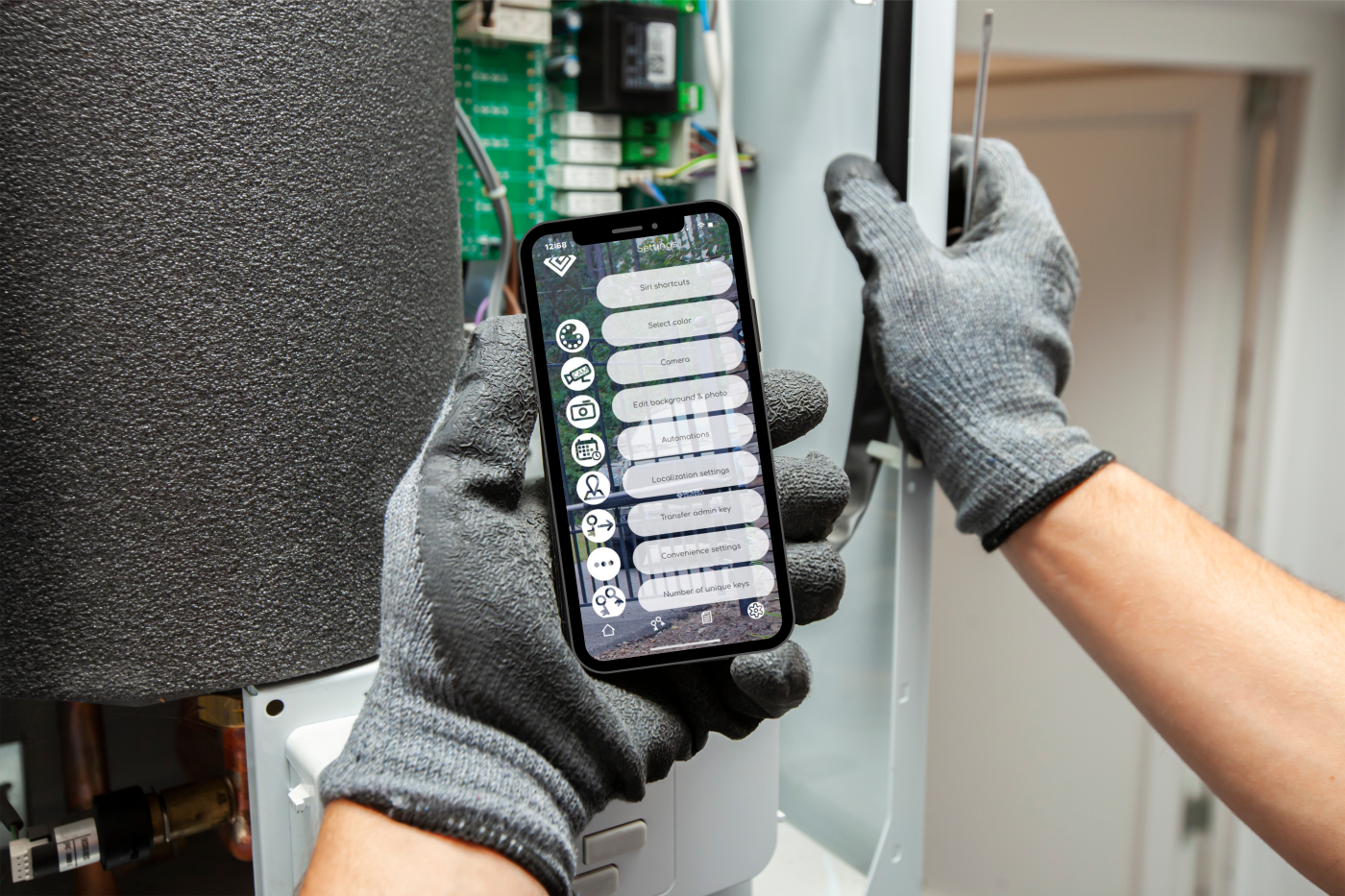
Credit: ghostcontrols.com
Credit: ghostcontrols.com
Frequently Asked Questions
Why Won’t My Ghost Controls Gate Opener Respond?
Check the battery and remote control first. Weak batteries often cause no response. Also, verify the gate is not manually locked.
How Do I Reset My Ghost Controls Gate Opener?
Unplug the opener for 10 seconds, then plug it back in. This often clears minor errors and resets the system.
What Causes The Ghost Controls Gate Opener To Stop Mid-motion?
Obstructions on the gate path or low battery power usually cause this. Clear any obstacles and charge or replace batteries to fix it.
How Can I Fix My Ghost Controls Gate Opener Remote?
Try replacing the remote’s battery. If it still doesn’t work, reprogram the remote following the manual’s steps.
Why Is My Ghost Controls Gate Opener Motor Overheating?
Continuous use or a heavy gate can make the motor hot. Allow it to cool down before using again to prevent damage.
What Should I Do If My Ghost Controls Gate Opener Won’t Close?
Check for obstacles blocking the gate path. Also, inspect the safety sensors and clean them if dirty or misaligned.
Conclusion
Ghost Controls gate openers can face common issues. Troubleshooting helps fix most problems quickly. Check power sources and remote batteries first. Clean sensors and ensure proper alignment. Reset the system if it acts strange. Regular maintenance keeps your gate opener working well.
Stay patient and follow simple steps carefully. This saves time and avoids extra costs. Keep your gate opener reliable and secure every day.