
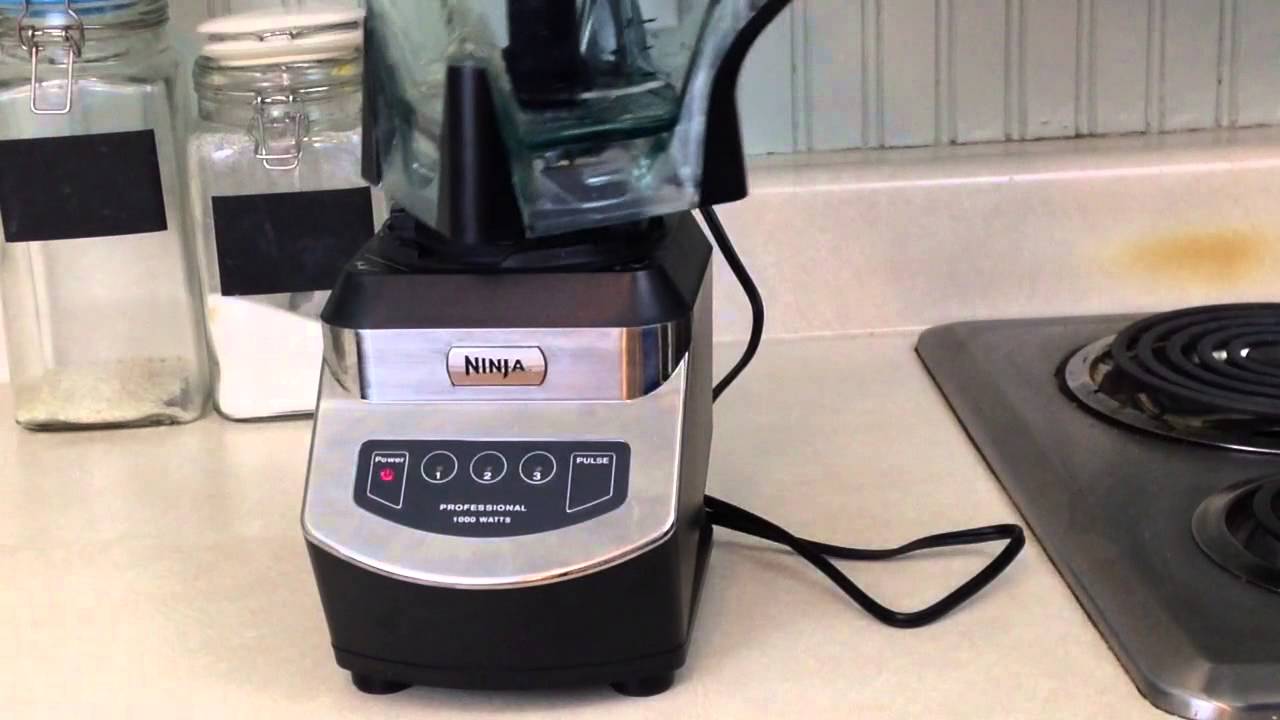
Is your Ninja blender acting up, flashing a red light, and refusing to work? It’s frustrating when your trusted kitchen helper suddenly stops doing its job.
You’re probably wondering what the flashing red light means and how to fix it fast. Don’t worry—you’re not alone, and this guide is here to help you understand why it’s happening and what you can do right now to get your blender back to blending smoothly.
Keep reading, because solving this simple issue might be easier than you think.
Credit: www.youtube.com
Causes Of Red Light Flashing
The red light flashing on a Ninja blender signals a problem. This warning helps protect the blender from damage. Understanding the common causes can help fix the issue quickly. Many reasons can cause the red light to flash. Knowing these can save time and frustration.
Overheating Issues
Overheating is a common cause of the red light flashing. The blender motor gets hot if used too long. Thick or hard ingredients can strain the motor. The red light warns you to stop and cool down. Let the blender rest before using it again.
Lid And Assembly Problems
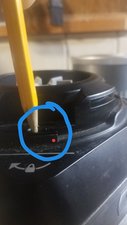
The blender won’t work if the lid is not secure. The red light flashes to show it is not assembled right. Parts must fit tightly for safety reasons. Check the lid, jar, and base for proper placement. The blender starts only when everything locks in place.
Motor Or Electrical Faults
The motor or electrical system can cause the red light to blink. A damaged motor may overheat or stop working. Wiring problems inside the blender can trigger the light. These faults need professional repair or replacement. Avoid using the blender if these issues appear.
Power Supply Concerns
The power supply can cause the red light to flash. Loose plugs or damaged cords disrupt the power flow. Sometimes the outlet may not provide enough power. Check the cord and outlet for damage or loose connections. Use a stable power source to avoid problems.
Troubleshooting Steps
The red light flashing on your Ninja blender can be frustrating. It signals a problem that needs attention. Follow these troubleshooting steps to fix it. Each step targets common issues that cause the light to flash.
Resetting The Blender
Unplug the blender from the power outlet. Wait for 5 minutes to let it reset. Plug it back in and try turning it on. This simple reset can clear minor errors.
Checking Lid And Seals
Make sure the lid is closed tightly. Check the rubber seals for damage or dirt. Clean or replace seals if needed. The blender won’t work if the lid or seals are loose.
Inspecting The Power Source
Confirm the power outlet is working by testing another device. Avoid using extension cords or power strips. Direct connection to a wall outlet is best. Check the blender’s power cord for cuts or damage.
Allowing The Motor To Cool Down
The motor can overheat if used too long. Turn off the blender and unplug it. Let it cool for 15-20 minutes before using again. Overheating causes the red light to flash as a warning.
Maintenance Tips To Prevent Issues
Maintaining your Ninja blender properly can stop many common issues. Following simple care steps keeps your blender working well. These tips help avoid the red light flashing problem and other malfunctions.
Regular Cleaning Routines
Clean the blender after every use. Remove the jar and blades carefully. Wash them with warm, soapy water. Dry all parts completely before putting them back. Clean the base with a damp cloth. Avoid water inside the motor area. Regular cleaning stops build-up and keeps the blender fresh.
Proper Usage Practices
Always place the lid securely before starting. Use the right speed for your ingredients. Avoid running the blender for too long at once. Let the motor cool down between uses. Follow the user manual instructions closely. Proper use lowers the risk of errors and damage.
Avoiding Overloading
Do not fill the jar beyond its limit. Overloading strains the motor and blades. Chop large ingredients into smaller pieces first. Blend in batches for thick mixtures. Overloading can cause the red light to flash. Keeping loads reasonable helps the blender last longer.
Storing The Blender Safely
Store your blender in a dry, cool place. Keep the cord untangled and away from heat. Remove the jar and blades before storage if possible. Cover the blender to avoid dust and dirt. Safe storage prevents damage and extends blender life.
Credit: www.reddit.com
When To Contact Support
Knowing the right time to contact support is key when your Ninja blender shows a red light flashing. Some issues need expert help to avoid damage or safety risks. This section guides you on when to reach out for assistance.
Persistent Red Light Flashing
A red light that keeps flashing after several resets signals a serious problem. It often means the blender has an internal fault or safety lock triggered. Do not keep trying to use it. Contact support for precise troubleshooting or repair advice.
Unusual Noises Or Smells
Strange sounds or burning smells from the blender are warning signs. These could indicate motor or electrical issues. Stop using the blender immediately. Reach out to support to prevent further damage or hazards.
Warranty And Repair Options
Check your warranty status before contacting support. Many Ninja blenders come with a limited warranty covering defects. Support can guide you on repair or replacement options under warranty. This helps save cost and ensures safe fixing.
Credit: www.ifixit.com
Frequently Asked Questions
Why Is My Ninja Blender Flashing A Red Light?
A red light often means the blender is overloaded or overheating. Check the jar and motor base.
How Can I Fix A Ninja Blender Red Light Issue?
Turn off and unplug the blender. Let it cool for 15-30 minutes before restarting.
Does The Red Light Mean The Blender Is Broken?
Not always. The red light usually signals a safety feature, not a permanent fault.
Can A Faulty Lid Cause The Red Light To Flash?
Yes, the blender won’t start if the lid is not locked properly.
How Do I Prevent My Ninja Blender From Flashing Red Light?
Avoid overfilling the jar and blend in short bursts to prevent overheating.
Conclusion
A flashing red light on your Ninja blender signals a problem. Check the lid and jar placement carefully. Make sure the blender is clean and not overloaded. Unplug it and plug it back to reset. These steps often fix common issues quickly.
If the light still flashes, contact customer support. Taking simple actions can save time and money. Keep your blender in good shape for smooth blending every time.