
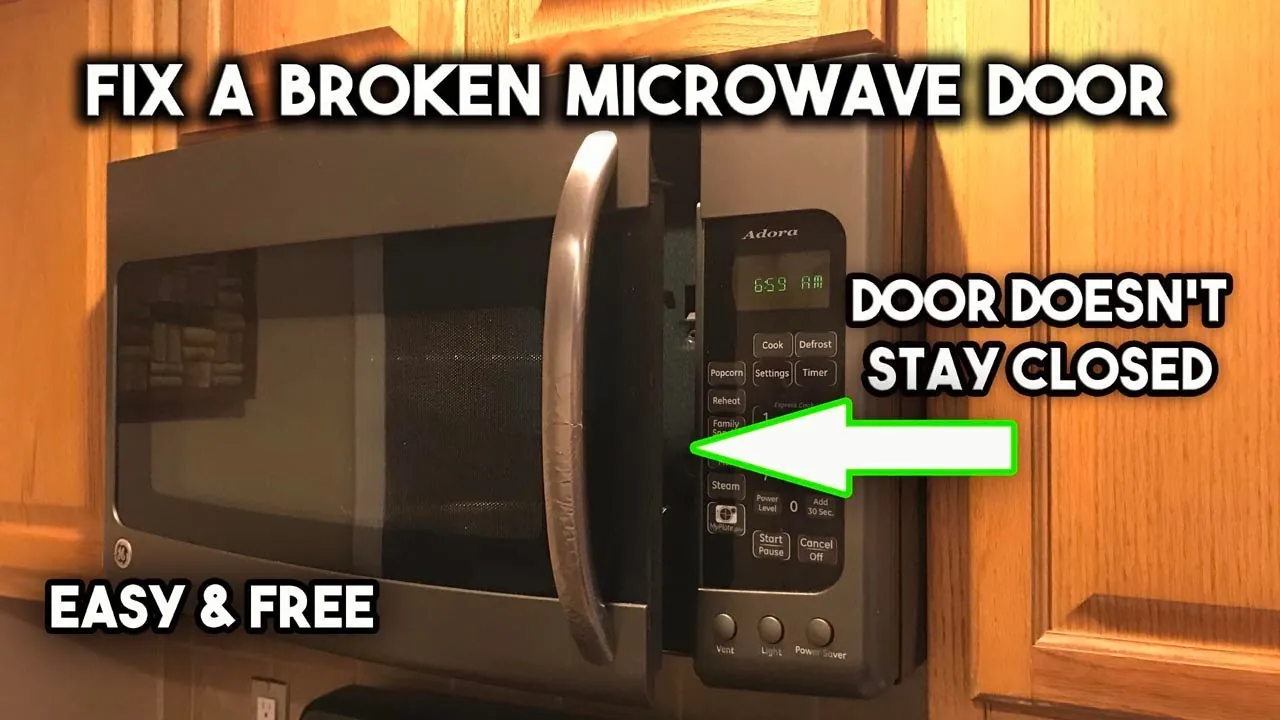
When you find your samsung microwave door not latching, the most common fix is to clear debris from the latch mechanism or tighten the mounting screws. This problem usually happens because the door hooks have become misaligned or a spring inside the door assembly has snapped. If the door doesn’t click shut, the safety interlock switches won’t be depressed, preventing the microwave from starting.
Cleaning your Samsung microwave door latching mechanism
The primary reason for this failure is the accumulation of food particles or hardened grease inside the door latch cavity. Over time, these substances build up around the plastic hooks, preventing them from seating fully into the latch holes on the front panel.
If the door feels “bouncy” or refuses to stay closed, the latch mechanism is likely blocked or obstructed by this buildup. Use a cotton swab dipped in isopropyl alcohol to clear the cavity; if the latch remains stuck, the debris has likely migrated deep into the internal spring housing.
Another frequent cause is loose mounting hardware on the door hinges. Microwave doors are heavy, and gravity can cause the door to sag over time. Even a shift of a few millimeters can prevent the hooks from aligning with the interlock switches. If the door closes but the microwave fails to operate, lift the handle slightly while closing. If it engages only when lifted, your hinges need tightening or replacement.
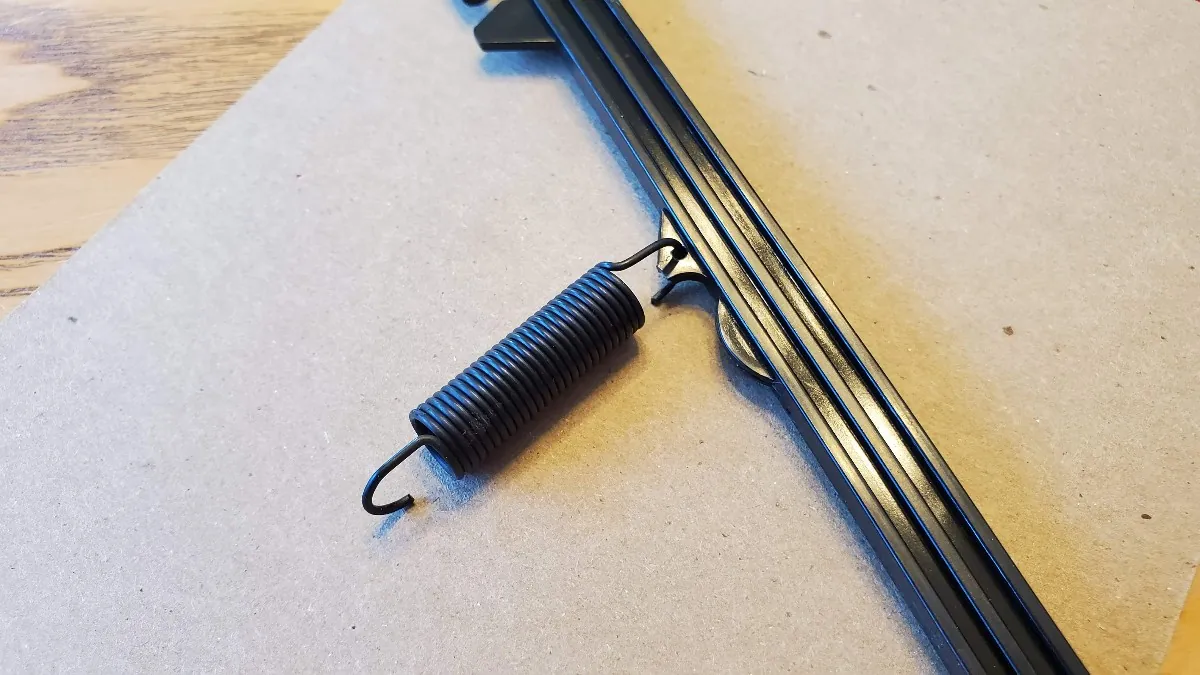
Finally, internal springs or plastic tabs within the door handle assembly can wear out or break. If you hear a loose part rattling inside the door when you pull the handle, the spring that keeps the latch hooks under tension has likely failed.
This component is essential for keeping the hooks engaged while the appliance is in use. Don’t attempt to bypass these safety switches with magnets or tape. Doing so exposes you to microwave radiation, which can cause internal tissue heating and damage to sensitive areas like the eyes.
Clean the latch mechanism
To fix a door blocked by debris, you should start by cleaning the latch area with a damp cloth and mild soap. Unplug the microwave first to ensure your safety. Use a soft toothbrush to gently scrub the latch holes on the front of the unit and the hooks on the door itself. Avoid using sharp tools like knives or screwdrivers, as these can scratch the plastic or damage the sensitive interlock switches hidden behind the panel.
Once you have removed all visible buildup, wipe the area dry with a paper towel. Ensure no water drips into the switch housing, as moisture can cause electrical shorts. Test the door by closing it firmly to hear for a crisp “click.” If the door stays shut, the issue was simply an obstruction. This fix is ideal for anyone whose microwave is otherwise functioning but just needs a bit of maintenance to engage the door sensor.
If the door still fails to latch after cleaning, check the alignment of the hinges. You can often see if the door is sagging by looking at the gap between the door and the microwave frame. If the gap is wider at the top than the bottom, the hinges need adjustment.
If you aren’t comfortable adjusting door hinges or suspect an internal spring has broken, contact a qualified technician. Attempting to force the door or bypass the interlock switches is dangerous and can expose you to high-voltage components.
Adjust the door hinges
If your microwave door is sagging, you can usually realign it by tightening or resetting the hinge screws. Open the door fully and look for the screws at the top and bottom hinges where the door connects to the main unit. Using a screwdriver that fits the head size exactly, tighten each screw until it’s snug. Don’t overtighten, as you might strip the threads in the metal frame.
After tightening, close the door slowly to see if the latch hooks now line up with the holes. If the door still sags, lift the door slightly while tightening the screws to compensate for its weight. This method works well for minor misalignments caused by daily use. If the screw holes appear stripped or the door continues to sag immediately, the hinge brackets are likely bent and require a full replacement.
Check for a gap between the door seal and the chassis. If you can see light through the seal when the door is closed, the door isn’t just sagging but also misaligned in depth. In this case, loosen the screws slightly, push the door flush against the frame, and then retighten.
Most users make the mistake of forcing the door shut when the latch misses the hole. This habit bends the latch hook itself, which can damage the safety interlock switches. If the door doesn’t click shut with gentle pressure, stop immediately. If your device is under warranty, opening the unit or modifying the hinges yourself may void your protection. Always check your specific model’s warranty terms before you start any mechanical repairs.
Replace damaged latch components
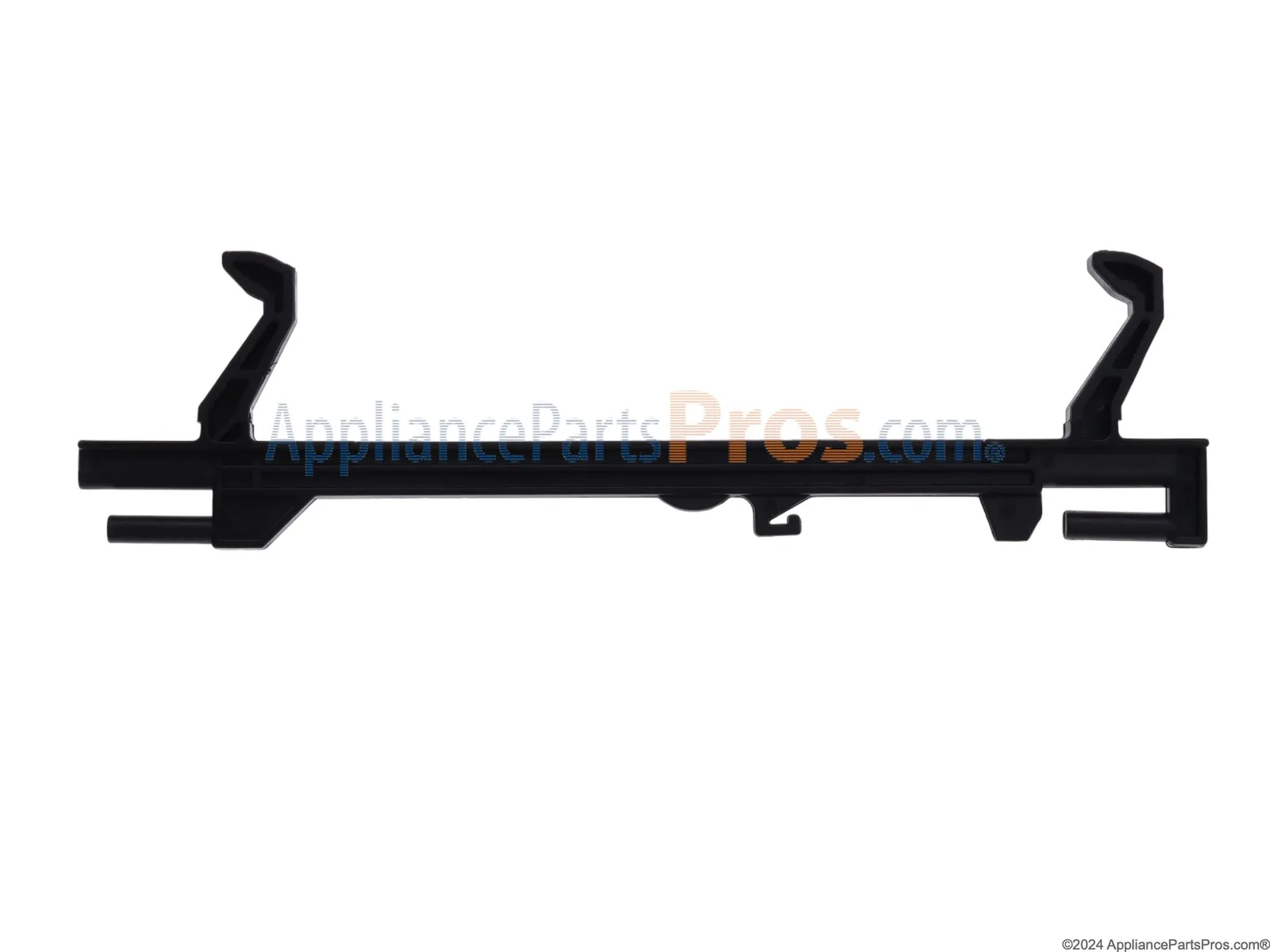
If the internal spring or latch hook is broken, you must replace the damaged part to restore the locking function. You can typically identify a broken spring if the door handle feels loose or if the latch hooks don’t snap back into place when you move them manually. This repair involves removing the interior door panel to access the latch assembly.
Because microwaves contain high-voltage capacitors that can store a lethal charge even when unplugged, you must be extremely careful. If you don’t have experience with appliance repair, stop and hire a professional. A technician will have the tools to discharge the capacitor safely before opening the housing.
If you decide to proceed, verify the model number on the interior door frame or the back panel. Never guess the part; a latch from a similar-looking model often has a different hook depth that prevents the safety interlock switches from engaging.
Replacing these components is worth the time if the microwave is otherwise in good condition and the cost of the part is much lower than a new appliance. Check the door frame for signs of warping or heat stress before ordering parts.
If the frame has a visible gap or doesn’t sit flush against the chassis when closed, a simple part replacement won’t fix the latching issue. In those cases, the cost of professional labor often exceeds the value of the microwave, making a replacement unit the more practical choice.
In that scenario, replace the entire unit to avoid recurring safety failures.
Common repair mistakes
Using excessive force to close the door often snaps the plastic latch hooks or distorts the hinges. A door that requires a slam is already misaligned; forcing it turns a minor adjustment into a broken component replacement.
Spraying liquid cleaner directly into the latch area invites disaster. Fluid seeps into sensitive electrical switches, triggering short circuits or frying the control board. Always spray your cloth first, then wipe the surface.
Never attempt to tape down or manipulate the safety interlock switches. These sensors prevent the unit from operating while the door is open. Bypassing them removes your only barrier against microwave radiation exposure.
Many owners focus exclusively on the latch when the door fails to engage. Check the hinge gap first. If the door has dropped even a sixteenth of an inch, the latch will never align. Tighten the hinge screws before buying new parts; you’ll save yourself an unnecessary repair bill.
Prevent future door issues
To keep your microwave latching properly, perform a quick check of the door alignment every few months. Wipe the latch area clean weekly to prevent food buildup.
| If you’re doing this | Do this instead | Why |
|---|---|---|
| Slamming the door shut | Closing it gently | Prevents hinge wear and hook breakage |
| Using abrasive pads to clean | Using a damp, soft cloth | Protects the plastic finish and sensors |
| Ignoring a slight sag | Tightening hinge screws | Stops the door from sagging further |
| Forcing the door closed | Checking for debris | Stops internal damage to the hooks |
Related guides
- 10 Best Golf Club Grip Repair Kits for Easy Home Replacement in 2026
- 10 Best Body Repair Upholstery Trim Tools for Interior Projects in 2026
- 10 Best Brake Repair Brake Adjusting Tools for Your Garage in 2026
Frequently Asked Questions
Why is my samsung microwave door not latching?
A Samsung microwave door not latching is usually caused by food debris blocking the latch or loose hinges. Check the latch cavity for crumbs or hardened grease first. If the door is clean but sags, the latch hooks can’t reach their holes to engage the sensors.
Is it safe to use a microwave if the door doesn’t latch?
No, it isn’t safe to use a microwave if the door doesn’t latch correctly. The latch mechanism engages safety interlock switches that stop energy production when the door is open. If these switches fail to engage, you risk exposure to microwave energy, which is a serious health hazard.
How do I know if the door hinges are the problem?
You can identify hinge issues by observing an uneven gap between the door and the microwave frame. If the door looks tilted or has significant “play” when lifted, the hinges are likely loose or bent. Tightening the hinge screws may resolve the alignment issue.
How long does a microwave door latch last?
A door latch assembly typically lasts for the 7 to 10-year lifespan of a microwave if treated with care. Frequent slamming or heavy use can cause plastic parts to wear out prematurely. If the latch feels mushy or fails to click, the spring or hooks may need replacement.
What happens if I keep using a microwave with a loose door?
Using a microwave with a loose door can cause the latch hooks to snap or the door to sag further. This eventually leads to a total failure where the door won’t stay closed. Additionally, a loose door may prevent the interlock switches from connecting, causing the unit to stop mid-cycle.
Conclusion
If these simple adjustments don’t work, it’s time to call a professional technician for help. Don’t try to bypass the safety switches yourself, as that’s dangerous. Getting a pro to inspect the internal components will ensure your appliance runs safely again, so you’ll be back to heating your meals in no time.