
Performing a successful Rollease Acmeda Remote Troubleshooting session usually involves replacing the batteries or re-pairing the transmitter to the motor. Most connection issues stem from a loss of synchronization between the hand-held unit and the motor head. If the remote shows no lights or fails to trigger the shade, the power source is the first place to look.
Why this happens
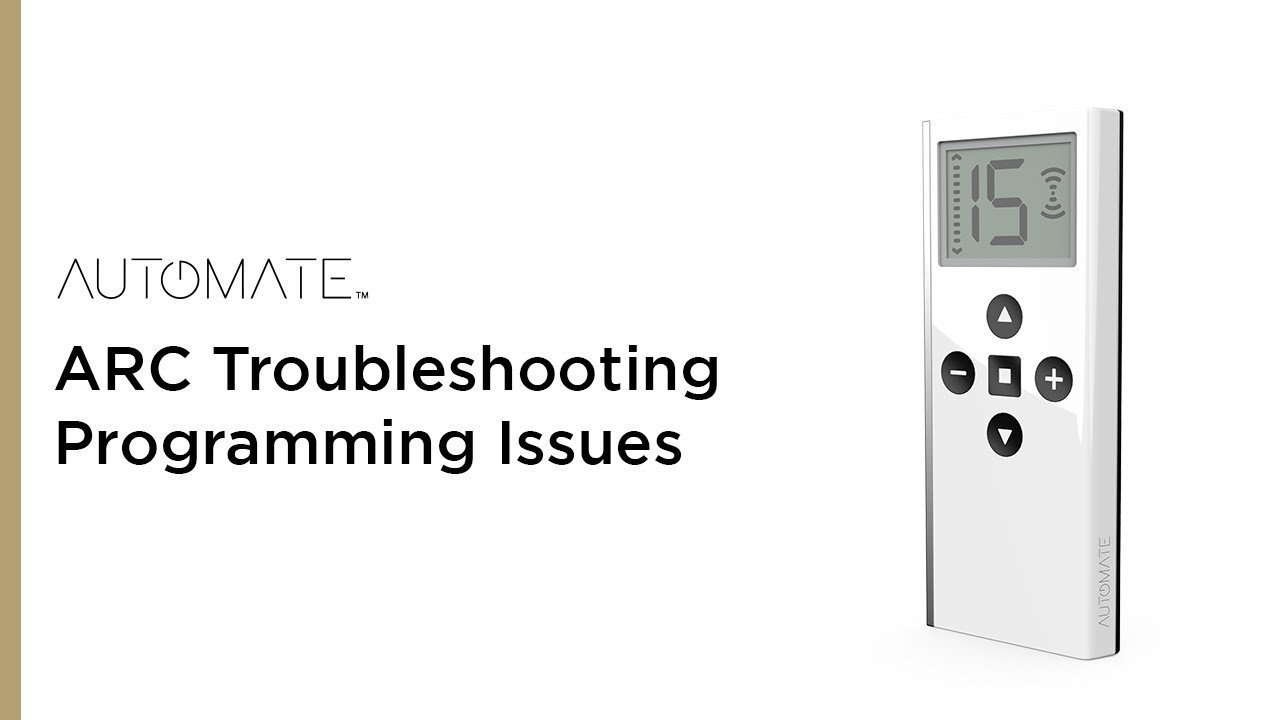
The most common reason for a remote to stop working is a simple lack of power. Lithium coin batteries, like the CR2430 or CR2032 commonly used in these devices, lose their charge over time even when not in heavy use. If the LED indicator on your remote doesn’t blink when you press a button, the battery is likely dead.
Another frequent cause is signal interference or a loss of memory. These remotes communicate via radio frequency (RF). Large metal objects, thick concrete walls, or other wireless devices operating on the same frequency can block the signal. If the remote has power but the shade doesn’t move, the motor may have lost its programmed “handshake” with the transmitter. This often happens after a power surge or a complete loss of electricity to the home.
Finally, physical damage to the internal antenna or the circuit board can occur if the remote is dropped on a hard surface. While the plastic shell might look fine, the internal components are sensitive. If you have confirmed the battery is fresh and the motor has power, but the remote remains unresponsive, the internal transmitter might be broken. This varies by model—check the label on the back of your remote to verify the exact frequency and series before you attempt to sync it with a replacement.
Confirm the power supply
If your remote is unresponsive, your first step is to verify the battery condition. A remote with a dead battery won’t send any signal, no matter how many times you press the buttons. Use a small screwdriver to open the battery compartment on the back of the device. Check the battery type—usually a CR2430—and replace it with a fresh one.
When you insert the new battery, observe the LED light on the front of the remote. It should blink when you press a button. If the light remains off, the remote itself may be faulty. If the light blinks but the shade doesn’t move, ensure the motor is receiving power. Check your home’s circuit breaker box to see if the specific circuit for your blinds has tripped. If you see a tripped breaker, reset it and try the remote again.
This fix is for users whose remotes have gone “silent” or whose shades have stopped moving entirely. If the battery is new and the breaker is on, but the shade stays still, the pairing link is likely broken. If you’re unsure about electrical safety or can’t reach the motor safely, don’t attempt to climb high ladders. Contact a certified window treatment installer who has the proper equipment to test the motor directly at the head.
Rollease Acmeda Remote Troubleshooting: Re-pairing
If the remote has power but the shade doesn’t respond, you must re-establish the link between the two. This process is called “pairing” or “programming.” The exact steps depend on whether you have a single-channel or multi-channel remote. Start by pressing the program button on the motor head until the shade jogs, which indicates the motor is in pairing mode.
Once the motor jogs, press the “P2” button on the back of your remote twice, followed by the “Up” button. The shade should jog again to confirm the new connection. If you have a multi-channel remote, ensure you have selected the correct channel before you start. If you accidentally select the wrong channel, you’ll be unable to control the shade.
This is a common point of failure. If you have multiple shades on one remote, make sure you aren’t trying to pair a single motor to all channels at once. Be aware that if you hold the motor button too long, you might accidentally factory reset the motor, which clears all existing limits. If this happens, you’ll need to reset the top and bottom travel limits of the shade according to the official motor programming instructions.
Clear signal interference
If your shade works intermittently, the issue is likely radio frequency interference. RF signals can be blocked by metal frames or disrupted by other wireless electronics. Try moving your router or other wireless devices away from the window area. If you have recently added metal furniture or large electronic appliances near the blinds, try moving them to see if the signal improves.
This fix is for those who experience “stuttering” or delayed responses from their blinds. If the shade works when you stand right next to the motor but fails from across the room, the signal is being blocked. A trade-off exists here: you can either move the furniture or accept that you must stand closer to the window to operate the blinds. If you have tried these steps and the remote still fails, the internal antenna in the remote or the motor might be failing. This is common in older units that have been exposed to extreme heat or humidity over many years. At this stage, professional replacement of the motor or remote is often the only way to restore full functionality.
What not to do
- Don’t attempt to open the motor housing or the remote’s sealed internal electronics, as this will void your warranty and may cause permanent damage.
- Don’t use generic, low-quality batteries from unknown brands, because they often lack the consistent voltage required to maintain a stable RF signal.
- Don’t hold the program button on the motor head for more than a few seconds, as this can trigger a full factory reset and erase all your saved shade positions.
- Don’t rely on “resetting” the system by repeatedly pressing buttons; if the pair is lost, the code must be re-entered through the specific sequence defined by the manufacturer.
How to stop it happening again
Regular maintenance keeps your system running smoothly and prevents unexpected failures.
| If you’re doing this | Do this instead | Why |
|---|---|---|
| Leaving batteries until they die | Prevents leaks and signal drops | |
| Placing routers near the window | Minimizes signal interference | |
| Storing the remote in the kitchen | Keep it in a dry, room-temp area | Heat and moisture damage circuits |
| Forcing buttons when stuck | Check the motor for obstructions | Prevents internal gear damage |
Frequently asked questions
Can I use any remote with my motor?
No, you must use a remote compatible with your specific Rollease Acmeda motor series. The remote and motor must share the same internal RF module to pair successfully. Always check the model number on your current remote to ensure you purchase the correct replacement.
Why do my blinds move by themselves?
Your blinds may move on their own due to signal interference from a neighbor’s remote or another wireless device. You can resolve this by clearing the motor memory and re-pairing your remote to establish a unique communication code. If the movement persists, the motor’s internal receiver may require professional inspection.
How long do the batteries usually last?
Remote batteries typically last between 12 and 24 months, depending on your daily usage frequency. Frequent operation or constant re-pairing will drain the battery toward the shorter end of this range. Replace the battery when the LED light dims or stops flashing to maintain consistent signal strength.
Is it safe to fix the motor myself?
No, you should never attempt repairs inside the motor head or electrical wiring due to the risk of electric shock. Only perform user-level tasks like changing the remote battery or following standard pairing steps. If the motor shows signs of failure, contact a licensed electrician or professional installer.
What happens if I lose the remote?
If you lose your remote, you can’t control your blinds until you purchase and pair a compatible replacement. You must identify your motor model to ensure the new remote is compatible with your system. If you can’t access the motor’s program button, you’ll need professional assistance to pair it.
Final Thoughts
If these quick fixes don’t restore movement, it’s likely time to reach out to a professional installer for a deeper inspection. They’ll help you determine if the motor itself needs a replacement. Don’t hesitate to contact the manufacturer’s support team if you’re still stuck; they’re happy to guide you through the process.