
Effective Milnor Washing Machine Troubleshooting begins with checking the door interlock, power supply, and water inlet valves. Most issues stem from simple blockages or power interruptions rather than complex failures. If the machine doesn’t start, ensure the door is fully latched and the breaker hasn’t tripped.
Milnor Washing Machine Troubleshooting: Common Causes
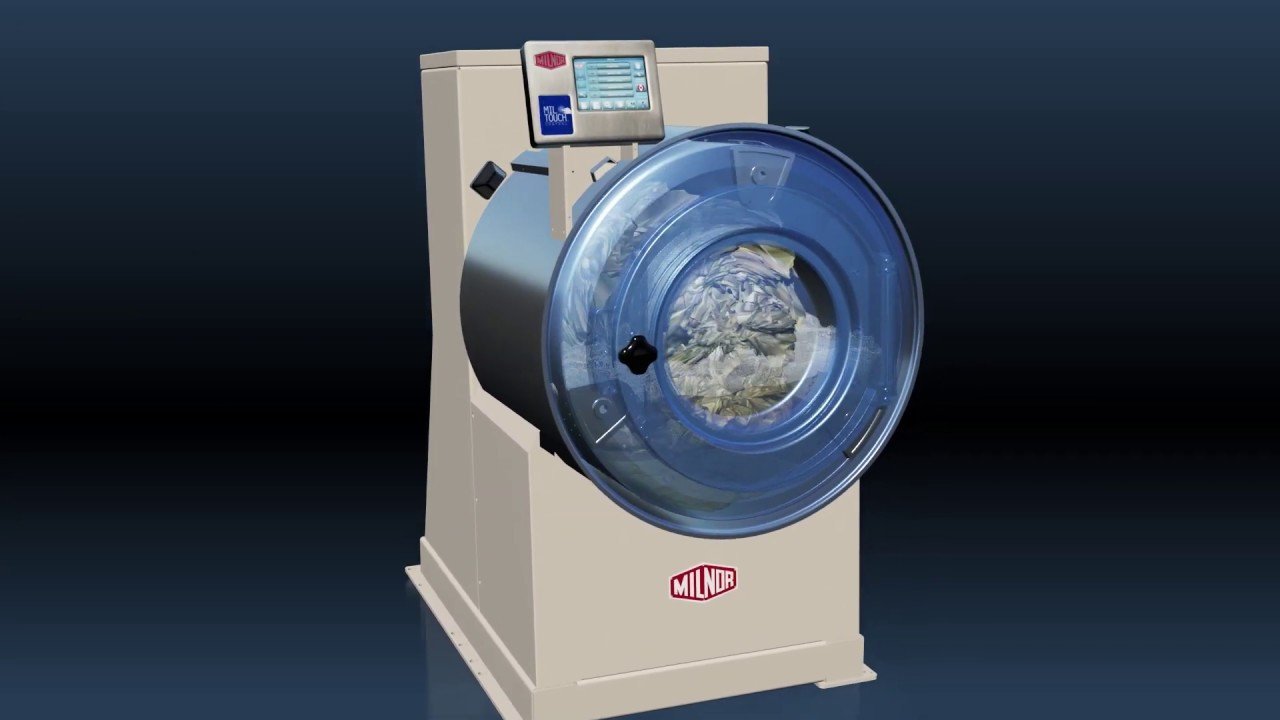
Commercial laundry equipment operates under heavy stress, and performance issues usually stem from three common areas: physical obstructions, electrical faults, or sensor errors. The most frequent cause is debris in the water inlet screens. Over time, sediment from water pipes builds up in the mesh filters, restricting flow and preventing the machine from filling within the timed cycle. This triggers a “fill time exceeded” error on the controller.
Another common reason is the accumulation of lint or foreign objects in the drain system. Even small items like coins or hairpins can bypass the drum perforations and lodge in the drain pump or the trap. This prevents the machine from sensing an empty drum, which stops the cycle from progressing to the spin stage. The controller detects that the water level remains high and pauses the operation to prevent flooding.
Electrical issues often relate to the door switch or the emergency stop button. These machines are designed with redundant safety circuits to protect users. If a door switch becomes misaligned due to vibration, the machine treats it as an open door and cuts power to the drive motor. You can verify your machine’s specific safety standards by reviewing the official Milnor technical documentation for your model. If the machine experiences a power surge or a brief voltage drop, the control board may enter a protective lockout mode. This is a deliberate design feature meant to prevent erratic motor behavior that could damage the transmission or the drive belt.
Check the door and power
This fix is for users who find their machine is completely unresponsive or shows a door error on the display. First, inspect the door latch assembly for any physical damage or loose screws. If the door closes but feels loose, it may not be triggering the contact switch behind the panel. Don’t force the handle, as the locking mechanism is precise and made of heavy-duty steel.
Check the emergency stop button to ensure it hasn’t been bumped or partially engaged. In some models, if the button is slightly depressed, the machine will power the display but refuse to start the motor. Pull the button firmly to ensure it’s in the “out” position. Next, visit your main electrical panel. If a breaker has tripped, don’t simply reset it immediately. Look for signs of heat or burning smells near the breaker. If the breaker trips again the moment you start a cycle, there’s likely a short circuit in the wiring or the motor. This is the point where you must stop. Don’t open the machine’s electrical housing to inspect wires, as these systems carry high voltage that can be lethal even when the unit is unplugged. Call a licensed commercial electrician or a factory-trained technician to handle internal electrical diagnostics. If the machine operates correctly after a simple reset, the issue was likely a one-time power fluctuation.
Clear the drain and filters
This fix is for machines that fill with water but fail to drain or advance to the spin cycle. Start by turning off the water supply and disconnecting the power at the main breaker. Locate the drain valve at the bottom of the machine. Without opening the motor housing, you can check the external drain hose for kinks or blockages. If you see water standing in the drum, it’s a sign that the drainage path is restricted.
If you suspect a blockage, check the lint trap or the external drain filter if your installation has one. Many commercial setups include a secondary catch basin or screen before the water enters the building’s main sewer line. Clearing this screen often restores normal drainage immediately. If the machine continues to show a drain error, the problem likely lies within the internal pump or the internal drain valve. These components are sealed and require specialized tools to access. If you have confirmed that the external pipes are clear and the unit still refuses to drain, you have reached the limit of do-it-yourself repair. Don’t attempt to dismantle the pump or the valve assembly yourself. A professional technician will have the proper equipment to test the pump motor and verify if the drain valve solenoid is receiving power. This fix isn’t for those who lack access to the drain plumbing or those who are uncomfortable working around standing water.
Reset the controller settings

This fix is for when the machine turns on but displays “fault” codes or refuses to run a specific program. Sometimes the control board just needs a hard reset to clear a temporary glitch. To do this, turn off the machine using the main power switch and wait for at least one minute to allow the control board to reset. After waiting, turn the power back on and attempt to select a simple, short cycle.
If the error persists, check the program settings for any accidental changes. It’s common for users to inadvertently change the water temperature or the spin speed, which can cause the machine to stall if it can’t meet the required parameters. Compare your current settings against the manual provided for your specific model. If the machine still shows an error code, write down the code exactly as it appears. This code is your most valuable piece of information for a technician. Don’t try to “guess” a fix by changing hidden service parameters, as this can permanently lock the controller or void your warranty. If the error code remains after a power cycle, this indicates a failure in the onboard computer or a sensor that’s out of calibration. This isn’t a task for a standard user; you’ll need to contact a service representative who has the proprietary software or diagnostic tools to interface with the Milnor control system. Using these tools is a job for someone with specific training on the brand’s control architecture.
What not to do
- Never bypass the door interlock switch. Doing this removes a critical safety feature and can lead to severe injury if the drum begins spinning while the door is open.
- Don’t use a screwdriver to force the door latch. These latches are precision components; forcing them will break the internal spring mechanism, which is expensive to replace.
- Avoid using chemical drain cleaners in the machine. These chemicals are often too harsh for the internal rubber gaskets and seals, which can lead to leaks that damage the floor and the motor.
- Never ignore an error code by repeatedly power-cycling the unit. If the machine keeps showing the same code, the underlying component is failing, and ignoring it will eventually cause a total system breakdown.
- Don’t attempt to tighten internal drive belts or chains. These require precise tensioning; if they’re too tight or too loose, they will cause premature wear on the motor bearings and the transmission.
How to stop it happening again
Regular maintenance is the most effective way to prevent downtime. Following a schedule keeps the machine running efficiently and extends the life of internal parts.
| If you’re doing this | Do this instead | Why |
|---|---|---|
| Ignoring small leaks | Fix leaking hoses immediately | Small leaks cause internal rust |
| Overloading the drum | Follow weight capacity limits | Overloading strains the motor |
| Using standard detergents | Use low-sudsing commercial soap | Too much foam triggers sensors |
Frequently asked questions
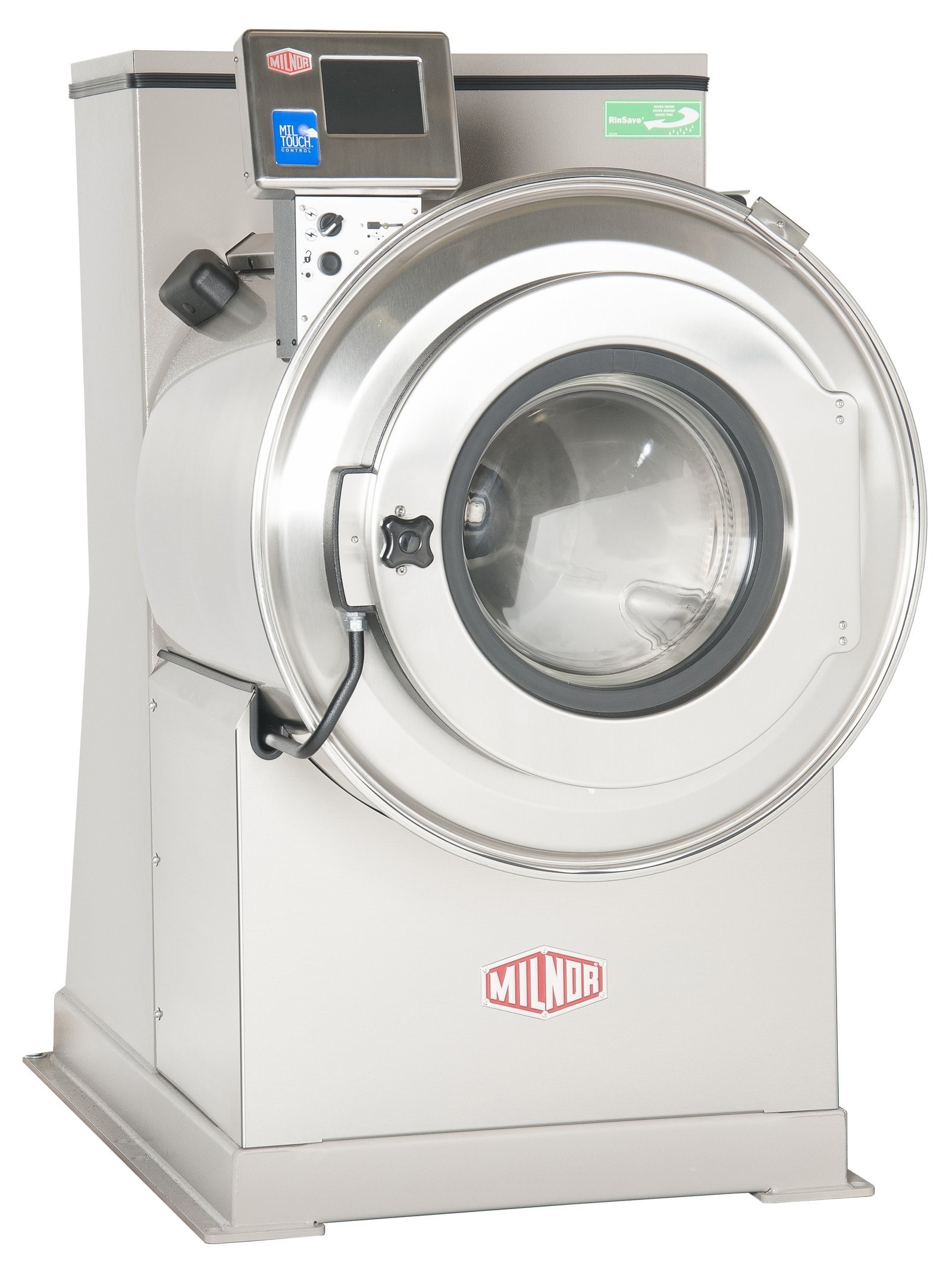
Can I fix a Milnor washing machine error code myself?
You can fix error codes caused by external issues like blocked drains or unlatched doors. These problems are often resolved by clearing obstructions or resetting the power. However, internal failures involving sensors, motors, or control boards require a professional technician to avoid safety risks and warranty voiding.
Why is my Milnor washing machine not spinning?
The machine likely won’t spin because it hasn’t reached the necessary drain level or the door sensor isn’t engaged. Check that the drain hose is clear and the door is firmly latched. If these steps fail, the issue may be a worn belt or motor capacitor, requiring professional repair.
How long should a Milnor washing machine last?
A Milnor washing machine can last over twenty years if maintained according to the manufacturer’s schedule. These units are built with high-grade steel and industrial components for heavy-duty use. Your specific lifespan depends on daily volume, water quality, and adherence to recommended maintenance intervals.
Is it safe to use water pressure to clear a drain block?
No, you should never use high-pressure water to clear internal blockages. This can force water into electrical components, causing permanent damage and electrocution hazards. Only clear external blockages like the drain hose or lint trap; if the obstruction remains, contact a professional technician.
What happens if I overload the drum?
Overloading the drum triggers vibration sensors that prevent the spin cycle from starting. Excessive weight strains bearings, belts, and motors, leading to premature mechanical failure. Always check your model’s specific load capacity to avoid these costly repairs and ensure the machine operates safely.
Final Thoughts
If these basic checks don’t resolve the problem, don’t hesitate to contact a certified technician for help. They’ll have the right tools to handle more technical repairs safely. Keeping your machine in good shape today will ensure it’s ready to handle your laundry loads whenever you’ve got work to do.