
Effective Samsung Clothes Washer Troubleshooting begins with checking the water supply, door seal, and drain filter. If your machine fails to start, drains slowly, or shows an error code, the most common cause is a clogged pump filter or a kinked inlet hose. Before calling for service, ensure the unit is level and the power cord is secure. If you smell burning or notice leaks, stop using the machine immediately, as these symptoms indicate a mechanical fault.
Samsung Clothes Washer Troubleshooting
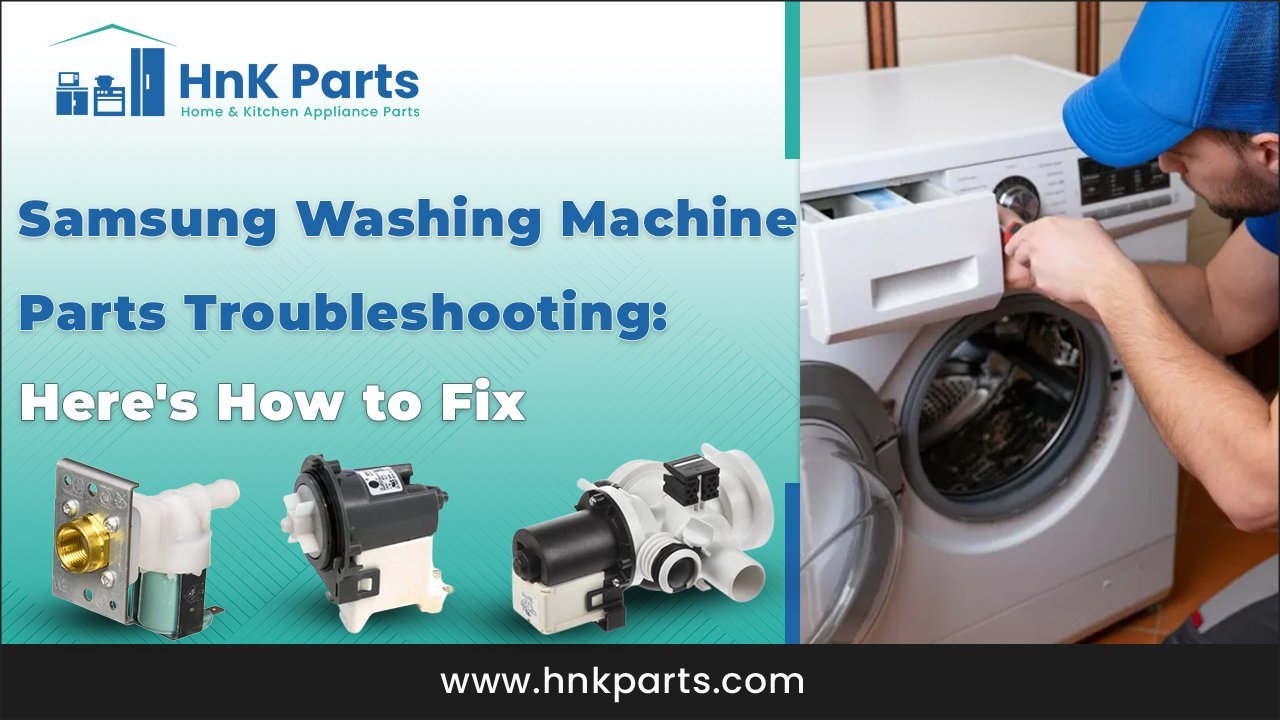
The primary reason these appliances stop working is the accumulation of foreign objects in the drain pump filter. Over time, items like coins, hair pins, or loose fabric fibers bypass the drum and settle in the pump housing. When the filter becomes blocked, the machine can’t evacuate water, which triggers a drainage error code and stops the cycle mid-way.
Another frequent cause involves the water inlet valves. If your water pressure is low or the mesh screens inside the hoses are clogged with mineral deposits, the machine will time out while trying to fill. This is especially common in areas with hard water. If the washer detects that it can’t reach the target water level within the programmed time, it will pause and display an error message.
Finally, user error regarding load balance is a major factor. Samsung washers use sensitive sensors to detect the weight distribution of the clothes. If you wash a single heavy item, like a rug or a large towel, the drum may become unbalanced. The machine will then refuse to enter the high-speed spin cycle to protect the motor and suspension system from excessive vibration. This isn’t a failure of the machine but a safety feature designed to prevent structural damage. If you notice the drum shaking violently, the load is likely too small or poorly distributed. Always ensure you mix large and small items to maintain a balanced center of gravity during the wash.
Clean the drain filter
If your washer is stuck on a drain error, the drain filter is the first place you should look. This filter is located behind a small access door at the bottom front of the machine. Before you open this door, place a shallow tray and a towel on the floor to catch the residual water that will pour out once the plug is removed.
To clean it, turn the filter cap counter-clockwise slowly. If it feels stuck, don’t force it, as you could crack the plastic housing. Once the water stops flowing, pull the filter out completely and rinse it under a hot tap to remove lint, soap scum, and debris. Check the inside of the pump cavity for any trapped objects that might block the impeller. Once the area is clear, push the filter back in and turn it clockwise until it’s tight.
If you don’t tighten this cap properly, the machine will leak during the next cycle. After cleaning, run a short “Rinse and Spin” cycle without clothes to verify that the leak is gone and the pump is moving water efficiently. This fix is for those who are comfortable working on the floor and handling minor water spills. If you find the filter housing itself is cracked or the pump motor is making a loud grinding noise, you must contact a professional. Official Samsung support troubleshooting provides specific guidance on error codes that indicate when a component has failed and requires a technician’s inspection.
Adjust the machine leveling
If your washer moves across the floor or makes a loud banging noise during the spin cycle, it’s likely not level. A machine that isn’t perfectly flat on the floor will vibrate excessively, which can eventually damage the internal suspension springs or the shock absorbers.
To check this, place a bubble level on the top of the machine. If the bubble isn’t centered, you need to adjust the leveling legs at the bottom. Use a wrench to loosen the locking nut on each leg. Once loosened, turn the leg clockwise to lower that corner or counter-clockwise to raise it. You want the washer to be firm against the floor so that it doesn’t rock when you push on opposite corners.
After you have adjusted the legs, tighten the locking nuts back up against the frame to hold the setting. If the nuts are loose, the vibration of the machine will cause the legs to rotate over time, and you’ll be back to square one. This fix is ideal if you have recently moved the machine or installed it on a new floor surface. If you adjust all four legs and the machine still rocks, check your floor. If the floor is uneven or soft, like a thin plywood subfloor, you may need to place a piece of 3/4-inch plywood under the machine to provide a stable base.
Reset the control board
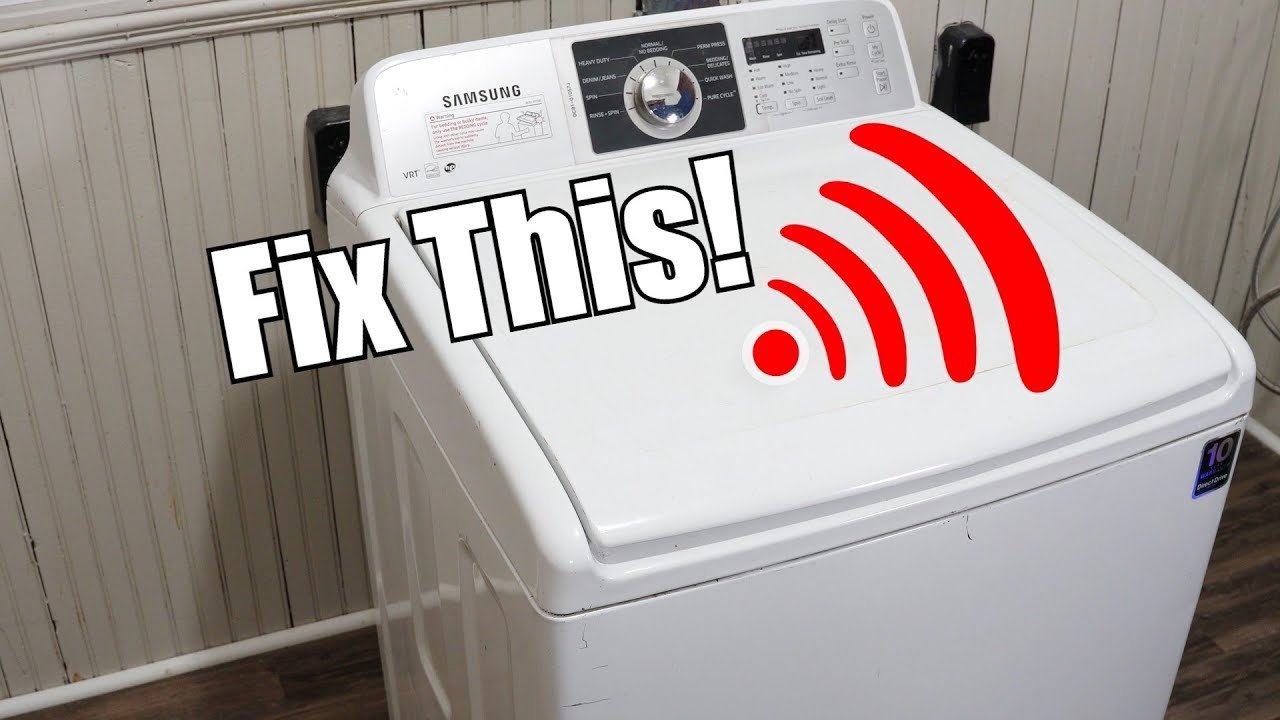
Sometimes the electronic brain of the washer simply gets stuck in a loop. A hard reset can clear temporary software errors that cause the machine to freeze or display phantom error codes. This is the “turn it off and on again” approach applied to major appliances.
To perform this, unplug the washer from the wall outlet completely. If the outlet is difficult to reach, use the circuit breaker to cut power to the laundry room. Wait at least 10 minutes before restoring power. This time is necessary for the capacitors on the control board to discharge their stored energy. While you wait, check the door seal for any debris that might be preventing the door from locking properly. If the door doesn’t latch, the washer won’t start, as it’s a safety hazard to run a machine with an open door.
After 10 minutes, plug the machine back in or flip the breaker. Select a simple cycle, like a cold wash, and press start. If the machine begins to fill and run, the issue was likely a minor software glitch. If the machine immediately returns to an error state or doesn’t power up at all, there may be a fault in the main control board or the wiring harness. This is a limit for a home user; if a power cycle doesn’t solve the problem, don’t attempt to open the control panel. Replacing control boards or testing live circuits requires specialized training and carries a risk of electrical shock. At this point, call an authorized service technician.
What not to do
- Don’t use standard dish soap if you run out of laundry detergent, as the excessive suds will overflow the machine and can ruin the internal sensors.
- Don’t try to force the door open while the machine is running or if it’s full of water, because the safety interlock is designed to hold it shut until it’s safe.
- Don’t attempt to bypass the door switch or any other safety sensor with tape or tools, as this removes the safety protection for you and your family.
- Don’t use harsh chemical drain cleaners in the washer pump or hoses, as these chemicals can melt plastic components and void your manufacturer warranty.
How to stop it happening again
Regular maintenance is the most effective way to prevent future issues. Most problems arise from neglecting the small, routine tasks that keep the machine running smoothly.
| If you’re doing this | Do this instead | Why |
|---|---|---|
| Leaving wet clothes inside | Remove them immediately | Prevents mold and mildew growth |
| Using too much detergent | Follow the dosage label | Excess soap leaves residue on sensors |
| Washing items with coins | Check all pockets first | Prevents pump and filter damage |
| Slamming the washer door | Close it gently | Protects the door latch and sensor |
| Ignoring cleaning cycles | Run a “Self Clean” monthly | Flushes out hidden soap and lint |
Frequently asked questions
Can I wash a rug in my Samsung washer?
Yes, you can wash a rug if it’s machine-washable, but you must ensure it isn’t too heavy for the drum. Check the rug’s care label first. If the rug is rubber-backed, it may trap water and cause an imbalance error. If you choose to wash it, use the “Delicate” cycle and ensure the total weight doesn’t exceed the capacity limit listed in your manual.
Why is my washer display showing an error code?
An error code appears because the machine’s sensors have detected a problem that prevents a safe or efficient cycle. Common codes often relate to water supply, drainage issues, or door lock failures. Look up the specific code in your owner’s manual to identify which component is triggered.
How long should a Samsung washer last?
A washer typically lasts for many years with proper care and maintenance. This lifespan varies by model and how often you use the machine. Machines used in large households daily will wear out faster than those used occasionally. Regular cleaning and balancing extend this life.
Is it safe to leave the washer door open?
Yes, it’s recommended to leave the door slightly ajar after every wash. This allows the drum and the rubber door seal to dry out completely. If the interior stays wet, mold and mildew will grow, which causes unpleasant odors and can degrade the rubber seal over time.
What happens if I ignore a leak?
A small leak can lead to significant water damage to your flooring and subfloor. Even a slow drip can cause rot or mold growth underneath the machine where you can’t see it. If you notice water, find the source immediately and stop using the machine until it’s repaired.
Can I fix a broken door lock myself?
No, you shouldn’t attempt to replace or repair the door lock mechanism yourself. The door lock is a critical safety component that involves electrical wiring and specific spring-loaded parts. If the door doesn’t lock or unlock correctly, contact a professional service technician to ensure it’s replaced safely.
Final Thoughts
If these simple checks don’t resolve the issue, it’s best to contact a certified technician for a professional inspection. Don’t wait too long if the problem persists, as catching a small fault early can save you from expensive repairs later. You’ll be back to washing your laundry in no time.
Related guides
- Milnor Washing Machine Troubleshooting: Fix Common Error Codes
- Pentair Intelliflo Vsf Troubleshooting: Fix Common Pump Errors
- Pentair Mastertemp 400 Troubleshooting: Fix Common Heater Errors