
You can fix your ceiling fan by replacing the batteries or resetting the dip switches during Monte Carlo Fan Remote Troubleshooting. Most issues start with dead batteries or a signal conflict between the remote and the receiver. If you have checked these two areas and the fan still doesn’t respond, the problem is likely an internal hardware failure.
Monte Carlo Fan Remote Troubleshooting
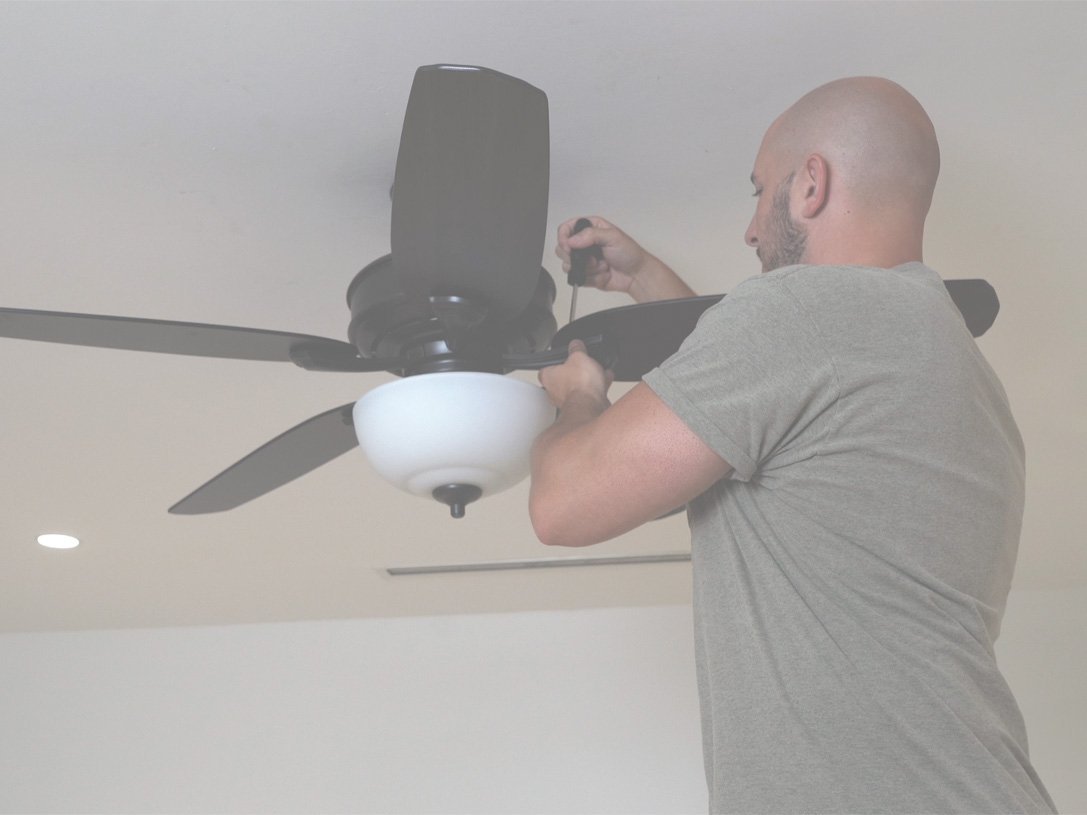
The primary reason for a fan failing to respond is a loss of synchronization. The remote transmitter sends a radio frequency signal to a receiver box hidden in the fan canopy. If the dip switches—the small physical toggles found inside the battery compartment and on the receiver—don’t match, the fan will ignore every command.
Another cause is signal interference. Other electronics in your home, such as wireless routers or garage door openers, sometimes operate on similar frequencies. When these signals overlap, the remote command can’t reach the receiver clearly. This is common in newer smart homes where many devices compete for wireless space.
Finally, hardware degradation is a real factor. The receiver inside the fan canopy is exposed to heat and vibration for years. Over time, the internal components can fail. If the fan has power but won’t turn on via the remote, the receiver has likely reached the end of its functional life. If you suspect the receiver is damaged, you must consult a licensed electrician or the manufacturer for a replacement part, as opening the canopy involves working with live electrical wiring.
Check the battery power
This fix is for users whose remote shows no light or acts inconsistently when buttons are pressed. Always start by replacing the batteries with brand-new alkaline cells. Don’t mix old and new batteries, as this causes voltage drops that prevent the transmitter from sending a strong enough signal to the canopy.
If the remote has an LED indicator light, press a button and watch it. If the light doesn’t flicker, the remote isn’t sending a signal. If the light flashes but the fan doesn’t move, the issue isn’t the battery; it’s the link between the two devices.
If you’re using rechargeable batteries, be aware that their lower voltage may not trigger the remote’s sensor correctly. For the best results, use standard high-quality alkaline batteries. If the fan still doesn’t respond after you install fresh batteries, the remote transmitter itself may be faulty. This is a common trade-off with older remotes; they simply wear out after several years of use. If you have another compatible remote, try testing it to see if the fan responds. If it does, you know your original remote is broken and needs replacement.
Match the dip switch settings
This fix is for fans that have power but simply refuse to pair with the remote. Dip switches are tiny, numbered toggles that act as a security code. If the code on your remote doesn’t match the code on the fan’s receiver, the fan won’t respond to your inputs.
Locate the switches inside the battery compartment of your remote. They’re usually a row of four or five small sliders. You must ensure these match the settings inside the fan’s receiver.
If you change the code, you must cycle the power to the fan. Turn off the wall switch or the circuit breaker for at least thirty seconds. When you turn the power back on, the receiver will look for the new signal. If the fan responds after this, the issue was a code mismatch. If it does not, you have confirmed that the communication path is broken. This isn’t for those who are uncomfortable working near ceiling-mounted hardware. If the receiver is inaccessible or the wiring looks damaged, don’t attempt to move it. Contact a professional to inspect the canopy connections.
Reset the receiver pairing
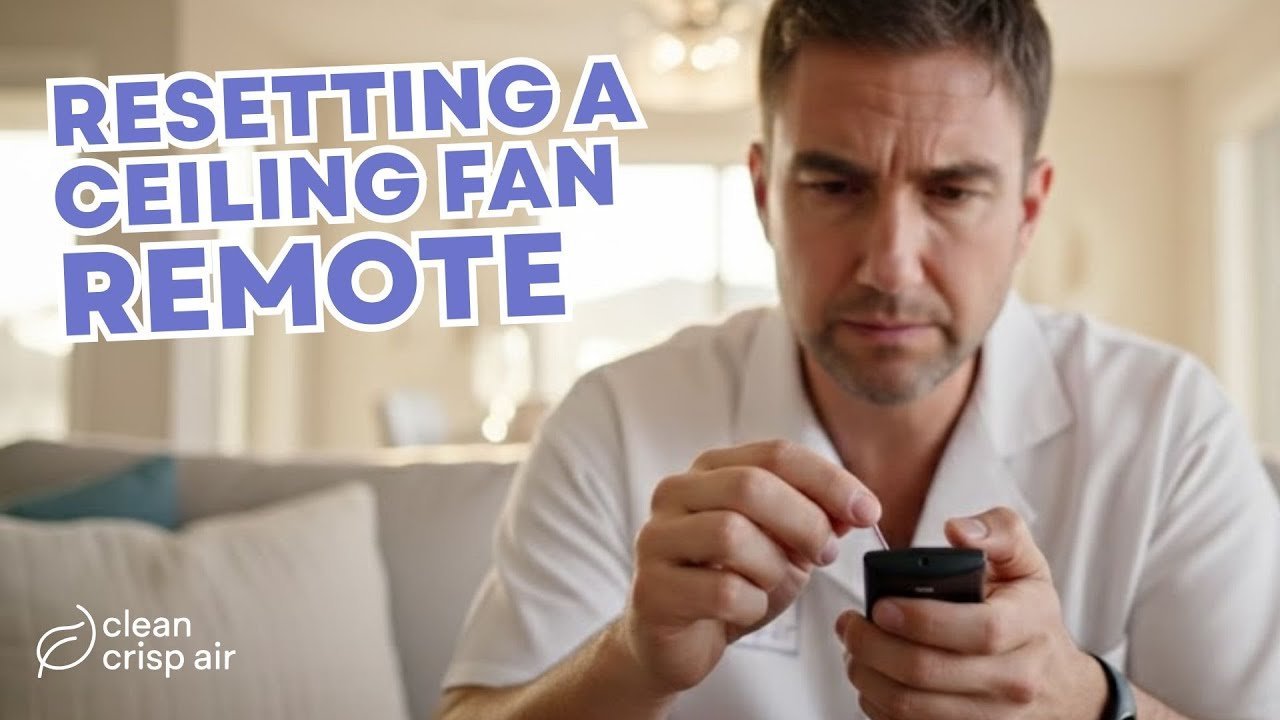
This fix is for modern fans that use a digital pairing process instead of physical dip switches. Sometimes the electronic “handshake” between the remote and the receiver gets corrupted.
To perform a hard reset, turn off the power to the fan at the wall switch or circuit breaker. Wait one full minute to allow the capacitors inside the receiver to drain completely. Turn the power back on. Within the first thirty seconds of power-up, press and hold the “Learn” or “Pair” button on the remote. This button is often hidden inside the battery cover or located on the back of the remote.
Hold the button until the fan light flashes or the fan moves slightly. This confirms that the receiver has recognized the remote’s unique signal. If the fan doesn’t move, try the process one more time. If it still fails, the receiver has likely suffered a permanent failure. This is the point where you must stop and consider the age of the unit. If the fan is an older unit, internal parts are often no longer in production, and replacing the entire fan is often more cost-effective than attempting to source obscure electronic components.
What not to do
- Don’t attempt to bypass the wall switch by wiring the fan directly to the house current, as this creates a fire hazard and voids your safety certifications.
- Don’t use a screwdriver to force open the plastic receiver housing in the canopy, as the thin plastic clips break easily and you risk damaging the internal circuit board.
- Don’t spray liquid cleaners or contact sprays into the remote buttons, as the liquid will cause the internal membrane to stick and permanently ruin the electrical contacts.
- Don’t try to “jump” the wires inside the canopy to force the fan on, as you can’t verify the voltage requirements and risk a severe electrical shock.
How to stop it happening again
Keep your remote in a dedicated wall-mounted cradle to prevent it from falling, which is the most frequent cause of internal damage to the transmitter board.
| If you’re doing this | Do this instead | Why |
|---|---|---|
| Leaving batteries in for years | Prevents battery acid leaks | |
| Using the fan with one remote | Keep a spare paired remote | Reduces downtime during failures |
| Placing remote near routers | Prevents wireless signal noise | |
| Ignoring a flickering fan light | Tighten the canopy screws | Stops vibration from loosening wires |
Frequently asked questions
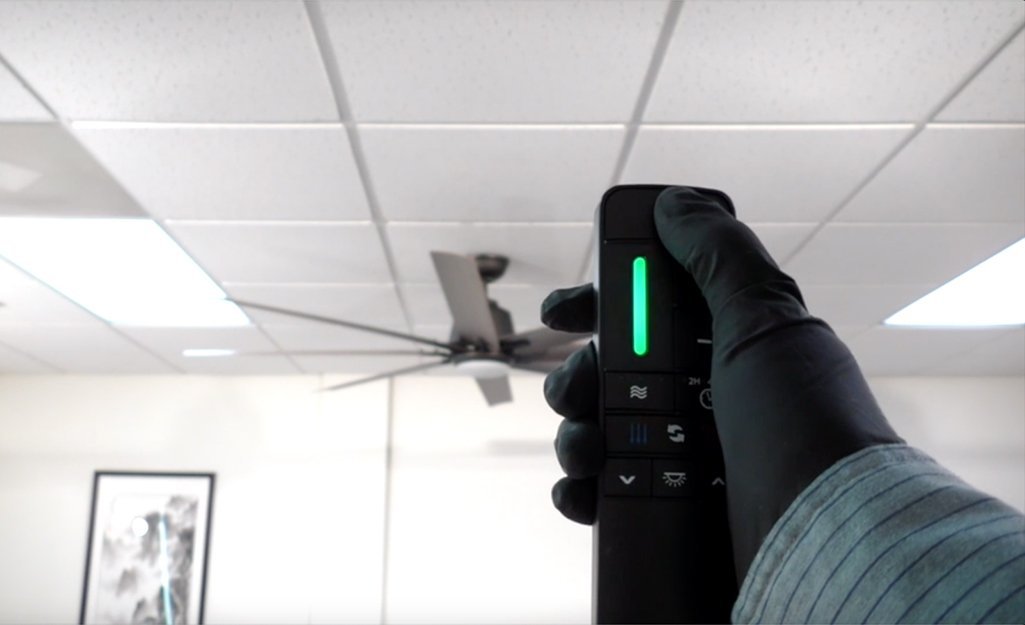
Can I use a universal remote for my fan?
Yes, you can use a universal remote if it’s compatible with the specific frequency used by your fan’s receiver. Most universal remotes require you to set the dip switches to match your existing receiver or follow a specific pairing code provided in the remote’s manual. Always check the packaging to confirm the remote supports your specific fan brand and model before you buy it.
Why does my fan light turn on but the blades don’t spin?
This usually means the receiver is sending power to the light kit but failing to signal the motor. It’s often a sign of a failed motor relay inside the receiver unit. If the fan doesn’t hum or attempt to move, the receiver is likely unable to send the motor command, and you’ll need to replace the canopy receiver module.
How long do these remote receivers usually last?
They typically last for several years as they age, though this varies by model—check the label on your fan for specific environmental ratings. High-heat environments, such as enclosed sunrooms, can shorten the lifespan of the internal electronics. If your fan operates in a very hot room, expect the receiver to fail faster than one in a climate-controlled bedroom.
Is it safe to open the fan canopy myself?
No, it isn’t safe for anyone who isn’t trained in electrical work to open the canopy. The canopy contains high-voltage wire connections that can cause serious injury if touched. If you have verified the batteries and the pairing process and the fan still doesn’t work, you must call a professional electrician to handle the internal components.
What happens if I lose the original remote?
If you lose the remote, you can often order a replacement from the manufacturer if you have the model number of the fan. If the model is discontinued, you may need to replace the entire receiver and remote kit as a set. This requires taking the fan down or accessing the canopy, so hire a professional if you aren’t experienced with ceiling installations.
Final Thoughts
If these adjustments don’t get your fan spinning again, it’s time to contact the manufacturer’s support team for a warranty claim. They’ll help you determine if a part needs replacing or if you’re eligible for a new unit. Don’t hesitate to reach out if you’re still feeling stuck after trying these fixes.