
You can resolve most common performance issues by performing Maytag Washer Bravos Xl Troubleshooting, which usually involves clearing error codes, balancing the load, or cleaning the pump filter. If your machine stops mid-cycle, the most frequent cause is an unbalanced load that triggers the internal sensor, or a clogged drain line that prevents the water from exiting.
Maytag Washer Bravos XL Troubleshooting
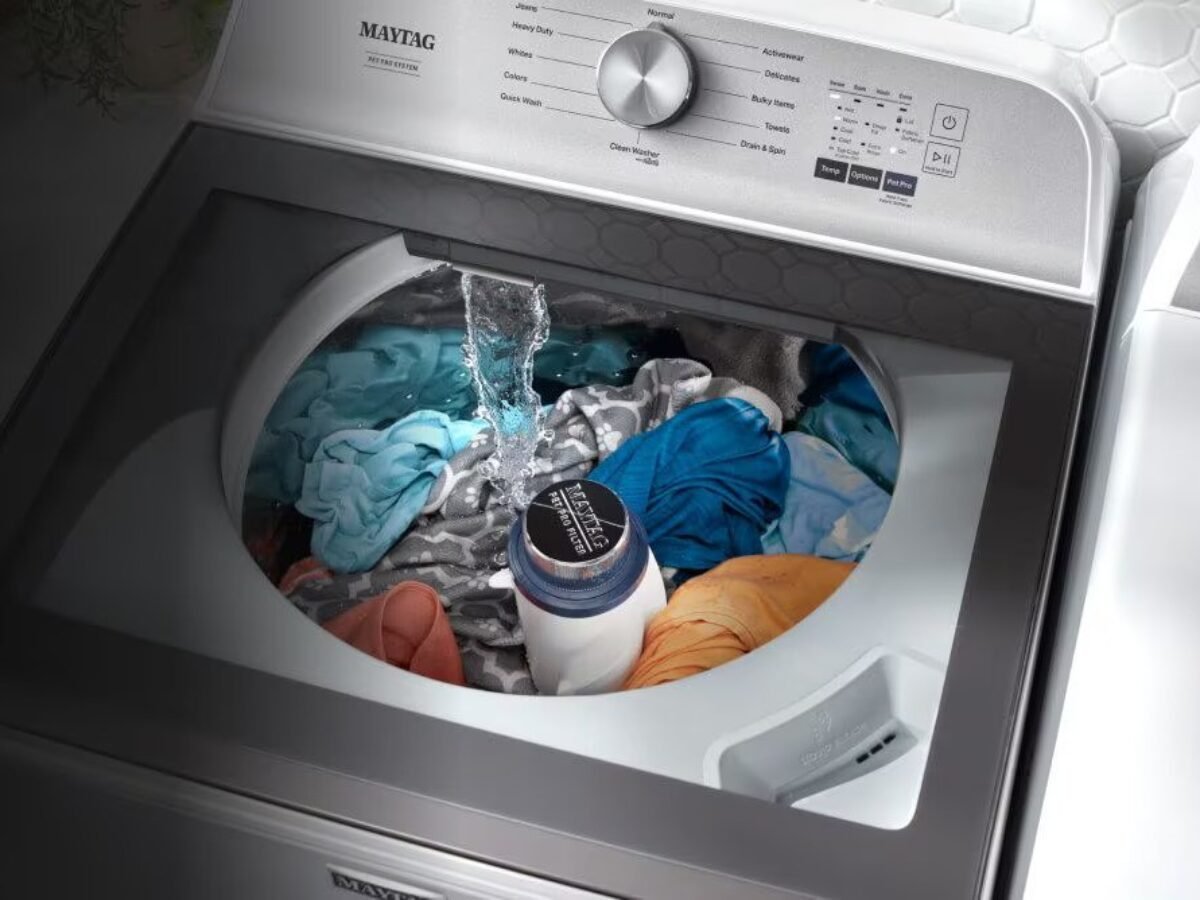
The machine uses a series of sensors to monitor weight, vibration, and water levels. When you experience a failure, it’s rarely due to a broken motor. Instead, it’s usually a safety lock triggered by the onboard computer to prevent damage.
The most common cause is an uneven distribution of clothes. If you wash a heavy item like a rug or a thick blanket, the wet weight shifts during the spin cycle. This causes the drum to bang against the sides of the cabinet. The machine senses this excessive vibration and pauses the cycle to protect the suspension system.
Another frequent cause is debris in the drainage system. Coins, buttons, or small socks can slip past the wash plate and end up in the drain pump filter. When this happens, the water can’t leave the tub within the time limit set by the control board. The computer detects this delay and stops the cycle to prevent flooding your laundry room.
Finally, the lid lock mechanism is a common point of failure. The machine won’t start if the lid sensor doesn’t detect that the door is firmly closed. If the latch is dirty or slightly misaligned, the computer assumes the lid is open and refuses to engage the wash cycle. Always ensure the latch area is free of lint and detergent buildup.
Check the load balance
This fix is for users whose washer vibrates, makes a loud thumping noise, or stops during the spin phase. If the machine is unbalanced, the internal sensor will prevent it from reaching high speeds.
To fix this, pause the cycle and wait for the lid to unlock. Open the door and manually redistribute the clothing. If you have one heavy item, add a few smaller items to help balance the weight. If you’re washing a single bulky item, the machine may struggle regardless of how well you pack it. This is a trade-off of high-efficiency top-load washers; they require a balanced load to function properly.
If the machine still vibrates after you fix the load, check the leveling legs at the bottom. Use a bubble level on top of the washer. If the bubble isn’t centered, rotate the feet until the unit is perfectly flat on the floor. If you skip this, the machine may vibrate excessively or move during the spin cycle. If you notice the machine “walking” across the floor during a cycle, the legs are definitely the issue.
Clear the drain system
This fix is for users who see water left in the tub after a cycle ends. If the water can’t drain, the machine won’t proceed to the rinse or spin stages.
First, check the drain hose behind the machine. Ensure it isn’t kinked, crushed, or pushed too far into the standpipe. If the hose is pushed too deep into the pipe, it can create a siphon effect that pulls water back into the tub. The drain hose should be at least 39 inches high but no more than 96 inches high, according to the official Maytag installation guide.
If the hose is clear, check for a clog at the sink or the standpipe where the water exits. If you have a sink nearby, run the faucet to see if the pipe drains slowly. If the sink drains slowly, your home plumbing is the problem, not the washer. If the sink is fine but the washer water remains, the internal drain pump may be blocked. Don’t attempt to open the pump housing yourself, as this requires specific tools and risks water damage. If the drain path is clear and the machine still won’t empty, call a professional service technician to inspect the pump motor.
Inspect the lid latch
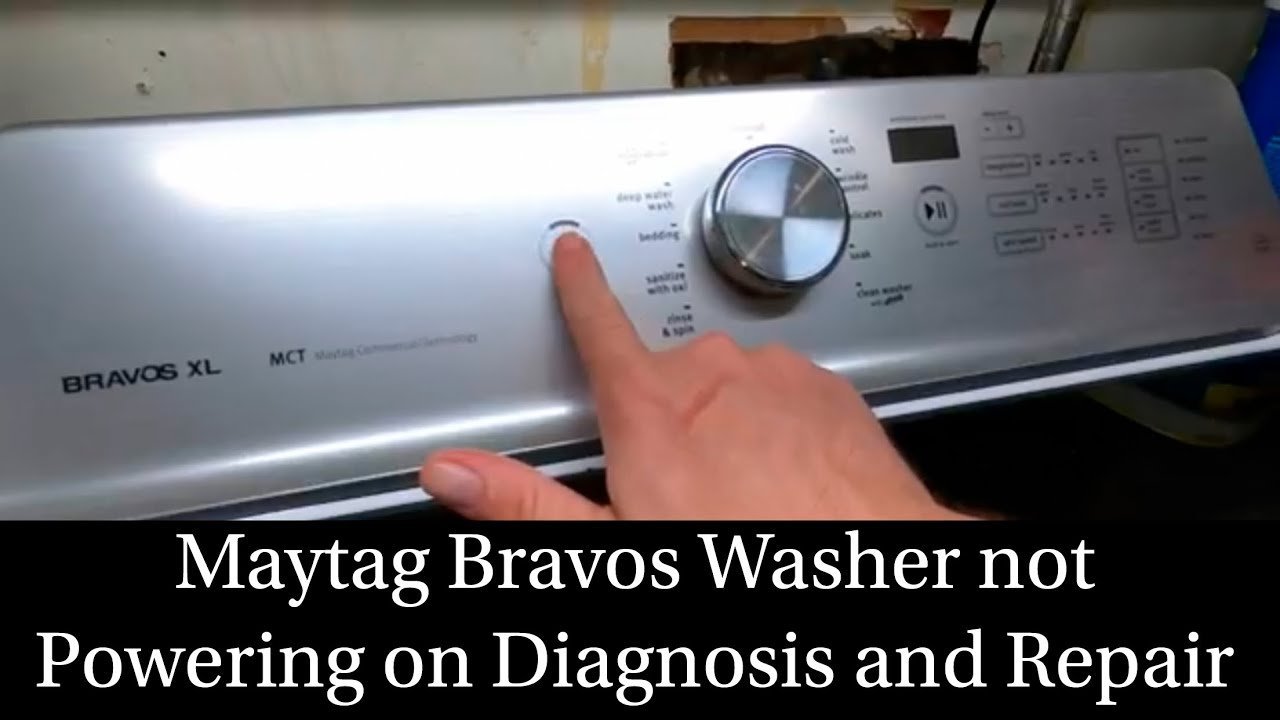
This fix is for users who see an error code related to the lid or whose machine simply won’t start when they press the button.
A dirty lid latch is a common mistake that people make. Over time, fabric softener and soap residue build up on the strike or the sensor. Use a damp cloth to wipe the latch area clean. If you see visible lint or debris, remove it gently. Don’t use sharp metal tools to scrape the latch, as you could damage the plastic housing or the electrical contacts.
If the latch looks clean but the machine still won’t start, check if the “Lid Locked” light is flashing. If it is, the computer is telling you it can’t verify the lock. If you have tried cleaning the area and the machine still refuses to cycle, the sensor might have failed. This is a limit: if the sensor is internal and broken, you can’t fix it yourself. This isn’t for a hobbyist, as the electrical components inside the lid assembly are sensitive. If you aren’t comfortable with basic hardware, contact an authorized repair center to replace the lock assembly.
What not to do
- Don’t force the lid open while the lock light is on. Doing this can snap the plastic latch mechanism, which is expensive to replace and requires a service visit.
- Don’t add extra detergent to compensate for a dirty load. Excess soap creates too much foam, which confuses the water level sensors and causes the machine to stop early.
- Don’t attempt to inspect internal wiring. If you aren’t a licensed technician, you risk severe shock, as a professional must confirm whether the part has failed.
- Don’t rely on the “Auto-Sensing” feature for every load type. If you’re washing heavy towels, the sensor might not add enough water, leading to poor cleaning results and potential imbalances.
How to stop it happening again
To keep your machine running smoothly, follow a consistent maintenance schedule. A small amount of attention regularly prevents long-term hardware failure.
| If you’re doing this | Do this instead | Why |
|---|---|---|
| Overloading the drum | Prevents sensor errors and motor strain | |
| Leaving the lid closed | Leave the lid open after use | Allows moisture to evaporate and prevents mold |
| Using too much soap | Use the “HE” marked detergent only | Prevents sensor-confusing suds buildup |
| Ignoring small vibrations | Level the machine immediately | Prevents damage to the suspension springs |
Frequently asked questions
Can I reset the error code myself?
You can often clear an error code by unplugging the washer for five minutes to reset the internal computer. This power cycle allows the control board to return to its default state. If the code returns immediately, a mechanical issue exists that requires professional attention.
Why is my washer making a grinding noise?
A grinding noise usually means an object is stuck in the drain pump or the wash plate. Stop the machine immediately to prevent the object from damaging the internal seals. Check the bottom of the drum for loose coins or metal debris. If you don’t see anything, the noise may be coming from the motor bearings. This is a mechanical failure that requires a technician to diagnose.
How long should a full wash cycle take?
A full cycle typically lasts between 50 and 80 minutes, depending on the load size and the cycle selection. High-efficiency machines use less water and take more time to move clothes through the soapy solution. If your machine is taking over two hours to finish a standard load, it’s likely struggling with an unbalanced load or a slow drain.
Is it safe to use a heavy-duty cycle for everything?
No, using a heavy-duty cycle for light loads wastes water and energy while causing unnecessary wear on the internal parts. Use the cycle that matches your laundry type. Heavy-duty cycles are designed for thick fabrics like denim or towels. Using them for delicate items can cause tangling and damage to your clothes.
What happens if the power goes out during a cycle?
The machine will pause and wait for power to return. Once the electricity is back, the computer should remember where it was in the cycle. If it doesn’t restart, turn the dial to the “Drain/Spin” setting to clear the water before starting a fresh cycle. Never try to force the water out by manually tilting the machine, as this can cause internal leaks.
Final Thoughts
If you still can’t get your machine running smoothly, don’t hesitate to check the owner’s manual for specific error code definitions. You shouldn’t have to struggle with constant repairs, so reach out to a certified technician if the problem persists. They’ll help you get your laundry routine back on track quickly.
Related guides
- Milnor Washing Machine Troubleshooting: Fix Common Error Codes
- Samsung Clothes Washer Troubleshooting: Fix Common Error Codes
- Pentair Mastertemp 400 Troubleshooting: Fix Common Heater Errors