
Is your Spectrum internet down again? You’re not alone.
It’s incredibly frustrating when your connection drops, especially when you need it most. Whether you’re trying to work from home, stream your favorite show, or just browse the web, an internet outage can completely derail your day. But before you panic or spend hours on hold, there are a few things you can try right now to get your Spectrum internet back up and running.
This guide will walk you through simple, effective troubleshooting steps you can take to fix your Spectrum internet outage. Let’s get your connection back on track!
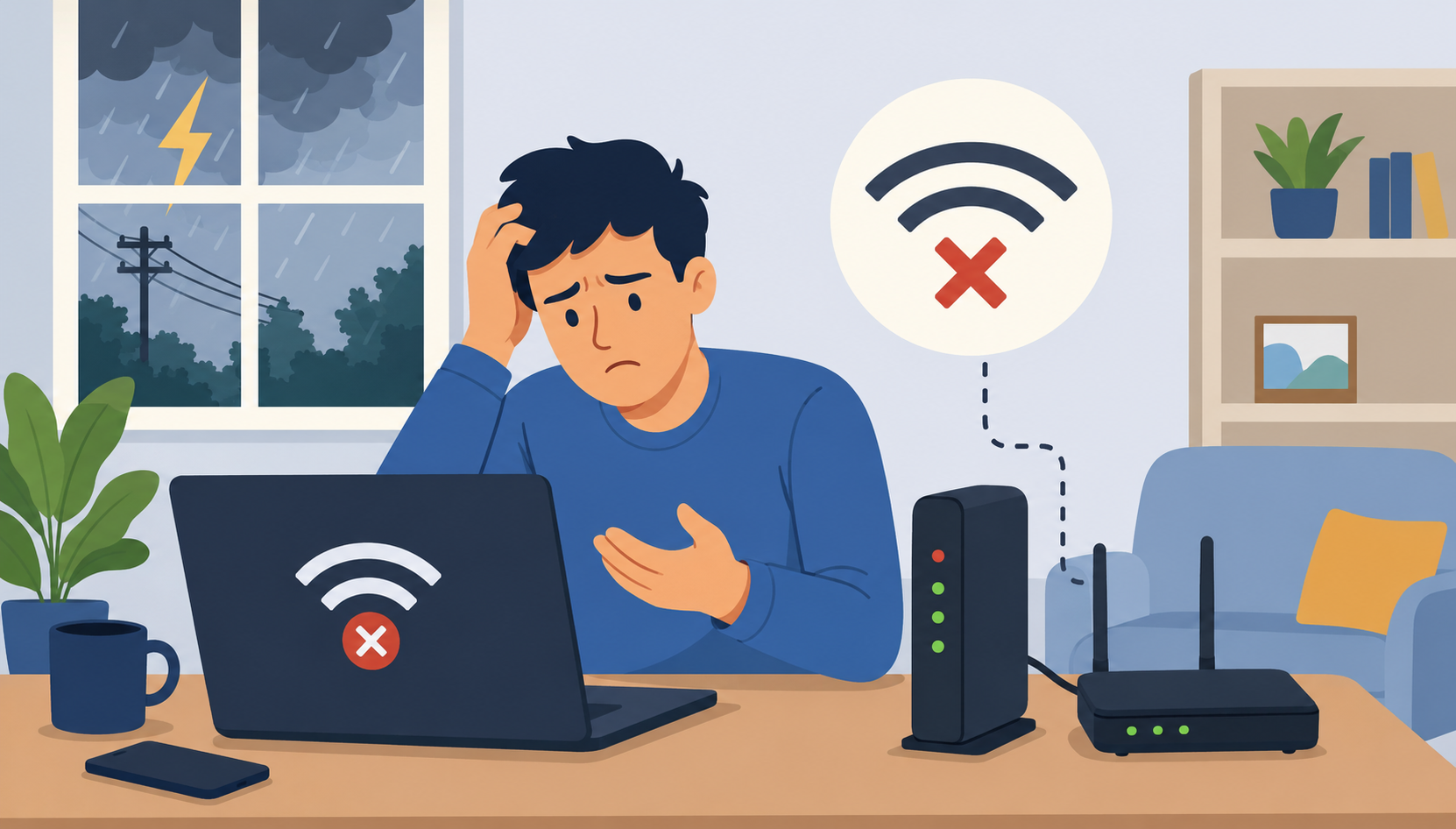
Credit: www.cheapinternetserviceprovider-jna.com
Spotting The Outage
Internet problems happen. It’s frustrating. You need to know if Spectrum is down. This section helps you find the problem. We will guide you through simple checks. You can quickly see if it’s a real outage.
Check Spectrum’s Outage Map
Spectrum has a tool for this. It’s called an outage map. Visit the Spectrum website. Look for the outage map link. Enter your address. The map shows reported outages. It tells you if your area is affected. This is the fastest first step. It saves you time.
Is It Just You Or Everyone?
Your internet might be slow. It might not work at all. Is your whole house affected? Or just one device? Try another device. Use a phone or tablet. Does it connect? If other devices work, the problem is local. It’s not a Spectrum outage. If no devices work, it could be larger.
Reviewing Your Equipment Lights
Your modem and router have lights. These lights show status. Look at your Spectrum modem. Are the lights on? Are they blinking oddly? A solid green light is good. A blinking or red light means trouble. Check your router lights too. Consult your equipment manual. It explains what the lights mean. This gives important clues.
Quick Fixes To Try
Experiencing a Spectrum internet outage? Try these quick fixes. Restart your modem and router first. Check your Spectrum account for local outage alerts.
Internet down? Don’t panic. Many Spectrum outages fix themselves. Try these simple steps first. They often solve common problems. Get back online fast.The Power Cycle
This is the first step. Unplug your modem. Unplug your router too. Wait for thirty seconds. Plug the modem back in. Wait for it to fully start. Then plug your router back in. Wait for it to start. This restarts your whole network.Check Your Cables
Loose cables cause issues. Look at your modem. Check all connections. Ensure they are secure. Look at your router. Check its cables also. Make sure everything is tight. A loose cable stops internet.Restart Your Devices
Your computer might be the issue. Restart your computer. Try restarting your phone. Restart your tablet too. Sometimes devices need a refresh. This simple step can help. It clears temporary glitches. `Troubleshooting Your Modem
Your modem is the gateway. It connects you to the internet. A modem issue can cause an outage. Let’s fix your modem. We will guide you through it. Simple steps will help you. Get your connection back online.
Modem Lights Explained
Your modem has indicator lights. These lights show its status. A solid power light is good. A blinking power light means trouble. The downstream light shows data. A solid downstream light is ideal. A blinking downstream light is bad. The upstream light shows uploads. Solid upstream is also good. Blinking upstream means issues. Online light indicates connection. Solid online light means success. No online light means no service. Check your modem’s manual. It explains each light.
Resetting Your Modem
A simple reset often works. Unplug your modem’s power cord. Wait for 30 seconds. Plug the power cord back in. Wait for the modem to restart. This can take a few minutes. Watch the modem lights. They should return to normal. This clears temporary glitches. It refreshes the connection. Try this first. It is an easy fix.
Firmware Updates
Modem firmware needs updates. Updates improve performance. They fix bugs too. Spectrum usually pushes updates. You might not need to do anything. Check your modem’s status page. Look for firmware version information. Sometimes manual updates are needed. Contact Spectrum support. They can check for updates. They can help you install them. Keeping firmware current is important.
Router And Wi-fi Issues
Your internet connection problems might stem from your router. Or maybe your Wi-Fi signal. This section helps you fix those. Let’s dive into common router and Wi-Fi hiccups. Understanding these can save you time. It can also save you a support call.
Router Placement
Where is your router? Is it in a corner? Is it behind furniture? This is not ideal. Place your router in a central location. Keep it in an open space. Avoid walls and obstructions. These block the Wi-Fi signal. A good spot improves coverage. It boosts internet speed.
Wi-fi Signal Strength
Is your Wi-Fi signal weak? Devices far away suffer. Move closer to the router. Try to reduce interference. Microwaves can disrupt Wi-Fi. Some cordless phones too. Consider a Wi-Fi extender. It boosts the signal. It reaches more rooms. A stronger signal means better internet.
Router Settings Check
Have you restarted your router? This is a simple fix. Unplug it. Wait 30 seconds. Plug it back in. Check router lights. Are they normal? Consult your router manual. Look for firmware updates. Outdated software causes issues. Your router settings matter. They affect your connection.
When To Call Spectrum
Sometimes, your Spectrum internet just stops working. You try fixing it yourself. You restart your modem. You check your router. Still no internet. It’s frustrating, right? Knowing when to call Spectrum is important. It saves you time. It gets your internet back faster.
Gathering Information
Before you call, get ready. Note down what happened. When did the internet stop? Did it happen suddenly? Were there any error messages? Write down your account number. This helps Spectrum help you. Have your modem and router model numbers handy. This information makes the call smoother.
What To Expect
Spectrum’s support team is ready. They will ask you questions. They might guide you through steps. These are common troubleshooting actions. They check your connection remotely. They look for network issues. Be patient. They want to fix your problem.
Escalating The Issue
If basic steps don’t work, they escalate. They can schedule a technician visit. This brings an expert to your home. They can diagnose complex problems. They fix physical line issues. They ensure your equipment works. Calling Spectrum is the next step. It gets your service restored.
Preventing Future Outages
You experienced an outage. Now, you want to stop it. Preventing future outages saves you trouble. It keeps you connected. Let’s explore how.
Regular Equipment Checks
Your modem needs care. Your router needs care too. Check them often. Look for damage. Dust can build up. Clean it gently. Ensure good airflow. Overheating causes problems. Loose cables are bad. Tighten all connections. A failing device causes outages. Replace old equipment. Proactive checks prevent issues.
Securing Your Connections
Your Wi-Fi needs protection. Use a strong password. This stops unauthorized access. Keep your router firmware updated. Updates fix security flaws. They improve performance. Secure your network. This protects your service. A secure network is stable. Stability means fewer outages.
Understanding Service Agreements
Know your Spectrum contract. What does it promise? What are the uptime guarantees? Understand maintenance schedules. These can cause planned downtime. Know your rights. Know Spectrum’s responsibilities. This helps manage expectations. It clarifies outage responsibilities. Good understanding prevents confusion.
Frequently Asked Questions
Why Is My Spectrum Internet Down?
Your Spectrum internet might be down due to a local service interruption. It could also be a problem with your equipment. Check for any known outages in your area first.
How To Check For Spectrum Internet Outages?
Visit the Spectrum website for outage information. You can also use the My Spectrum app. They provide real-time updates on service status.
What Should I Do If Spectrum Internet Is Slow?
Restart your modem and router. Make sure your devices are close to the router. Try disconnecting other devices from the network.
How To Reset Spectrum Modem And Router?
Unplug the power cords from both. Wait for about 30 seconds. Plug them back in, starting with the modem.
Can I Troubleshoot Spectrum Internet Myself?
Yes, you can do some basic troubleshooting. Restarting your equipment is a good first step. Checking for loose cables helps too.
When Should I Contact Spectrum Support?
Contact support if basic steps fail. If your internet remains down or slow. They can check your connection remotely.
What If Spectrum Internet Is Still Out?
Try contacting Spectrum support directly. They can send a technician if needed. Sometimes a physical repair is necessary.
Conclusion
Your Spectrum internet connection can be fixed. Try these simple steps first. Check your modem and router. Restart your equipment. These actions often solve problems. Still no internet? Contact Spectrum support. They can help further. Get back online soon.