
Is your KitchenAid fridge light suddenly not working? It’s frustrating when you open the fridge and find it dark inside, making it hard to see what you need.
You rely on that light every day, and when it goes out, it can disrupt your routine. But don’t worry—you’re not alone, and this problem is often easier to fix than you think. Keep reading to discover simple steps you can take to get your KitchenAid fridge light shining bright again.
Common Causes Of Fridge Light Failure
Fridge lights help you see inside your refrigerator clearly. When these lights stop working, it can be frustrating. Understanding the common causes of fridge light failure can help you fix the issue quickly. Many problems are simple and easy to solve. Some require checking parts or calling a professional. Here are the main reasons why your KitchenAid fridge light might not work.
Burnt Out Bulb
The most common cause is a burnt out bulb. Light bulbs have a limited lifespan. Over time, they stop working and need replacement. This problem is easy to fix. Just replace the old bulb with a new one that fits your fridge.
Faulty Door Switch
The door switch controls the light inside the fridge. It turns the light on when the door opens. If the switch is broken, the light stays off. You can test the switch with a multimeter. Replacing a faulty door switch restores the light.
Electrical Issues
Electrical problems can stop the fridge light from working. Loose wires or damaged connections may cause power loss. Check the wiring behind the fridge and inside the light socket. Fix any loose or broken wires carefully.
Control Board Problems
The control board manages many fridge functions, including the light. A faulty control board can prevent the light from turning on. Diagnosing this requires technical skills. Often, a professional repair service is needed to fix control board issues.

Credit: www.reddit.com
How To Check The Fridge Light Bulb
Checking the fridge light bulb is the first step when the KitchenAid fridge light does not work. This process helps you see if the bulb is burnt out or loose. A quick check can save time and avoid unnecessary repairs.
Locating The Bulb
Open the fridge door and look inside. The light bulb is usually at the top or on the side wall. It may be covered by a plastic shield or cover. Gently remove the cover by pulling or unscrewing it. Keep the cover safe for reinstallation.
Testing The Bulb
Take the bulb out carefully by twisting or pulling. Check if the filament inside is broken or blackened. You can also test the bulb with a small flashlight or another working bulb. If it does not light up, the bulb needs replacement.
Replacing The Bulb Safely
Unplug the fridge from the power source before replacing the bulb. Use a new bulb with the same size and wattage. Insert the new bulb gently and secure the cover back in place. Plug the fridge back in and open the door to check the light.
Inspecting And Replacing The Door Switch
Inspecting and replacing the door switch is a key step in fixing KitchenAid fridge lights that do not work. The door switch controls the light inside the fridge. If it fails, the light will stay off even when the door is open.
Checking the door switch helps find the problem quickly. Replacing a bad switch is simple and saves you money on repairs. Follow the steps below to test and change the switch safely.
Role Of The Door Switch
The door switch turns the fridge light on and off. It works by sensing if the door is open or closed. When you open the door, the switch activates the light. Closing the door stops the light to save energy.
A broken switch means the light stays off all the time. Or, it may never turn off. The switch also helps control the fridge fan and other parts. It is a small but important part.
Testing The Switch
Start by unplugging the fridge for safety. Find the door switch, usually near the door frame. Press the switch with your finger to see if the light changes.
Use a multimeter to test electrical continuity. Set the meter to check for continuity or resistance. Press the switch button and watch the meter. No reading means the switch is bad.
Replace the switch if it does not pass the test. This ensures the fridge light works correctly again.
Step-by-step Replacement Guide
First, unplug the fridge to avoid electric shock. Locate the door switch, often near the door hinge or frame. Use a screwdriver to remove the switch cover or panel.
Disconnect the wires from the old switch. Note the wire positions or take a photo. Remove the switch from its holder carefully.
Install the new switch by placing it in the holder. Reconnect the wires exactly as before. Screw back the cover or panel securely.
Plug the fridge in and open the door. Check if the light turns on. The new switch should fix the problem easily.

Credit: www.kitchenaid.com
Troubleshooting Electrical Connections
Electrical issues often cause KitchenAid fridge lights to stop working. Troubleshooting these problems can help restore light and improve fridge use. Checking the electrical connections is a key step. It helps find loose wires or broken parts.
Checking Wiring And Connectors
Start by unplugging the fridge for safety. Look behind the light cover for loose or damaged wires. Check if connectors are firmly attached. Damaged wires can stop the light from working. Tighten any loose connections carefully. Replace wires that look worn or broken.
Using A Multimeter
A multimeter tests the electrical flow in wires and bulbs. Set the multimeter to check voltage or continuity. Touch the probes to the wire ends or connectors. A good connection shows a voltage reading or beep. No reading means a break or fault in wiring. Test the light socket too. Replace parts that fail the test.
When To Call A Technician
Electrical systems can be complex and risky. Call a technician if you find burnt wires or no power at the socket. Also, seek help if you lack tools or confidence. A pro can fix hidden electrical faults safely. They ensure the fridge light works without hazards.
Control Board And Sensor Issues
The control board and sensors play a key role in the fridge light operation. They manage electrical signals and detect the door status. When these parts fail, the fridge light may stop working.
Understanding control board and sensor issues helps diagnose the problem. It also guides the repair or replacement process. Let’s explore common signs and solutions for these issues.
Signs Of Control Board Failure
The fridge light stays off even when the door is open. Other functions of the fridge may also act strangely. The fridge might not cool properly or make unusual noises. These can all point to control board failure. Flickering or inconsistent light signals also indicate a problem.
Resetting The Control Board
Resetting the control board can solve minor glitches. Start by unplugging the fridge for five minutes. Plug it back in and open the door to check the light. This simple reset often clears errors and restores the light function. If the light still doesn’t work, deeper issues may exist.
Replacing The Control Board
Replacing the control board is necessary if resetting does not help. Unplug the fridge before starting any work. Remove the control board cover and disconnect all wires carefully. Install the new board by connecting the wires securely. Test the fridge light before closing the cover. This fix usually restores full function but may require professional help.
Preventive Tips For Fridge Light Maintenance
Keeping the fridge light working well helps you use your KitchenAid fridge better. Small habits stop big problems. Simple care helps the light last longer. Here are easy tips to keep the fridge light bright and working.
Regular Cleaning
Dust and dirt can cover the light and make it dim. Clean the bulb and cover often. Use a soft cloth or sponge. Turn off the fridge light before cleaning. Keep the area dry after wiping. Clean parts help the light shine clear.
Avoiding Moisture Damage
Water can cause the light to stop working. Check the fridge for leaks or ice build-up. Wipe away water drops quickly. Keep the door seals tight to stop moisture entry. Dry hands before touching the light bulb. Moisture-free light parts last longer.
Scheduled Inspections
Look at the fridge light every month. Check if the bulb is loose or dark. Replace weak bulbs early to avoid full failure. Inspect the light switch for damage. Regular checks find small problems fast. Fix issues before they grow bigger.
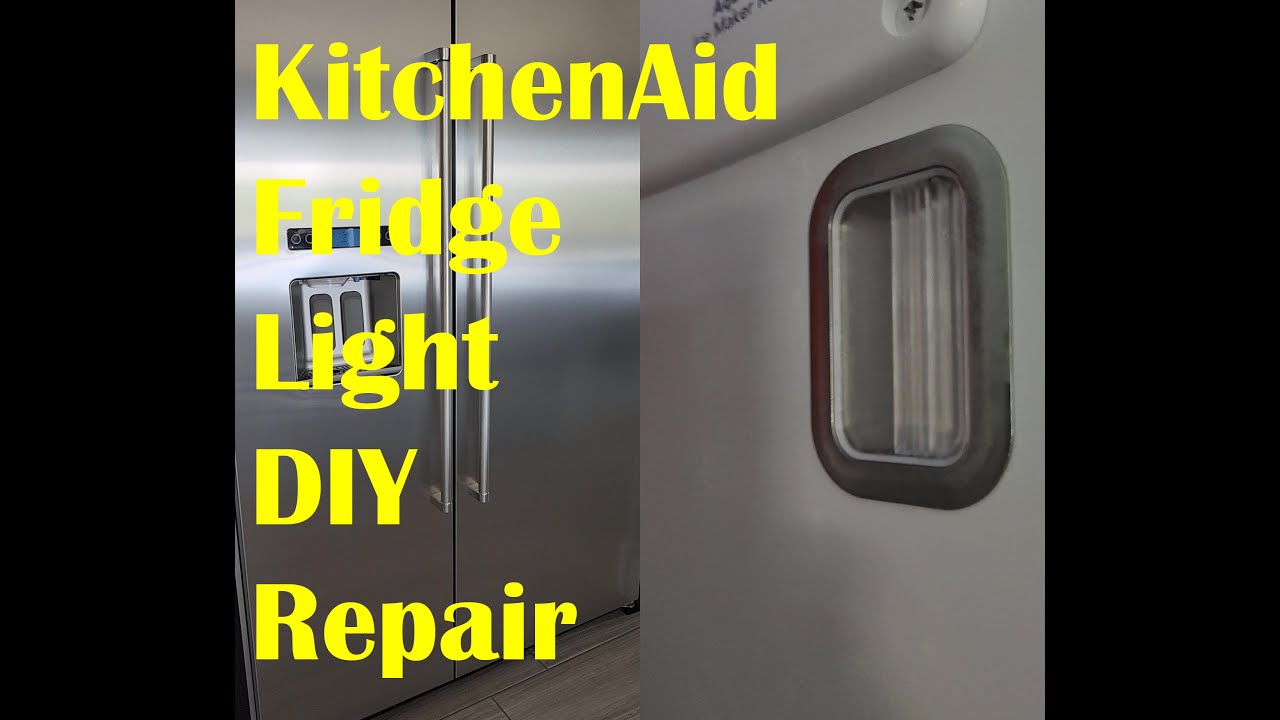
Credit: www.youtube.com
Frequently Asked Questions
Why Is My Kitchenaid Fridge Light Not Turning On?
The bulb might be burnt out or the door switch could be faulty.
How Do I Replace A Kitchenaid Fridge Light Bulb?
Unplug the fridge, remove the cover, and replace with the correct bulb.
Can A Faulty Door Switch Cause Fridge Light Issues?
Yes, the door switch controls the light; if broken, the light won’t work.
Is It Normal For Kitchenaid Fridge Lights To Flicker Sometimes?
Flickering can happen due to loose wiring or a weak bulb connection.
Should I Call A Technician For Fridge Light Problems?
Call a professional if replacing the bulb or switch does not fix the issue.
Conclusion
Fixing your Kitchenaid fridge light can be simple. Check the bulb first; it might be burnt out. Make sure the door switch works well. Sometimes, a loose wire causes the problem. Cleaning the contacts can help too. If these steps don’t solve it, call a professional.
A working light makes finding food easier and safer. Don’t ignore this small issue; it affects fridge use. Stay patient and follow these tips to bring back the light. Your fridge will feel like new again.