
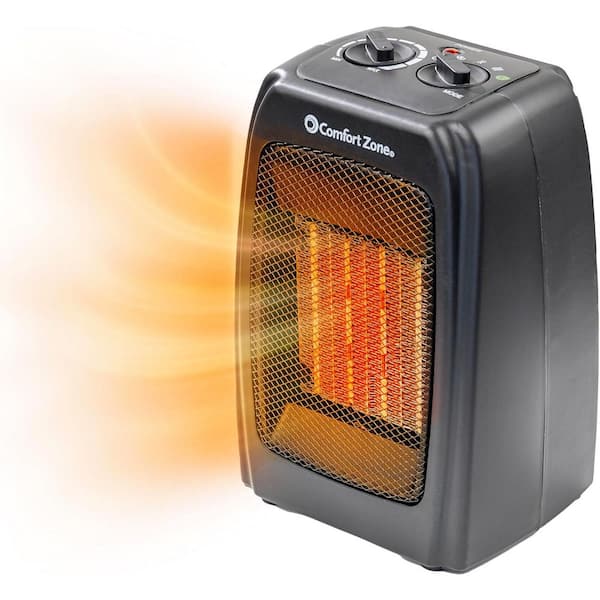
Is your Comfort Zone heater fan not working when you need it most? It’s frustrating to rely on your heater for warmth, only to find the fan silent and your room staying cold.
You might be wondering why this is happening and how to fix it quickly. Don’t worry—you’re not alone, and there are simple steps you can take to get your heater back to blowing warm air in no time. Keep reading, and you’ll discover easy solutions that save you time, money, and stress.
Common Causes Of Heater Fan Issues
The Comfort Zone heater fan may stop working due to several common reasons. Understanding these causes helps to fix the problem faster. Many issues arise from basic electrical or mechanical faults.
Knowing the root cause prevents unnecessary repairs or part replacements. Troubleshooting becomes easier with clear information on typical faults.
Power Supply Problems
The heater fan needs a steady power supply to run. Loose plugs, damaged cords, or faulty outlets can cut power. Check the power source first to ensure the heater gets electricity.
Faulty Fan Motor
The fan motor moves the blades to circulate warm air. Over time, motors can wear out or burn. A faulty motor stops the fan from spinning or makes strange noises.
Blown Fuse Or Tripped Circuit
Fuses protect the heater from electrical surges. A blown fuse or tripped circuit breaker can stop the fan. Inspect the fuse box or reset the breaker to restore power.
Obstructed Fan Blades
Dust, debris, or small objects can block the fan blades. Obstruction prevents the fan from spinning freely. Clean the blades carefully to remove any dirt or blockages.
Credit: www.homedepot.com
Basic Troubleshooting Steps
Basic troubleshooting steps help find simple issues with your Comfort Zone heater fan. These steps save time and money before calling a technician. Follow each step carefully. They are easy to do at home.
Check Power Connection
Make sure the heater fan is plugged in properly. Check if the power outlet works by plugging in another device. Look for any loose or damaged cords. A secure power connection is the first step to fix the problem.
Inspect The Fuse
Some heater fans have a fuse to protect from electrical damage. Find the fuse inside the heater fan’s plug or body. Check if the fuse is blown or damaged. Replace the fuse with one that matches the original specifications.
Test The Fan Motor
The fan motor moves air and heat. Listen for unusual noises or no sound at all. If the motor does not run, it might be faulty. Testing the motor may need a multimeter or help from a professional.
Clean The Fan Blades
Dust and dirt on fan blades reduce performance. Turn off and unplug the heater fan. Use a soft brush or cloth to clean the blades carefully. Clean blades help the fan run smoothly and quietly.
Resetting The Heater Fan
Resetting your Comfort Zone heater fan can solve many common problems quickly. Sometimes, the fan stops working due to a simple glitch. Resetting clears the error and restarts the system. This process is easy and takes only a few minutes. Follow the steps below to reset the heater fan safely and correctly.
Locate The Reset Button
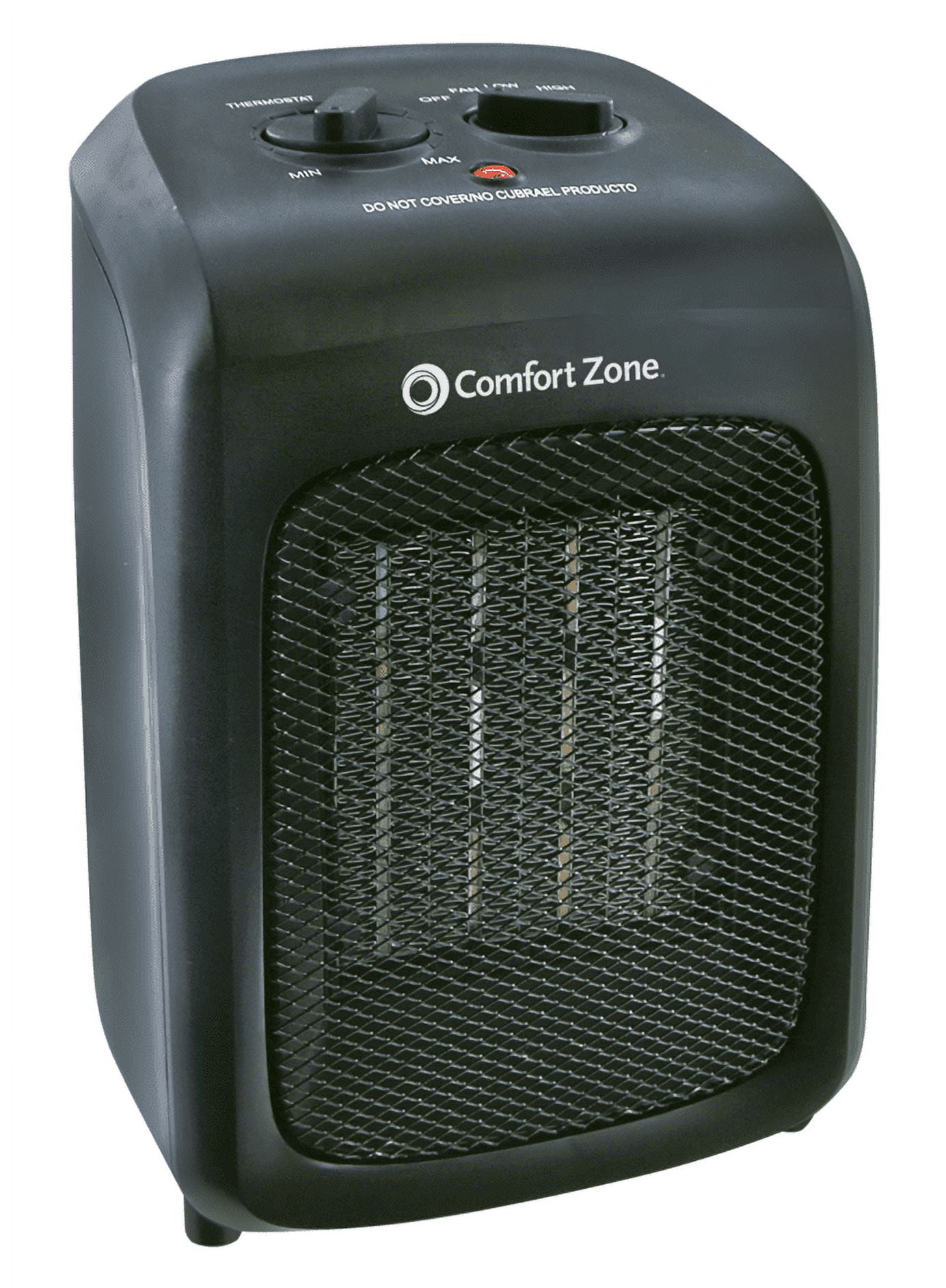
First, find the reset button on your heater fan. It is usually small and red or black. Check near the power switch or on the back panel. If you cannot spot it, look in the user manual. The button may be hidden inside a small hole. Use a paperclip to press it gently.
Perform A Manual Reset
Press and hold the reset button for about 5 seconds. Release the button and wait for a few moments. The fan should turn off and then restart automatically. This action clears the internal memory and resets the fan. If the fan does not restart, try the next step.
When To Unplug And Replug
Unplug the heater fan from the power outlet if the reset button does not work. Leave it unplugged for at least 30 seconds. This allows the internal circuits to fully power down. Plug the fan back in and turn it on. This simple step often fixes power or connection issues.
Credit: www.walmart.com
Replacing Faulty Components
Replacing faulty components in a Comfort Zone heater fan can restore its function quickly. Small parts like the fan motor or fuse often cause failures. Swapping these parts can save money and extend the heater’s life.
Basic tools and safety measures help with simple repairs. Follow clear steps to avoid damage or injury. Below are guides to replace key parts safely and correctly.
How To Replace The Fan Motor
First, unplug the heater from the power outlet. Remove the outer casing carefully using a screwdriver. Locate the fan motor, usually near the fan blades.
Disconnect the wires attached to the motor terminals. Take note or take a photo to remember the wiring order. Unscrew the motor from its mount and remove it.
Install the new motor by securing it in place. Reconnect the wires exactly as before. Replace the casing and plug the heater back in. Test the fan to ensure it runs smoothly.
Changing The Fuse Safely
Turn off and unplug the heater first. Locate the fuse compartment, often near the power cord or control panel. Use a small screwdriver to open the fuse holder.
Remove the old fuse carefully. Check the fuse rating printed on it to match the replacement. Insert the new fuse and close the holder securely.
Plug the heater back in and turn it on. The heater should work normally if the fuse was the issue. Always use the correct fuse type to avoid damage.
Sourcing Replacement Parts
Look for parts made specifically for Comfort Zone heaters. Check the model number on your unit for exact matches. Official websites, online stores, and local appliance shops can supply parts.
Choose parts that meet safety standards and manufacturer specifications. Avoid cheap, generic components that may cause further problems. Keep the old part for comparison to ensure accuracy.
Preventive Maintenance Tips
Preventive maintenance helps keep your Comfort Zone heater fan working well. Small care steps stop big problems. Save money and time by acting early. Follow these simple tips to keep your heater fan safe and efficient.
Regular Cleaning Schedule
Dust and dirt block airflow and damage parts. Clean the heater fan regularly to avoid this. Use a soft cloth and a small brush. Remove dust from vents and fan blades. Keep the heater unplugged during cleaning for safety.
Safe Storage Practices
Store the heater fan in a dry, cool place. Avoid damp areas that cause rust or mold. Cover the unit with a cloth or plastic bag. This stops dust from building up. Store it upright to protect internal parts.
Avoiding Overheating
Do not cover the heater or block vents. Keep the fan clear of curtains and furniture. Use the heater only in recommended room sizes. Turn it off when not in use. This prevents motor strain and overheating risks.
When To Seek Professional Help
Knowing when to seek professional help for your Comfort Zone heater fan is important. Some problems need expert care to avoid further damage or safety risks. Small issues can be fixed at home. But electrical troubles or complex faults require a technician’s skills. Acting at the right time saves money and keeps your heater safe.
Signs Of Electrical Issues
Watch for sparks or burning smells around the heater. Flickering lights or frequent breaker trips are warning signs. The heater fan not turning on but the power light is on also signals electrical faults. Avoid using the heater if you notice any of these issues. These signs suggest wiring or component problems. Only a professional should handle electrical repairs to prevent shocks or fires.
Warranty Considerations
Check your heater’s warranty before attempting repairs. Many warranties become void if you fix the heater yourself. Professional repairs usually keep the warranty valid. Contact the manufacturer or seller to know the warranty terms. Using a certified technician ensures repairs meet warranty rules. This protects your rights and may save repair costs.
Finding A Certified Technician
Choose a technician with proper certification and experience. Certified professionals understand heater models and safety standards. Ask for recommendations or read online reviews. Verify their license and insurance for your protection. A skilled technician diagnoses problems quickly and fixes them safely. This avoids repeated issues and ensures long-term heater performance.

Credit: www.youtube.com
Frequently Asked Questions
Why Is My Comfort Zone Heater Fan Not Turning On?
The fan may be blocked, faulty, or the power supply could be off. Check these first.
How Can I Fix A Comfort Zone Heater Fan That Won’t Start?
Try resetting the heater, cleaning the fan, or checking the power connection for issues.
What Causes The Comfort Zone Heater Fan To Stop Working Suddenly?
Dust buildup, motor failure, or electrical problems often cause sudden fan stops.
Can A Blown Fuse Stop My Comfort Zone Heater Fan?
Yes, a blown fuse can cut power to the fan and stop it from working.
Should I Call A Professional For A Comfort Zone Heater Fan Problem?
Call a professional if basic fixes don’t work or if you feel unsafe handling repairs.
Conclusion
A Comfort Zone heater fan that stops working can cause discomfort. Checking power sources and cleaning the fan often helps. Simple fixes like replacing a fuse or resetting the device save time. Regular maintenance can keep the heater running smoothly.
Understanding basic troubleshooting steps is useful for quick repairs. Don’t ignore warning signs or unusual noises from the fan. Taking care of your heater extends its life and keeps you warm. Stay safe and comfortable during cold days with proper care.