
Is your Kitchen Aid dishwasher not working right now? You rely on it to save time and keep your dishes spotless, so when it stops, it can throw off your whole routine.
Don’t worry—you’re not alone, and this problem can often be fixed without calling a repair technician. You’ll discover simple steps to troubleshoot and get your dishwasher running smoothly again. Keep reading to take control and bring back the convenience you deserve.
Common Dishwasher Issues
Kitchen Aid dishwashers are reliable, but problems can still happen. Knowing common issues helps fix them fast. These problems often stop your dishwasher from working well.
Some problems are simple to solve. Others may need expert help. Here are the most common dishwasher issues and how they show up.
Dishwasher Won’t Start
Your dishwasher may not start due to power issues or door problems. Check if it is plugged in and the door is fully closed. Sometimes, the control lock feature is on, stopping the machine from running. Another cause is a faulty start switch or blown fuse inside the dishwasher.
Water Not Filling
Water must fill the dishwasher for cleaning. If no water enters, the dishwasher won’t clean dishes. The water supply valve could be off or blocked. The float switch might be stuck, stopping water flow. A broken water inlet valve can also cause this problem.
No Drainage
After washing, water must drain out. If it does not, dirty water stays inside. This can cause bad smells and poor cleaning. The drain hose may be clogged or bent. The drain pump might be broken or blocked. A faulty check valve can stop water from leaving the dishwasher.
Unusual Noises
Strange sounds during operation mean trouble. Grinding or squealing noises often point to a worn pump or motor. Rattling can be from loose parts or debris inside. Loud water splashing means spray arms may be stuck or damaged. Listening to these noises helps find the exact problem.
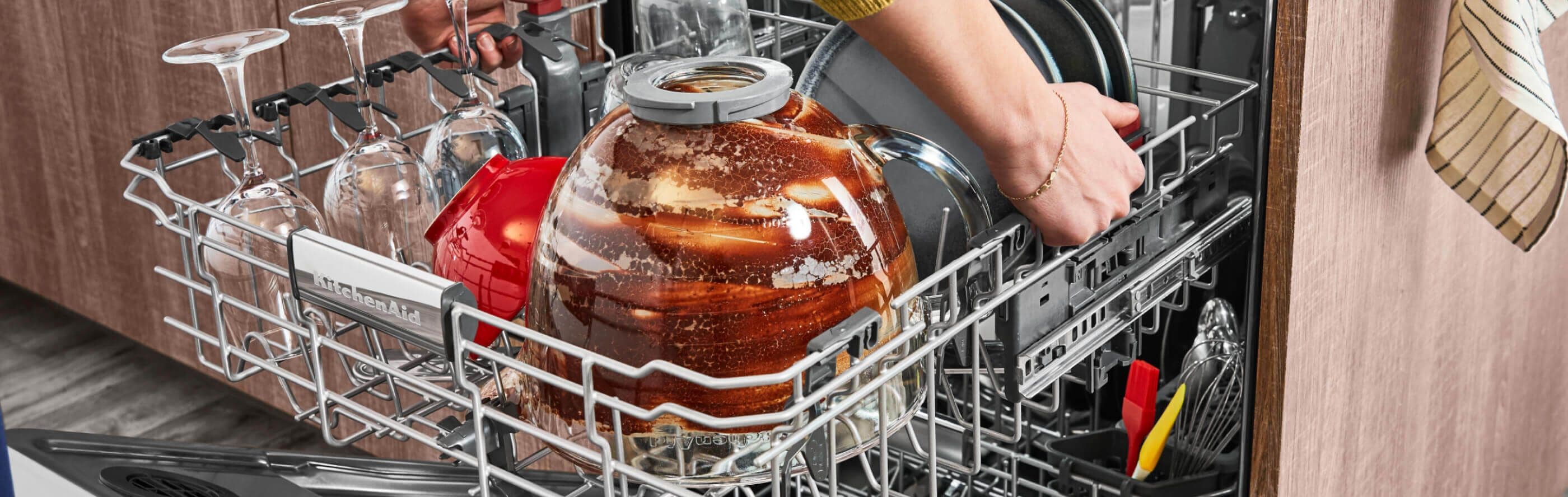
Credit: www.kitchenaid.com
Basic Troubleshooting Steps
When your Kitchen Aid dishwasher stops working, basic checks can help find the problem fast. These simple steps can save time and avoid costly repairs. Start with easy fixes before calling for help.
Check Power Supply
Make sure the dishwasher is plugged in properly. Look for any loose connections or damaged cords. Check the circuit breaker to see if it tripped. Sometimes, power issues cause the dishwasher to stop.
Inspect Door Latch
The dishwasher won’t run if the door is not closed tightly. Check the door latch for damage or dirt. Clean the latch area and close the door firmly. A faulty latch can stop the machine from starting.
Reset The Dishwasher
Resetting can clear minor errors. Turn off the dishwasher at the power source. Wait for a few minutes, then switch it back on. This simple reset may fix many common problems.
Examine Water Supply
Dishwashers need water to work. Check the water valve under the sink to ensure it is open. Inspect the hose for kinks or blockages. No water means the dishwasher cannot clean dishes.
Quick Fixes For Common Problems
KitchenAid dishwashers can stop working for simple reasons. Many problems have easy fixes. Trying these quick solutions can save time and money. You may not need a professional. Check these common issues first.
Clean Filter And Spray Arms
Dirty filters block water flow. Remove and rinse the filter under warm water. Use a soft brush to clear debris.
Spray arms can get clogged. Take them out and wash with warm water. Clear holes with a toothpick or small brush. Clean spray arms help water reach dishes evenly.
Unclog Drain Hose
A blocked drain hose stops water from draining. Locate the hose behind the dishwasher. Detach it carefully and check for clogs.
Use a long flexible brush or water to clear the blockage. Reattach the hose securely. Proper drainage keeps the dishwasher working well.
Replace Faulty Door Seal
The door seal keeps water inside during washing. A worn or broken seal causes leaks. Inspect the seal for cracks or tears.
Order a replacement seal if damaged. Remove the old seal and press the new one firmly into place. A good seal prevents water leaks and saves energy.
Fix Control Panel Issues
The control panel controls dishwasher functions. Sometimes buttons stop working or display errors. Reset the dishwasher by unplugging it for a few minutes.
Clean the panel gently with a dry cloth. Check for stuck buttons or moisture. If problems continue, the control board might need repair or replacement.

Credit: appliancegenie.ca
When To Call A Professional
Knowing when to call a professional for your Kitchen Aid dishwasher saves time and stress. Some problems need expert tools and skills. Trying to fix complex issues alone can cause more damage. A professional can diagnose and fix the issue safely. This section explains key signs that you need expert help.
Persistent Electrical Problems
Electrical issues that keep returning need professional attention. Flickering lights, tripped breakers, or no power at all are serious signs. These problems can cause safety risks or damage other parts. A technician can check wiring, fuses, and control boards. Avoid using the dishwasher until a pro fixes these faults.
Motor Or Pump Failures
The motor and pump keep your dishwasher running. Strange noises or water not draining may mean a failure. These parts are hard to reach and repair without tools. A professional can test and replace faulty motors or pumps. Continuing to use the dishwasher can cause bigger problems.
Complex Mechanical Repairs
Broken racks, door latches, or spray arms need precise repairs. Complex mechanical issues affect the dishwasher’s cleaning and safety. Experts have the right parts and knowledge to fix these. They ensure the machine works properly again. Do not try to fix complicated parts by yourself.
Preventive Maintenance Tips
Preventive maintenance helps keep your Kitchen Aid dishwasher working well. Simple steps can stop many common problems. Regular care saves time and money on repairs.
Follow these tips to ensure your dishwasher runs smoothly and lasts longer.
Regular Cleaning Routine
Clean the dishwasher filter every week. Food particles can block water flow. Wipe the door seals to stop mold and dirt buildup. Run an empty cycle with vinegar once a month. This removes grease and odors.
Use Recommended Detergents
Always use detergents made for dishwashers. Avoid regular dish soap. It creates too many suds and can damage parts. Use the right amount of detergent. Too much causes residue and poor cleaning.
Avoid Overloading
Do not fill the dishwasher too full. Overloading blocks water spray and reduces cleaning power. Place dishes properly with space between them. This helps water reach every item.
Inspect Components Periodically
Check spray arms for clogs or damage monthly. Clean any blocked holes with a toothpick. Look at the door latch and seals. Replace damaged parts to keep the dishwasher tight and working well.
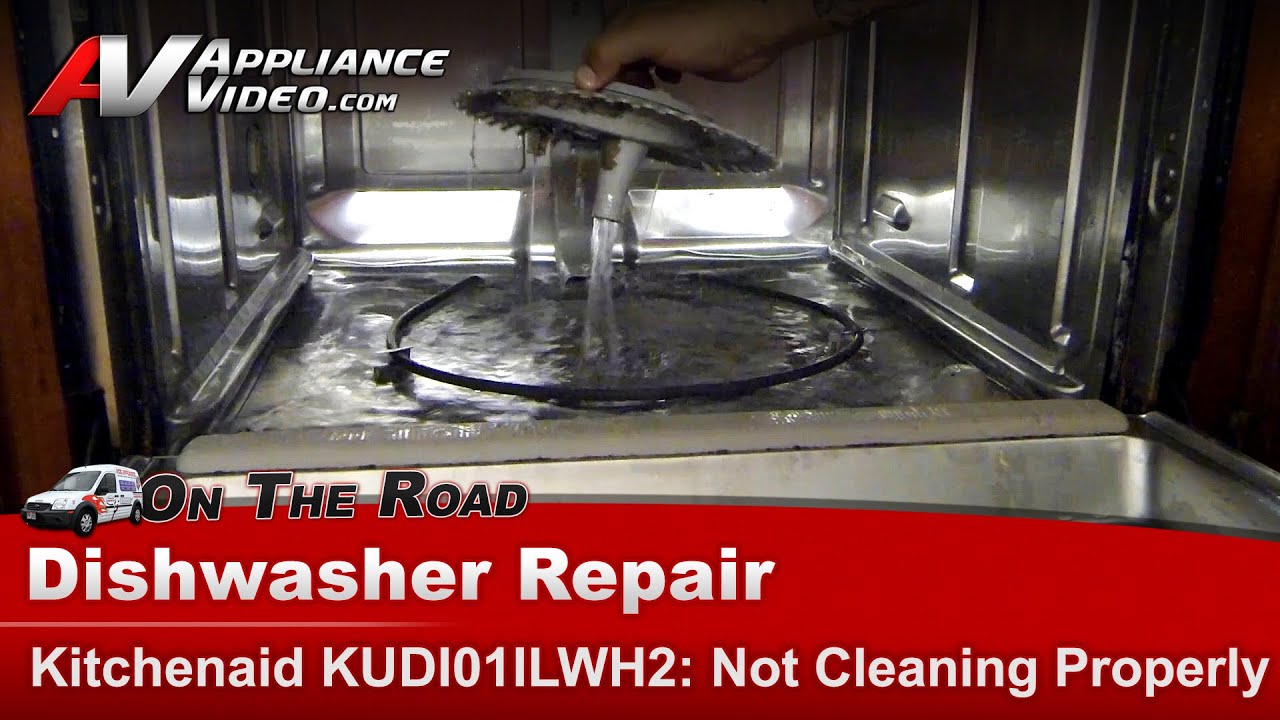
Credit: www.youtube.com
Frequently Asked Questions
Why Is My Kitchen Aid Dishwasher Not Starting?
Check if the door is fully closed and the power supply is connected properly.
How To Fix A Kitchen Aid Dishwasher That Won’t Drain?
Clean the filter and check the drain hose for clogs or kinks.
What Causes A Kitchen Aid Dishwasher To Stop Mid-cycle?
A power interruption or a faulty door latch can cause it to stop.
Why Is My Kitchen Aid Dishwasher Making Loud Noises?
Noises often come from loose items, a clogged pump, or worn-out parts.
How To Reset A Kitchen Aid Dishwasher That Is Not Working?
Turn off power for a minute, then turn it back on to reset the system.
Conclusion
A Kitchen Aid dishwasher not working can be frustrating. Simple checks often fix small issues fast. Make sure the power is on and water flows well. Clean filters and spray arms regularly to avoid clogs. If problems stay, calling a professional helps save time.
Regular care keeps your dishwasher running smooth. Small steps can prevent big repairs later. Don’t wait too long to address faults. A working dishwasher makes kitchen tasks easier every day.