
Is your Amana dryer not starting when you press the start button? It’s frustrating when your laundry routine comes to a sudden halt.
You rely on your dryer every day, and a simple button failure can throw everything off track. But don’t worry—this problem is more common than you think, and there are easy ways to fix it. Keep reading to discover what might be causing your Amana dryer’s start button to stop working and how you can get it back up and running quickly.
Your laundry days don’t have to be delayed any longer.
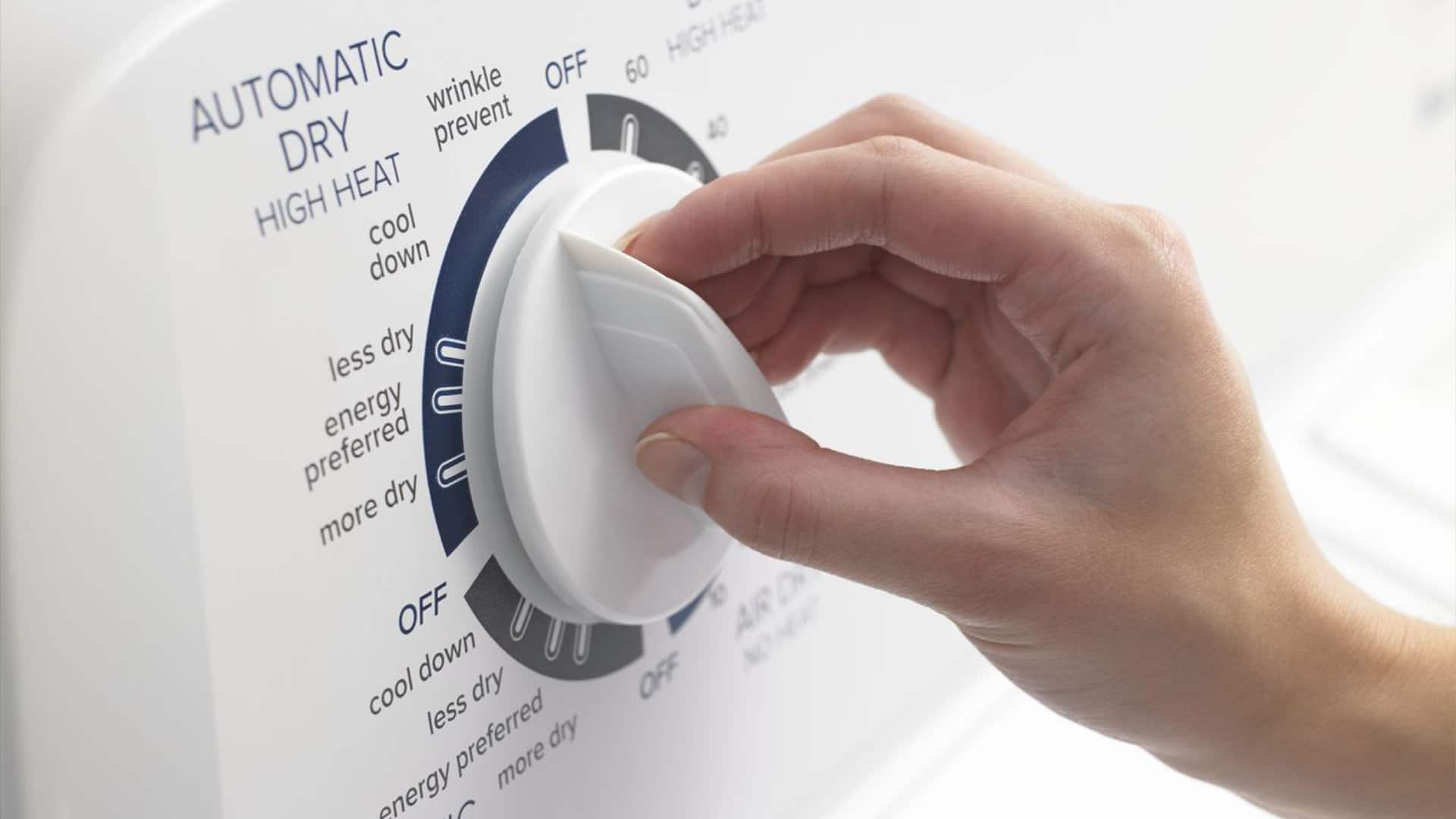
Credit: fredsappliance.com
Common Causes Of Start Button Failure
The Amana dryer start button may stop working for several reasons. Knowing the common causes helps fix the problem faster. Many issues come from electrical parts or simple wear and tear. Understanding these causes saves time and money.
Electrical Issues
Power problems often cause the start button to fail. A blown fuse or tripped circuit breaker can cut power to the dryer. Loose power cords or faulty outlets also affect the button’s function. Check the electrical supply to ensure the dryer receives power.
Faulty Start Switch
The start switch itself can wear out over time. This switch sends a signal to the dryer to begin its cycle. If the button feels stuck or does not click, the switch may be broken. Replacing the start switch often fixes the issue quickly.
Control Board Problems
The control board manages the dryer’s functions, including the start button. A damaged or faulty board can prevent the dryer from starting. Signs include unresponsive buttons or error codes. Repair or replacement of the control board may be necessary.
Wiring And Connection Faults
Loose or damaged wiring can stop the start button from working. Connections inside the dryer can become disconnected or corroded. Inspect wires for breaks or burns. Secure all connections to restore proper function.

Credit: www.amazon.com
Basic Troubleshooting Steps
When the Amana dryer start button is not working, try some basic steps first. These steps often solve common problems. They save time and avoid costly repairs.
Follow the simple checks below. Each step helps find the cause of the issue. Start with the easiest and move to the next if needed.
Power Supply Check
Check if the dryer is plugged in properly. Look for loose or disconnected cords. Test the outlet by plugging in another device. Confirm the circuit breaker is not tripped. Ensure the power switch is on. No power means the dryer won’t start.
Inspecting The Start Button
Look closely at the start button. See if it feels stuck or loose. Dirt or debris can block it from working. Clean around the button gently. Press the button a few times to test. A broken button needs replacement.
Resetting The Dryer
Sometimes the dryer needs a reset to fix errors. Unplug the dryer from the wall outlet. Wait for at least one minute. Plug it back in to reset the system. Try pressing the start button again. This step can clear minor faults.
Replacing The Start Button
Replacing the start button on your Amana dryer can solve issues with the machine not starting. The process is simple and safe if you follow the right steps. This guide helps you replace the button without needing a technician. It saves time and money while getting your dryer working again quickly.
Tools And Materials Needed
- Replacement start button compatible with Amana dryers
- Phillips screwdriver
- Flathead screwdriver
- Needle-nose pliers
- Multimeter (optional, for testing)
- Work gloves
- Flashlight
Step-by-step Replacement Guide
- Unplug the dryer from the power source to avoid electric shock.
- Remove the dryer control panel screws using the Phillips screwdriver.
- Gently lift the control panel to access the start button assembly.
- Use the flathead screwdriver to release the clips holding the button.
- Disconnect the wiring harness from the old start button carefully.
- Attach the wiring harness to the new start button firmly.
- Snap the new button into place within the control panel.
- Secure the control panel back using the screws removed earlier.
- Plug the dryer back into the power outlet.
Testing The New Button
Press the new start button to check if the dryer powers on. Watch for any unusual sounds or delays. Use a multimeter to check electrical continuity if needed. The dryer should start without issues. If it does not start, recheck the wiring and button placement. Proper testing ensures the replacement was successful.
Fixing Wiring And Connection Issues
Fixing wiring and connection issues is key to restoring your Amana dryer’s start button function. Faulty wiring can stop the dryer from turning on. Checking wires carefully helps find the problem fast.
Wires may become loose or damaged over time. This causes poor connection and stops the button from working. Fixing these issues often solves the problem without needing new parts.
Identifying Loose Or Damaged Wires
Begin by unplugging the dryer to avoid shocks. Open the control panel to see the wiring behind the start button. Look for wires that are disconnected or hanging loose. Check for any wires that look burnt or worn out. Damaged wires may have cracks or exposed copper. Use a flashlight to see clearly inside tight spaces.
Repair Techniques
Reconnect any loose wires by pushing them back firmly into place. For damaged wires, cut out the bad section with wire cutters. Strip the insulation from both ends of the wire. Use wire connectors or electrical tape to join wires safely. Make sure all connections are tight and secure. Avoid using too much tape as it can cause heat build-up. After repair, test the start button before closing the panel.
When To Call A Professional
Call a technician if wires are deeply damaged or burnt. Professionals have tools to test electrical parts safely. If you feel unsure about handling wires, get expert help. Poor repairs can cause electric shocks or start fires. Safety should always come first during repairs.
Control Board Troubleshooting
The control board in an Amana dryer is the main part that controls all functions. Troubleshooting this board can solve many problems, including the start button not working. It helps to check the control board to find if it is causing the issue.
Careful inspection and testing of the control board are important. Small signs can tell if the board is failing. Knowing how to reset or replace the board saves time and money.
Signs Of Control Board Failure
One sign is the dryer not starting when pressing the start button. The display may also be blank or show error codes. The dryer might stop mid-cycle without reason. Lights on the control panel can flicker or stay off. These signs usually mean the control board has problems.
Resetting Or Replacing The Board
Resetting the control board often fixes minor errors. Unplug the dryer for a few minutes, then plug it back in. This can clear the system and restart the board. If resetting does not help, the board may need replacing. Use the exact model number to find the right replacement. Installing a new board usually restores dryer functions and fixes the start button issue.
Preventive Maintenance Tips
Preventive maintenance helps keep your Amana dryer start button working well. Small care steps stop big problems. Follow simple tips to avoid common issues. Save time and money with regular upkeep.
Regular Cleaning
Dust and dirt can block the start button. Clean the button area with a soft cloth. Avoid using water or harsh chemicals. Keep the dryer free from lint buildup. Clean the lint trap after every use. This keeps air flowing and parts working well.
Avoiding Moisture Damage
Moisture can cause the start button to fail. Keep the dryer in a dry place. Avoid spilling liquids near the control panel. Wipe any spills immediately with a dry cloth. Use a dehumidifier if the room is damp. Dry conditions protect the electronics inside.
Routine Inspections
Check the start button often for signs of wear. Press it gently to feel if it sticks. Look for cracks or loose parts on the panel. Test the dryer regularly to confirm the button works. Early detection helps fix issues before they grow.

Credit: www.youtube.com
Frequently Asked Questions
Why Is My Amana Dryer Start Button Not Working?
The start button may be faulty, the door switch might be broken, or there could be a power issue.
How Do I Fix A Non-responsive Amana Dryer Start Button?
Try unplugging the dryer, check the door switch, and if needed, replace the start button.
Can A Blown Fuse Cause The Dryer Start Button To Fail?
Yes, a blown fuse or tripped circuit breaker can stop the dryer from starting.
Is The Dryer Door Switch Related To The Start Button Issue?
Yes, if the door switch is faulty, the start button will not work.
When Should I Call A Technician For Start Button Problems?
Call a technician if you checked power and door switch but the dryer still won’t start.
Conclusion
Fixing the Amana dryer start button can save time and money. Check the button, wiring, and power first. Small problems often cause the button not to work. Replacing worn parts may be needed. Always unplug the dryer before any repair.
Simple steps can get your dryer running again. Don’t ignore the issue; it can get worse. A working dryer makes laundry easier. Take action to keep your dryer in good shape.