
Is your Samsung washer not spinning like it used to? You rely on your washer every day, and when it stops spinning, it can throw your whole routine off balance.
You might feel frustrated, unsure if it’s a simple fix or a costly repair. But don’t worry—this guide will help you understand why your Samsung washer isn’t spinning and what you can do to get it working again quickly. Keep reading to find easy solutions that save you time, money, and stress.
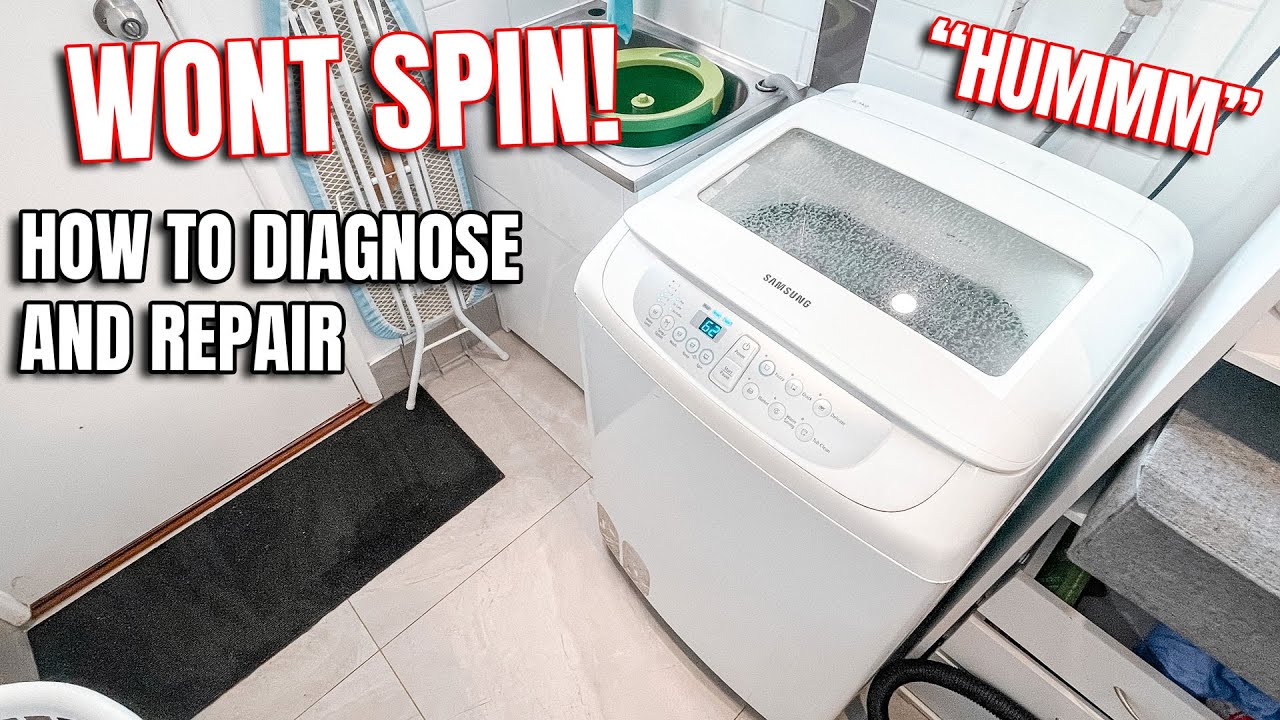
Credit: www.youtube.com
Common Causes Of No Spin
When a Samsung washer does not spin, it stops the laundry process. Clothes stay wet, and the cycle won’t finish properly. Several common problems cause this issue. Understanding these helps fix the washer faster and avoid damage.
Lid Lock Issues
The washer lid must lock to start the spin cycle. A broken lid lock stops spinning. Sometimes, the lock sensor fails or the latch gets stuck. This safety feature prevents the washer from spinning with the lid open.
Unbalanced Load
An unbalanced load can stop the washer from spinning. If clothes bunch up on one side, the machine detects it. The washer then pauses spinning to avoid damage. Evenly spreading clothes can fix this problem.
Drainage Problems
Water must drain before the washer spins. A clogged or slow drain hose blocks water flow. The washer stops spinning until it drains completely. Checking and clearing the drain hose can solve this issue.
Drive Belt Wear
The drive belt moves the drum to spin clothes. A worn or broken belt stops this motion. Over time, belts stretch or tear from use. Replacing the drive belt restores the spinning function.
Motor Malfunctions
The motor powers the spin cycle. Motor problems can prevent spinning. Common issues include electrical faults or worn brushes. A faulty motor often needs professional repair or replacement.
Quick Checks Before Repair
Before calling for a repair, try some quick checks on your Samsung washer. These simple steps can save time and money. They often fix common issues that stop the washer from spinning. Checking the basics helps you understand the problem better.
Power Supply And Settings
Make sure the washer is plugged in properly. Check the power outlet by testing another device. Confirm the washer’s settings are correct for spinning. Avoid using delicate or no-spin cycles by mistake. A simple reset can sometimes fix the problem.
Load Distribution
Uneven load can stop the washer from spinning. Spread clothes evenly around the drum. Avoid washing only a few heavy items together. Balance keeps the drum stable during spinning. Redistribute clothes and try running the spin cycle again.
Drain Hose And Filter
Clogged drain hoses or filters block water flow. Check if the drain hose is kinked or bent. Clean the filter to remove lint and debris. A clear drain helps the washer spin properly. This step prevents water from staying inside the drum.
Door Lock Status
The washer won’t spin if the door is not locked. Make sure the door closes firmly and clicks. Inspect the door lock for damage or dirt. Replace or clean the lock if needed. A secure door is necessary for safe spinning.
Simple Fixes To Try
Samsung washers sometimes stop spinning. This problem can be simple to fix. Try these easy steps before calling a technician. Each step can help your washer spin again fast.
Redistribute The Laundry
Uneven clothes can stop the washer from spinning. Open the door and spread clothes evenly. Avoid overloading the drum. Balance the load with similar-sized items. This helps the washer spin smoothly and safely.
Clear The Drain Filter
A clogged drain filter can block water flow. Find the filter at the bottom front of the washer. Turn off the power and water supply first. Open the filter cover and remove debris. Clean it well, then close the filter tightly.
Reset The Washer
Resetting can fix small errors in the machine. Unplug the washer from the power source. Wait for 5 minutes to clear the memory. Plug it back and turn it on. This simple step may restart the spinning cycle.
Inspect And Replace Belt
The belt moves the drum during spinning. Check the belt for wear or damage. Unplug the washer before inspection for safety. Replace the belt if it looks worn or broken. A new belt helps the washer spin properly again.

Credit: midamericaappliancerepair.com
When To Call A Technician
Knowing when to call a technician for your Samsung washer saves time and stress. Some problems need expert care beyond simple fixes. Calling a professional helps avoid further damage and costly repairs. Below are key signs that show it’s time to get expert help.
Persistent Motor Issues
The motor powers the spin cycle. If the washer never spins or stops mid-cycle, the motor might be faulty. Repeated failure after basic checks means a technician should inspect it. Motor problems can be complex and unsafe to fix alone.
Control Board Problems
The control board manages the washer’s functions. If buttons don’t respond or the machine acts strangely, the board may be damaged. Faulty control boards need special tools to diagnose. A technician can replace or repair it properly.
Complex Mechanical Failures
Strange noises, broken belts, or loose parts affect spinning. Complex mechanical failures require skill and tools. Attempting a fix without knowledge may cause more harm. A technician has experience to handle these repairs safely and effectively.
Maintenance Tips To Prevent Spinning Issues
Maintaining your Samsung washer helps avoid spinning problems. Simple care keeps the machine working well. Follow these tips to keep your washer spinning smoothly and last longer.
Regular Cleaning
Clean the drum and detergent drawer often. Dirt and soap buildup can block the spin cycle. Wipe the door seal and remove any lint or debris. Run a cleaning cycle with a washing machine cleaner once a month.
Avoid Overloading
Do not put too many clothes in the washer. Overloading stops the drum from spinning freely. It can cause the washer to stop or make loud noises. Load clothes in small batches for best results.
Proper Detergent Use
Use the right type and amount of detergent. Too much detergent creates excess suds that affect spinning. Choose high-efficiency detergent if your washer needs it. Follow the detergent label instructions carefully.
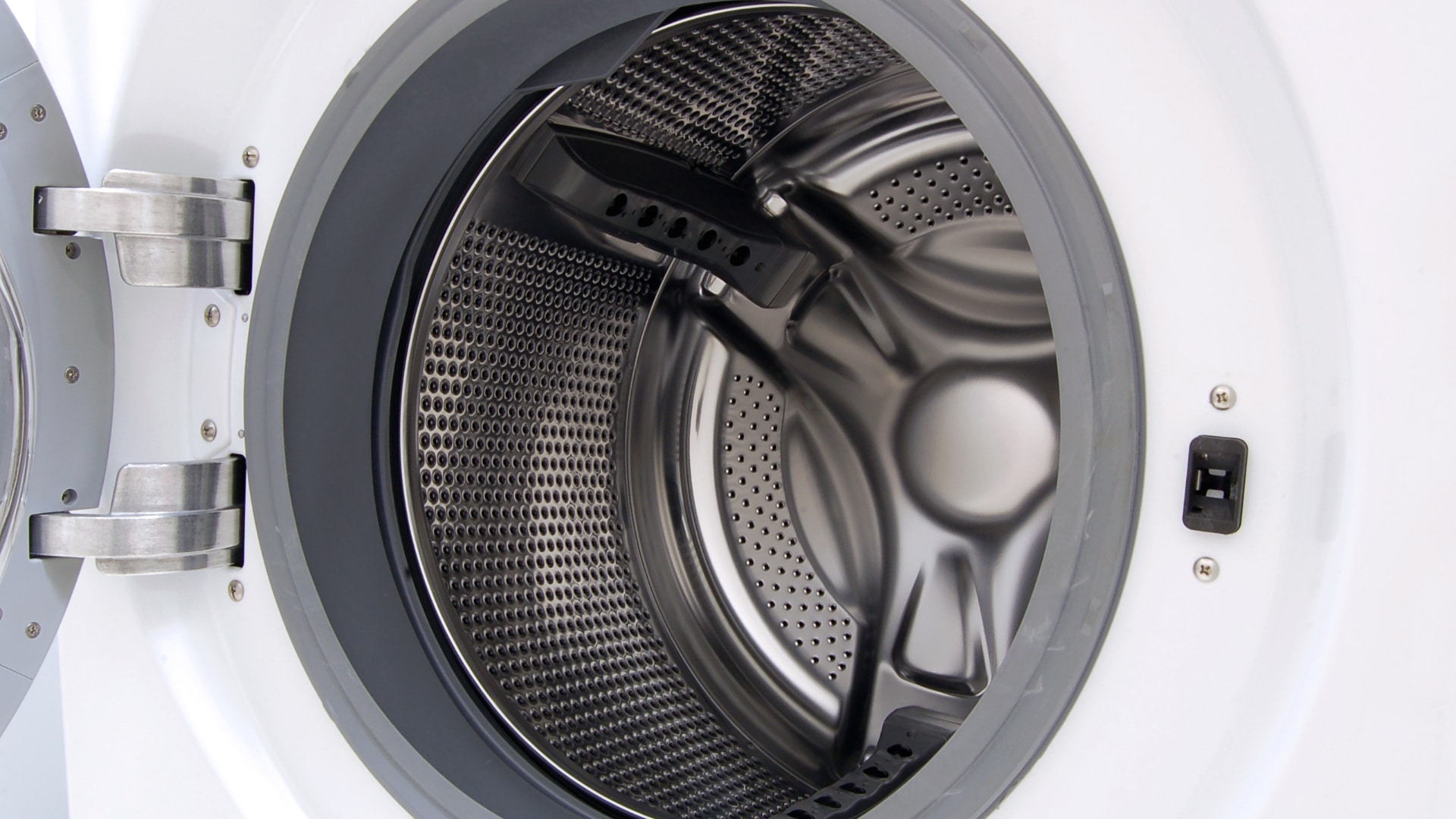
Credit: fredsappliance.com
Frequently Asked Questions
Why Is My Samsung Washer Not Spinning At All?
A common cause is an unbalanced load or door not properly closed.
How To Fix Samsung Washer Spin Cycle Issues?
Check the load balance, door latch, and reset the washer.
Can A Clogged Drain Cause Samsung Washer Not To Spin?
Yes, a clogged drain can stop spinning by preventing water drainage.
Does A Faulty Lid Switch Stop Samsung Washer From Spinning?
Yes, a broken lid switch can prevent the washer from starting the spin.
When To Call A Technician For Samsung Washer Spin Problems?
Call a technician if basic fixes don’t solve the spinning issue.
Conclusion
A Samsung washer not spinning can feel frustrating. Check simple things first, like the lid switch or load size. Sometimes, small fixes save time and money. If problems persist, call a professional for help. Regular care keeps your washer working well.
Stay calm and follow steps carefully. Your washing routine can get back on track soon.