
Is your KitchenAid fridge showing an error code and you’re not sure what it means? You’re not alone.
These codes can be confusing and worrying, especially when you rely on your fridge every day. But don’t panic. Understanding what the error code means is the first step to fixing the problem quickly and saving you time and money.
You’ll discover the most common KitchenAid fridge error codes, what they mean, and simple steps you can take to get your fridge running smoothly again. Keep reading—you’ll feel more confident about handling these issues yourself.

Credit: www.reddit.com
Common Kitchenaid Fridge Error Codes
KitchenAid fridges come with smart systems that show error codes. These codes help find problems fast. Knowing common error codes saves time and stress.
This guide explains frequent KitchenAid fridge error codes. It covers temperature sensors, ice makers, door alarms, and water filters. Understanding these codes helps keep your fridge working well.
E1 And E2 Temperature Sensor Errors
E1 and E2 codes mean temperature sensor issues. Sensors check fridge and freezer temperatures. If faulty, the fridge may not cool correctly. Replace or reset sensors to fix these errors.
Ice Maker Malfunction Codes
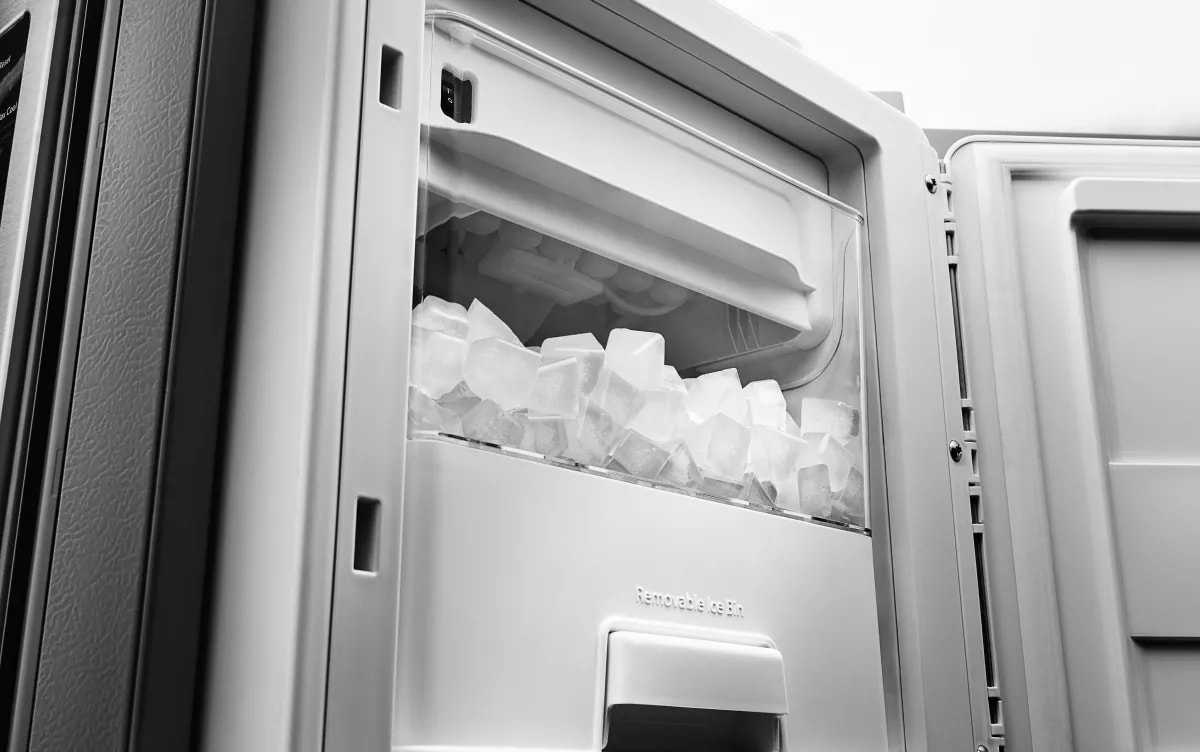
Ice maker errors stop ice production. Codes may show motor or sensor faults. Clean the ice maker or check the water line. Sometimes, resetting the ice maker clears the code.
Door Alarm And Sensor Alerts
Door alarms warn about open or faulty doors. Sensors detect if doors close properly. Alerts help keep cold air inside. Fix door seals or adjust sensors to stop alarms.
Water Filter And Dispenser Errors
Water filter codes remind you to change filters. Dispenser errors may block water or ice flow. Clean the dispenser and replace old filters. These steps improve water taste and flow.
Troubleshooting Temperature Sensor Issues
Temperature sensor problems often cause fridge errors. These sensors help keep the fridge cold and fresh. When they fail, the fridge may show wrong temperatures or stop cooling. Fixing sensor issues saves money and avoids food spoilage.
Checking Sensor Connections
Loose or damaged wires can stop sensors from working. First, unplug the fridge for safety. Then, open the back panel to find the sensor wires. Check if wires are tight and not broken. Use a flashlight to see better. Reconnect any loose wires gently. Close the panel and plug the fridge back in. Watch if the error clears after this.
Resetting The Temperature Control
Sometimes, the fridge needs a simple reset. Find the temperature control panel inside. Turn off the fridge by pressing the power button or unplugging it. Wait for five minutes to clear the system. Turn the fridge back on and set the temperature again. This reset can fix small sensor glitches fast.
Replacing Faulty Sensors
When sensors break, replacement is necessary. Buy a sensor made for your KitchenAid model. Remove the old sensor carefully with a screwdriver. Match the new sensor’s wires with the fridge connections. Attach the new sensor firmly. Close the panel and test the fridge. A new sensor should stop error codes and keep food fresh.
Fixing Ice Maker Problems
Ice maker problems can stop your KitchenAid fridge from making ice. Fixing these issues helps keep your ice supply steady. Some fixes you can do yourself. This saves time and avoids service calls.
Inspecting Ice Maker Components
Check the ice maker parts for damage or wear. Look at the water inlet valve. It controls water flow into the ice maker. Make sure it is not blocked or broken. Examine the ice mold for cracks or dirt. Clean or replace parts that seem faulty.
Clearing Ice Blockages
Ice can block the maker’s moving parts. This stops ice from dropping. Remove ice jams by gently clearing frozen pieces. Use warm water or a hairdryer on low heat. Avoid sharp tools that may damage the unit. Keep the ice maker free from blockages to work well.
Resetting The Ice Maker Module
Sometimes the ice maker needs a reset to fix errors. Locate the reset button or switch. Press and hold it for about 10 seconds. This restarts the ice maker cycle. Watch for ice production to start again. Resetting can clear minor faults and errors.
Credit: www.kitchenaid.com
Resolving Door Alarm And Sensor Errors
Door alarms and sensor errors in KitchenAid fridges can be annoying. These errors often happen because of problems with the door or its sensors. Fixing these issues helps keep the fridge running well and saves energy.
Ensuring Proper Door Closure
The fridge door must close fully to avoid alarms. Check if anything blocks the door seal. Sometimes food items or containers stop the door from closing. Gently push the door to make sure it shuts tight. A door that stays slightly open triggers alarms and errors.
Cleaning Door Sensors
Door sensors detect if the door is open or closed. Dirt and dust can cover these sensors. Use a soft cloth to clean sensor areas carefully. Clean sensors respond better and reduce false alarms. Avoid using water directly on sensors to prevent damage.
Replacing Door Switches
Door switches control the alarm system. A faulty switch can cause constant alarms. Test the switch by pressing it manually. If the alarm stops, the switch may need replacement. Replace the switch with one made for your KitchenAid model. This fix often stops sensor errors permanently.
Addressing Water Filter And Dispenser Errors
Water filter and dispenser errors often disrupt the smooth use of your KitchenAid fridge. These errors usually point to issues with the water filter or the water supply system. Fixing these problems can restore proper function quickly. Understanding the steps helps you save time and avoid service calls.
Replacing The Water Filter
Start by locating the water filter inside your fridge. Turn off the water supply to avoid leaks. Twist the old filter counterclockwise to remove it. Insert a new filter by aligning it and turning clockwise. Run water through the dispenser to clear air and impurities. This refreshes the water flow and improves taste.
Checking Water Supply Lines
Inspect the water supply lines for any kinks or damage. A bent or cracked line can stop water flow. Make sure the lines connect firmly to the fridge and water source. Tighten any loose fittings with a wrench. Clean any visible dirt or debris around connections. Clear water supply lines prevent dispenser errors.
Resetting The Water Filter Indicator
After changing the filter, reset the indicator light. Find the reset button on the control panel. Press and hold it for about three seconds. The light should turn off, showing the system reset. This step tells the fridge that the filter is new. It stops unnecessary error alerts and keeps you informed.

Credit: www.reddit.com
When To Call A Professional
Knowing when to call a professional for your KitchenAid fridge error code can save time and prevent damage. Some problems are simple and can be fixed at home. Others need expert help to avoid bigger issues. Recognizing the signs helps you decide the right action.
Identifying Complex Issues
Some errors mean serious problems with the fridge’s parts. If the error code repeats after basic fixes, it might be complex. Issues with the compressor, sensors, or control board need expert tools and skills. Professionals can diagnose these problems correctly and fix them safely.
Safety Precautions
Fridges use electricity and sealed refrigerants. Trying to fix these without experience can cause harm. Professionals know how to handle electrical parts and chemicals safely. Calling a technician reduces the risk of injury or further damage to the fridge.
Warranty Considerations
Many KitchenAid fridges come with a warranty. Self-repair attempts might void this warranty. Professionals follow manufacturer rules to keep your warranty valid. Using authorized service ensures the fridge stays protected under warranty terms.
Frequently Asked Questions
What Does A Kitchenaid Fridge Error Code Mean?
An error code shows a problem with your fridge’s system or parts. It helps find issues fast.
How To Reset A Kitchenaid Fridge Error Code?
Unplug the fridge for 5 minutes, then plug it back in. This often clears the error.
Can Error Codes Damage My Kitchenaid Fridge?
Ignoring error codes may cause bigger problems. Fixing errors early keeps the fridge safe.
Where To Find The List Of Kitchenaid Fridge Error Codes?
The fridge manual or KitchenAid’s official website usually has the error code list and meanings.
Should I Call A Technician For Kitchenaid Fridge Error Codes?
Simple errors can be fixed at home. For complex codes, contact a qualified technician for help.
Conclusion
Kitchenaid fridge error codes help identify problems quickly. Understanding these codes saves time and effort. You can fix small issues yourself with clear instructions. For serious errors, contacting a professional is best. Regular maintenance helps avoid many common errors. Keep your fridge running smoothly and efficiently.
Knowing error codes makes fridge care easier. Stay calm and follow simple steps to solve problems. Your fridge will work better with proper care.